


BlueTally lets you save time and headaches by automatically adding devices and computers from Jamf School into the app as assets. Setup your integration in only 7 steps:
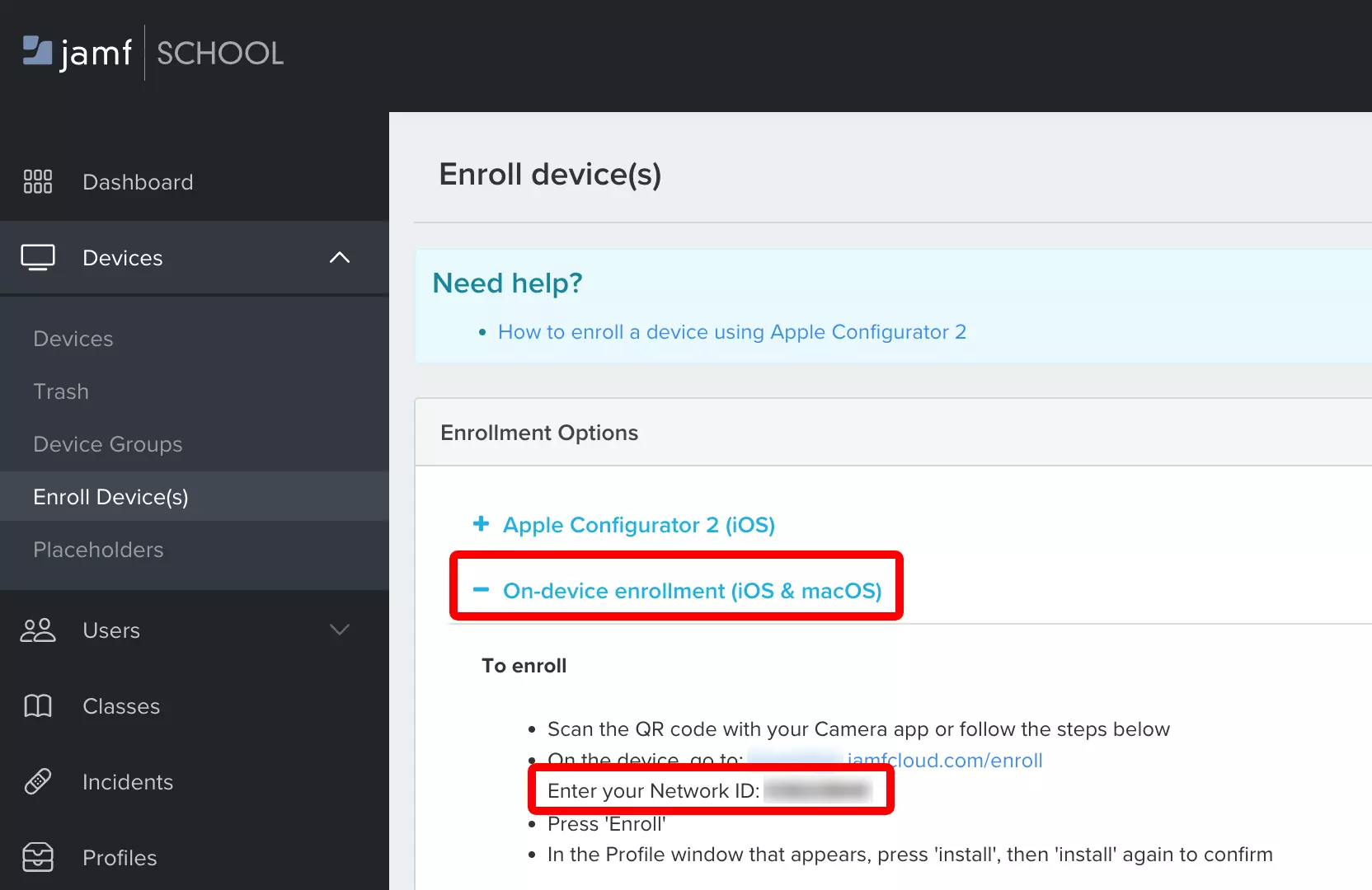
Log in to your Jamf School account
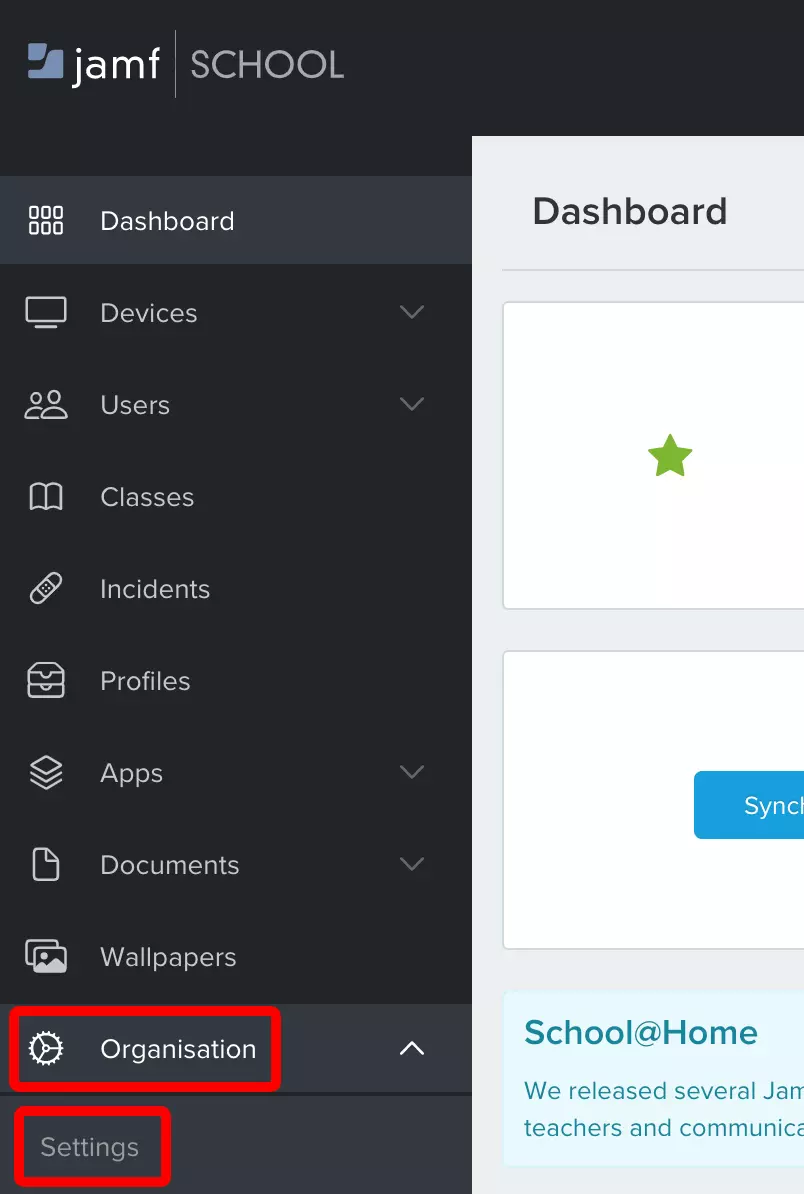
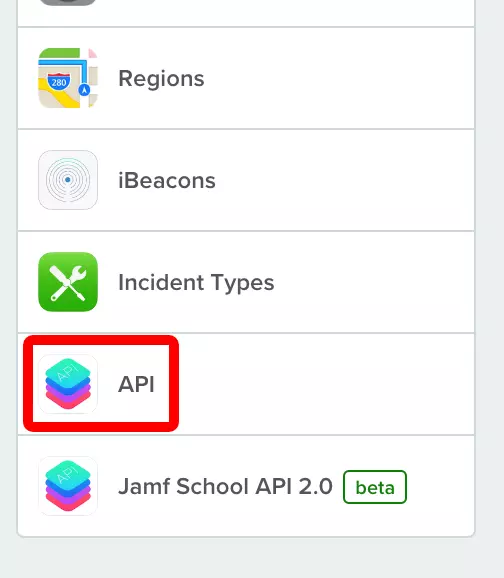
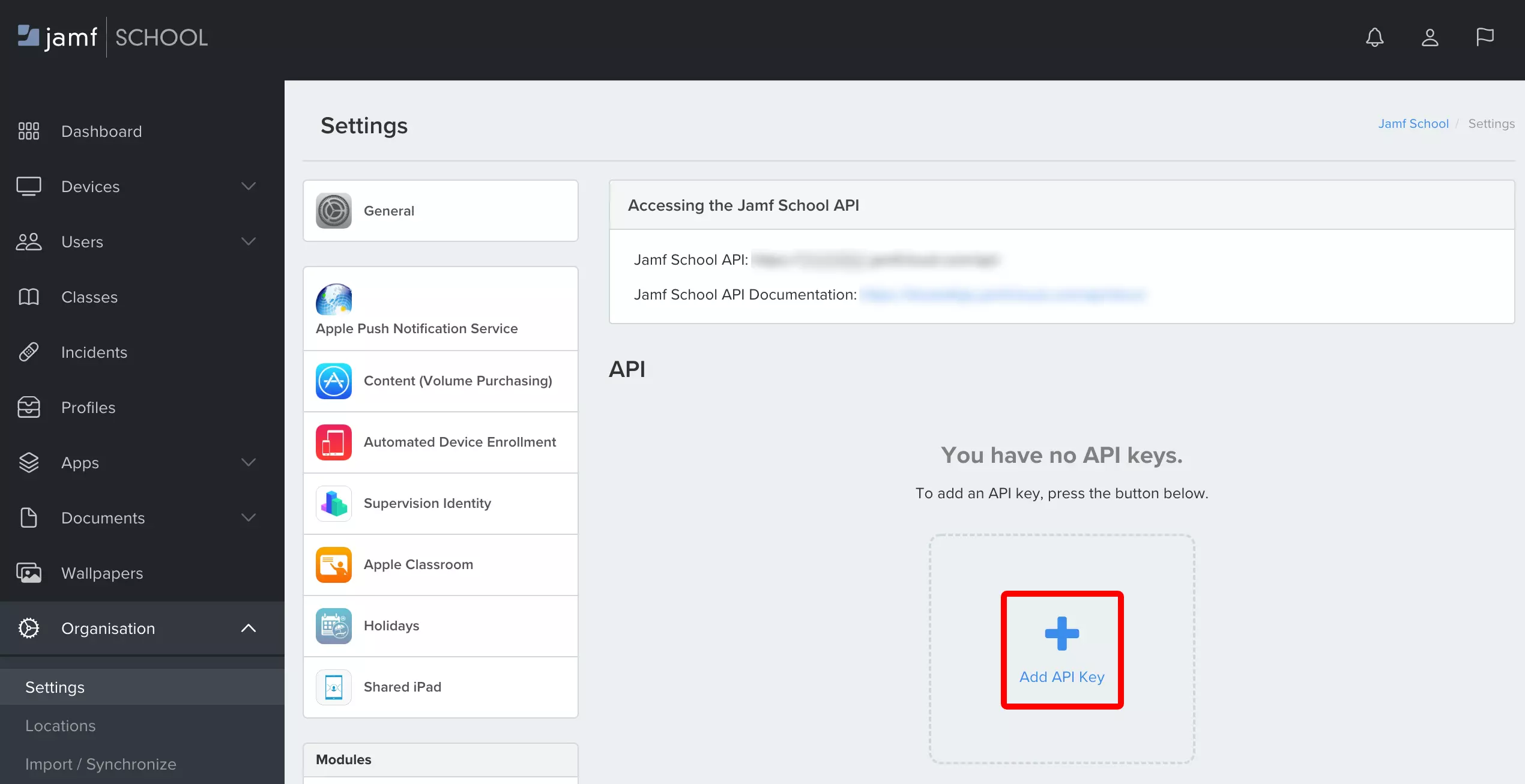

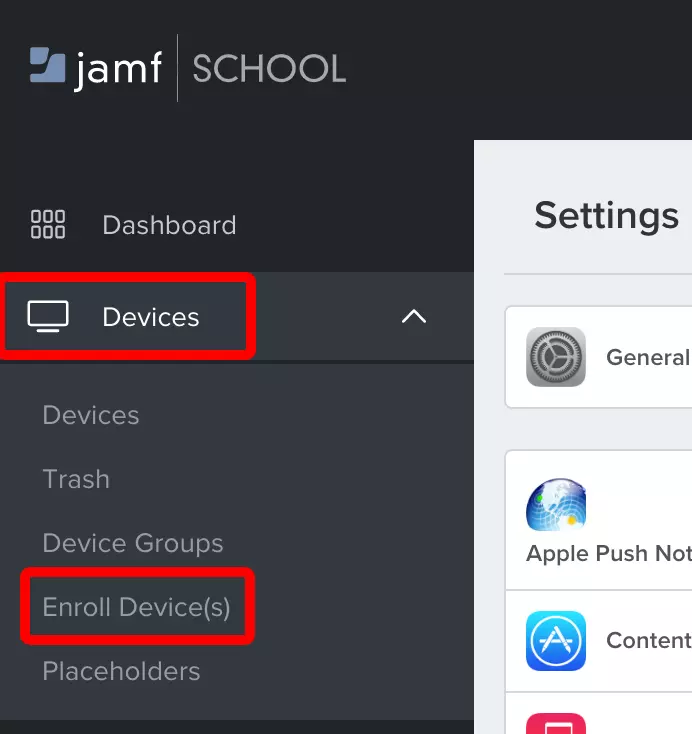
Then, select which fields in Jamf School you'd like to map to the Asset ID and Asset Name in BlueTally, if you'd like to automatically checkout assets to the employee the device is assigned to in Jamf School and if you'd like to merge data from Jamf School with existing assets you've added to the app.

That's it! It will take around ~10 minutes for the first transfer to complete.
In order to automatically checkout the assets to employees, they have to already be added as an Employee in the app. We recommend setting up our SCIM integration first.
If you enable the Merge option, assets added to BlueTally with the same "Asset ID" as the "Device Name" (or the field you set in "Map Asset ID to") of a device in Jamf School, will have the fields "Asset Name" and "Serial Number" overwritten in BlueTally. That way, you can keep the full history of assets you already added to BlueTally, while getting the most important details from Jamf School.
All new devices added to Jamf School will automatically be added as an Asset in BlueTally, and if automatic checkout has been enabled, they'll be automatically checked out to their assigned user in Jamf School as well. If the device wasn't assigned to anyone in Jamf School at the time of first sync, it will be automatically checked out once it's been assigned a user in Jamf School.
If an asset is already in the app with the same Asset ID as a device in Jamf School, it will be skipped (unless you enable the Merge option).
If you mapped the Asset ID in BlueTally to a field in Jamf School that is empty for a device (for example, mapping the Asset ID to the Device Name which can be blank), the device won't be added to BlueTally - as BlueTally requires the Asset ID field to have a unique value.
To learn more about how this integration works, please refer to our knowledge base article.
If you have any questions regarding this integration, please don't hesitate to reach out to us and we'll assist you with your setup!
Looking for Jamf asset management features and benefits?
See our Jamf Asset Management Integration page for a complete overview.
Try it free for 14 days
Try BlueTally free for 14 days — the IT asset management software trusted by top IT teams. No credit card required.


