The 12 Best Free IT Asset Management Software in 2026
Free IT asset management software comes in two very different flavors, and most lists pretend it doesn't. There are free plans from commercial vendors, which are real products with a ceiling. And there is open source software, which is free the way a puppy is free: no purchase price, then it eats your weekends.
We build IT asset management software ourselves, so we know this market from the inside. In this guide we compare the 12 best free options for 2026, with the actual limits of each free plan, what you pay in time rather than money, and an honest read on when free stops making sense.
The 12 Best Free IT Asset Management Software at a Glance
How We Chose (and How You Should)
Every tool on this list can be used at zero cost today. Beyond that bar, we scored them on five things that decide whether a free tool survives contact with a real IT team:
- What free actually includes. Some free plans are the full product with an asset cap. Others are demos with a signup form. We prioritized the first kind.
- The hidden bill. Self-hosted open source is free software plus a part-time sysadmin job. Manual data entry is free software plus hours of typing. We priced the time, not just the license.
- Check-in and check-out workflow. Assigning a laptop to a new hire is the core loop of IT asset management. If that takes more than a few clicks, the team quietly goes back to the spreadsheet.
- Integrations. If your devices already live in Intune, Jamf, or your identity provider, a tool that syncs from them beats a tool that makes you re-type your inventory.
- A real upgrade path. Free is a great way to start. The best free tools have a paid path you would actually be happy on, so growth is an upgrade instead of a migration.
1. BlueTally
Best free IT asset management software overall.
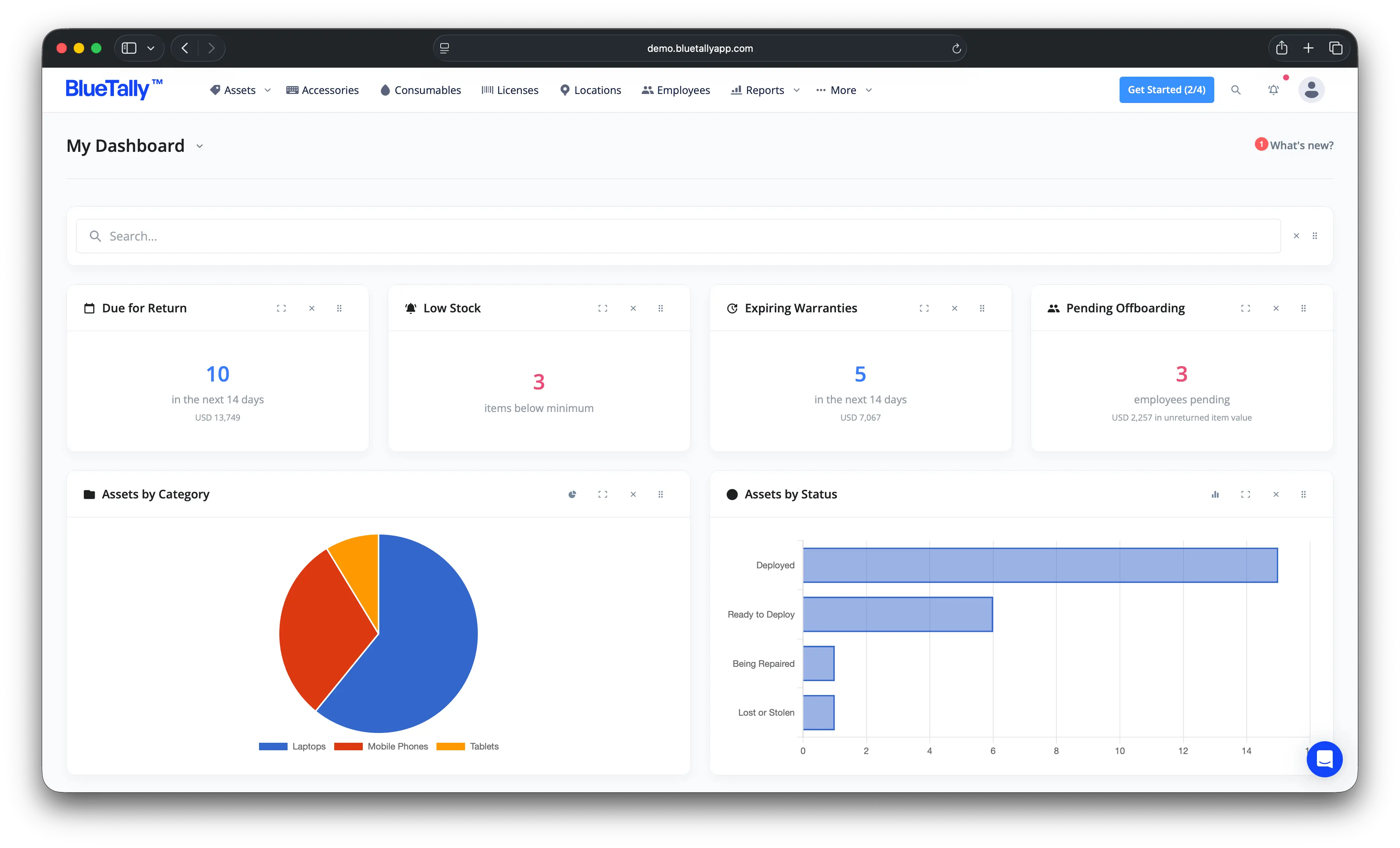
BlueTally is a cloud-based ITAM platform built for IT teams, and the free plan is the real product: every feature, up to 50 assets, no credit card and no trial clock. That makes it the simplest way on this list to get genuinely free asset management without running a server.
Key features
- Assign assets and check-in/check-out: allocate assets to employees or locations with condition notes, photos, and expected return dates, with automatic email confirmations.
- Automatic device sync: integrations with Microsoft Intune, Autopilot, Jamf, Iru, Microsoft Entra, Okta, OneLogin, JumpCloud, and Google Workspace add and update devices automatically, so there is no manual inventory entry.
- Checkout history and changelog: every asset keeps a full custody and condition history for its lifetime.
- Barcodes and labels: every asset gets a scannable barcode you can print on Brother label printers or Avery templates.
- Audits, maintenance, and depreciation: schedule recurring audits with overdue notifications, and get straight-line depreciation calculated automatically.
- Notifications where you work: Slack and Microsoft Teams alerts for checkouts, audits, and warranty expirations.
- Security: SOC 2 Type II certified, SSO, enforced 2FA, role-based access, and 256-bit SSL.
Pricing
The free plan covers up to 50 assets with full features. Paid plans are flat-rate with unlimited users: Core at $199/month, Business at $299/month, and Corporate at $499/month billed annually, and every paid plan has a free 14-day trial (see current pricing). Flat-rate is a deliberate difference: most paid tools charge per asset or per seat, so your bill grows every time your company does.
Pros
- The free plan is the full product, not a stripped demo
- Device sync from Intune, Jamf, and identity providers eliminates manual entry
- Fast setup with an interface employees don't need training for
- Flat-rate paid plans, so the upgrade path doesn't punish growth
- SOC 2 Type II certified
Cons
- Free plan caps at 50 assets
- Cloud only, so it's not an option if policy requires self-hosting
2. Snipe-IT
Best open source ITAM.
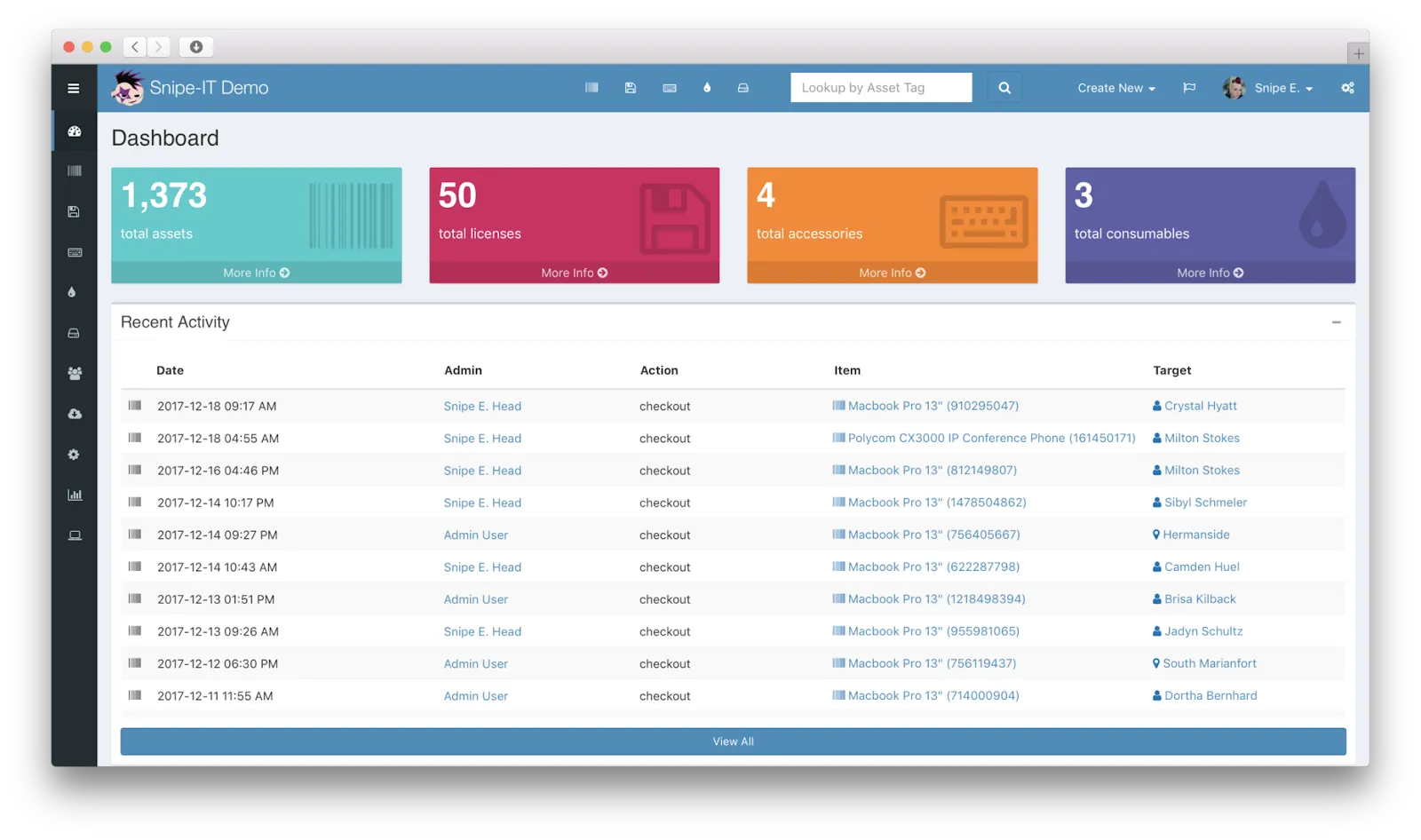
Snipe-IT is the open source standard for IT asset management. If you have a server, Docker experience, and time, it is free forever with no asset limits, and it has the largest community of any tool on this list.
Key features
- Asset lifecycle tracking: status, location, custody history, and check-in/check-out.
- License management: track software licenses and seats with email alerts for expirations.
- REST API and integrations: a robust JSON API for wiring Snipe-IT into your own systems and workflows.
Free plan details
Free and open source, self-hosted. A paid cloud-hosted edition is available if you would rather not run it yourself.
Pros
- Free, open source, no asset limits
- Full control over your data and hosting
- Active community and steady development
Cons
- You are the sysadmin: setup, upgrades, backups, and uptime are on you
- The interface is functional but dated
- Total cost of ownership is your time, often more than a subscription
3. GLPI
Best for ITAM plus helpdesk in one open source package.
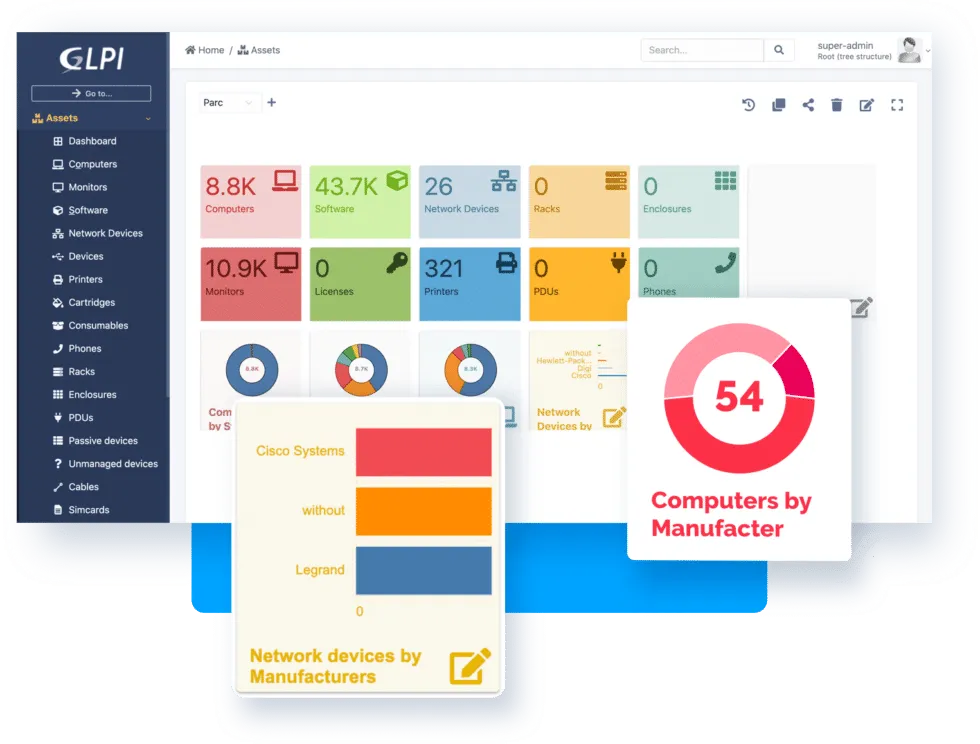
GLPI (Gestionnaire Libre de Parc Informatique) is a heavyweight open source platform that combines IT asset management with a full service desk. It is popular with teams that want both without license fees, and with multinational teams thanks to support for dozens of languages.
Key features
- Comprehensive IT inventory: hardware, software, peripherals, SIM cards, PDUs, and passive devices like patch panels.
- License management: link deployed software licenses directly to inventory objects.
- Ticketing and ITIL workflows: a complete helpdesk with suppliers, contracts, and change management attached to your assets.
Free plan details
Free and open source, self-hosted. A paid cloud edition is available.
Pros
- Free, open source, and unusually feature-deep
- ITAM and helpdesk in one system
- Highly customizable with a large plugin ecosystem
Cons
- Complex installation and a real learning curve
- Dated interface, and documentation is incomplete in places
- Self-hosting demands server resources and ongoing maintenance
4. Reftab
Best for asset reservations.
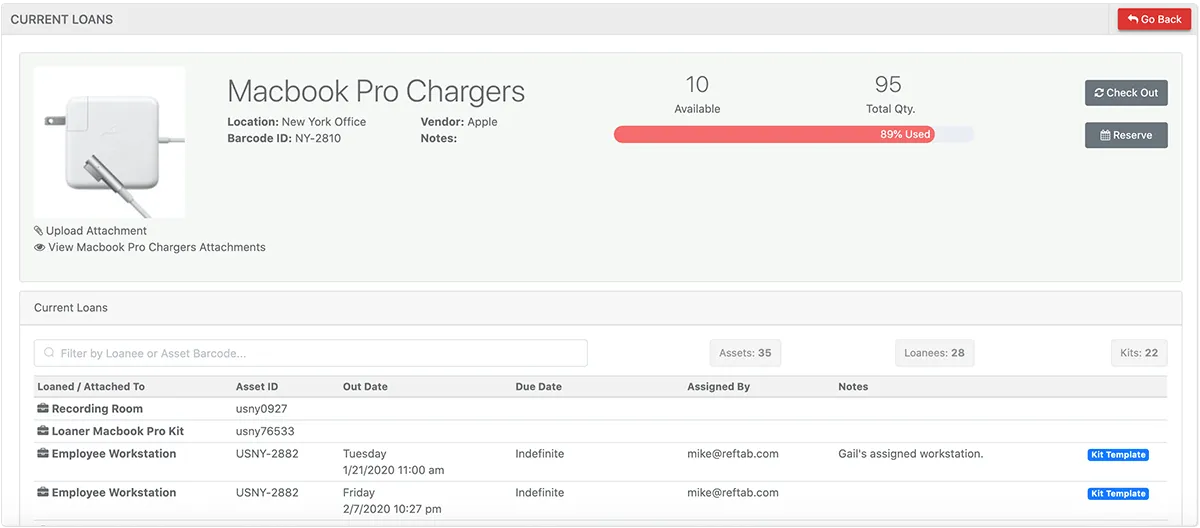
Reftab is an intuitive asset management platform with a standout reservation feature: you can reserve assets, accessories, and licenses for future use at specific dates and times, which makes it a favorite anywhere equipment gets loaned out.
Key features
- Reservations and loans: book assets ahead of time with automated return reminders.
- Minimum quantity alerts: email notifications when consumable stock falls below a threshold.
- Mobile apps on the free plan: iOS and Android apps with barcode scanning included.
Free plan details
A genuine free tier, with unlimited loanees and locations. Paid tiers step up by asset volume and features.
Pros
- Loan and reservation workflow is best in class
- Unlimited loanees and locations on the free plan
- Clean, modern interface
Cons
- A learning curve for integrations on the free plan
- Limited support on the free tier
5. ManageEngine Asset Explorer
Best for asset auto-discovery.
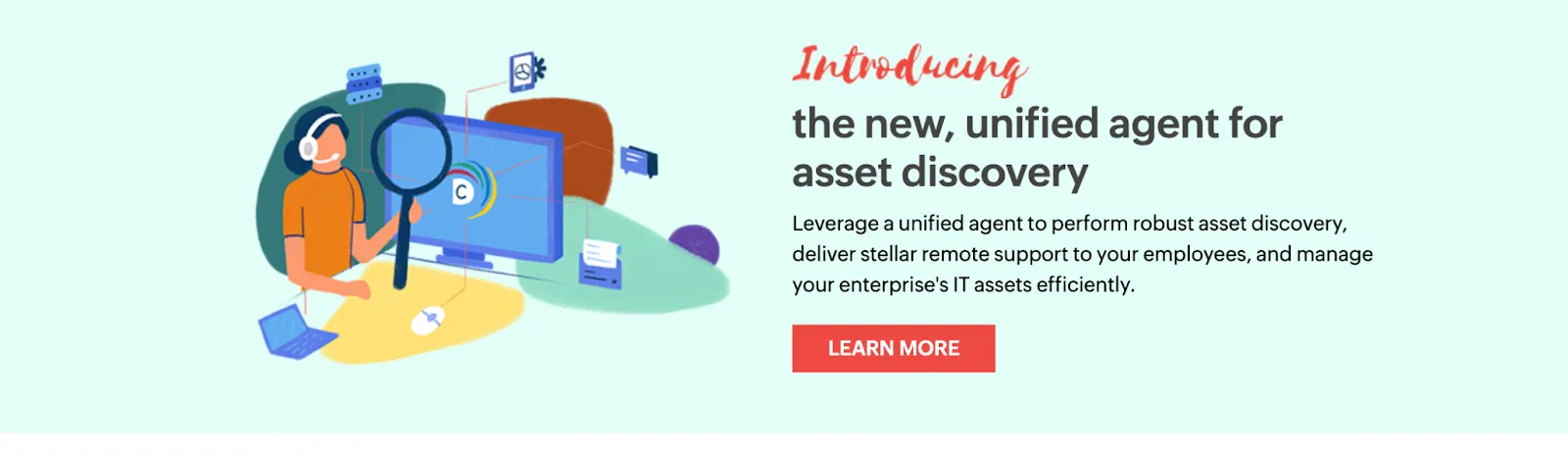
ManageEngine Asset Explorer is a comprehensive web-based ITAM tool whose party trick is discovery: it automatically finds and inventories hardware and software deployed across your network, which almost no free plan offers.
Key features
- Complete lifecycle monitoring: from procurement to disposal.
- Software asset management: license compliance with charts that flag unused and under-utilized licenses.
- Purchase orders and contracts: manage POs and attach contract details to assets.
Free plan details
Free for up to 25 assets.
Pros
- Network discovery keeps inventory current automatically
- Mobile apps for iOS and Android
- Available in 29 languages
Cons
- Restricted to 25 assets, the lowest ceiling on this list
6. Sortly
Best for photo documentation.
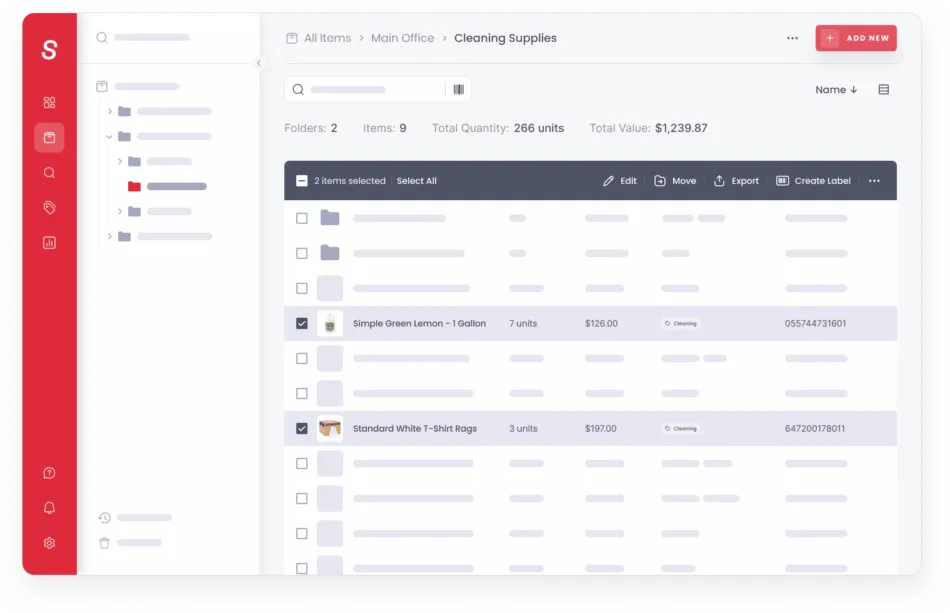
Sortly is a visual-first inventory system that can track IT assets alongside anything else. Its free plan lets you attach detailed photos to every entry, which is genuinely useful for documenting device condition.
Key features
- Photo-based records: visual documentation of every item's condition.
- Barcode and QR scanning: included on the free plan via the mobile app.
- Inventory import: upload an existing spreadsheet and populate your items instantly.
Free plan details
Up to 100 entries with one user license.
Pros
- The easiest interface on this list, with near-zero training
- Excellent mobile experience
- Automatic sync across devices
Cons
- 100 entries and a single user is tight for an IT team
- Built for inventory counts rather than IT workflows: no device sync, limited reporting
7. Itemit
Best for small-scale asset management.
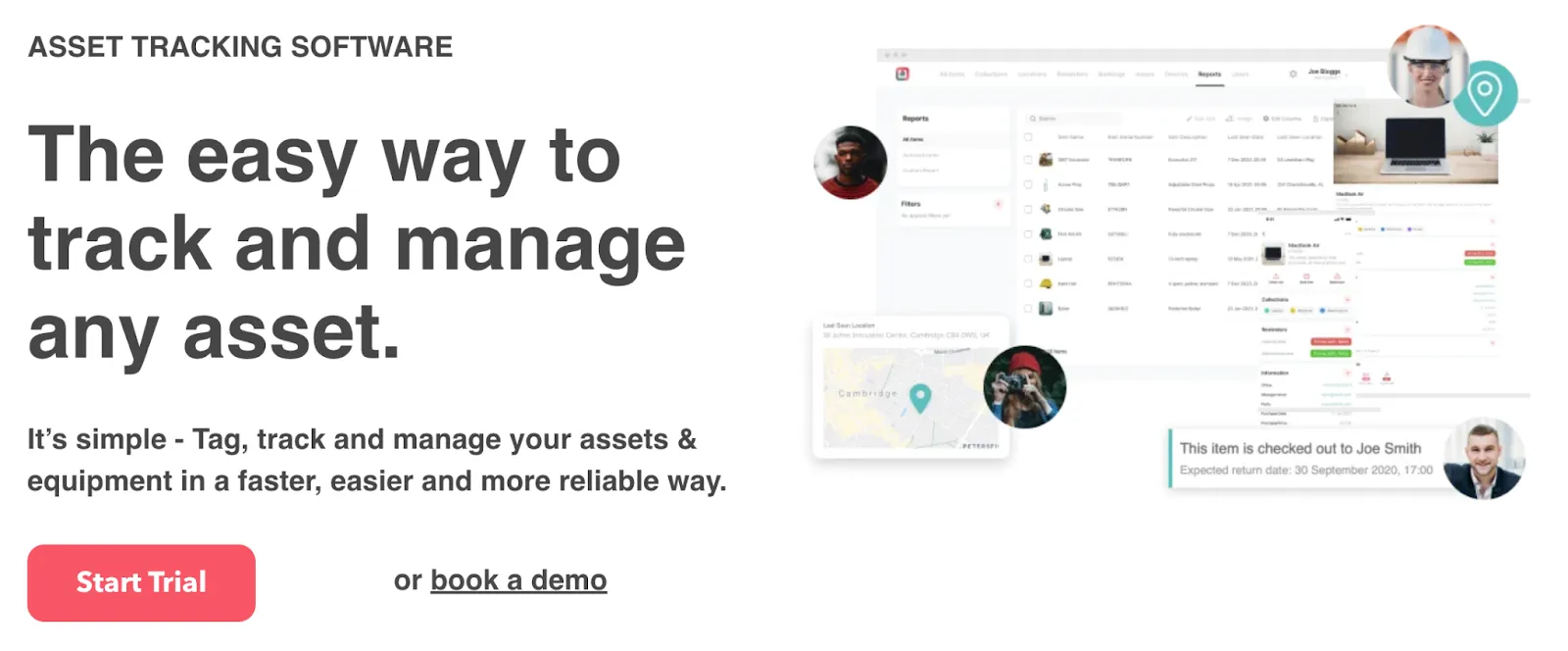
Itemit's free plan suits startups, small teams, and individual users who need straightforward asset tracking without advanced features. Tracking up to 500 items makes it one of the roomier free tiers here.
Key features
- QR and barcode tagging: tag and track assets by scanning with your phone.
- Personal workspace: a dedicated space to organize, track, and report on assets at small scale.
- Asset profiles: detailed records with name, serial number, and custom information.
Free plan details
Free for up to 500 items.
Pros
- User-friendly interface
- One of the higher item limits among free plans
Cons
- No customizations on the free tier
8. AssetFrog
Best for simple SMB asset records.
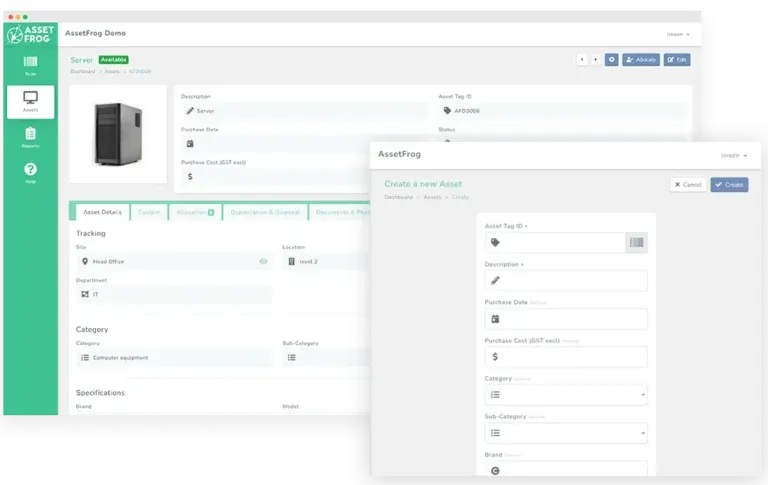
AssetFrog is a newer, deliberately simple asset tracker aimed at small and mid-sized businesses that want the basics done well without platform overhead.
Key features
- Straightforward asset records: bulk editing, document storage attached to assets, and unlimited users.
- Maintenance and warranty alerts: expiration notifications so renewals don't slip.
- Depreciation: solid depreciation scheduling for a simple tool.
Free plan details
Free plan available, with paid tiers stepping up by asset volume and features.
Pros
- Unlimited users on all plans
- Contract and license management included
- Unlimited cloud storage for asset documents
Cons
- Limited documentation and a small ecosystem
- No device sync or deep integrations
9. Ralph 3
Best for data center and back office asset management.
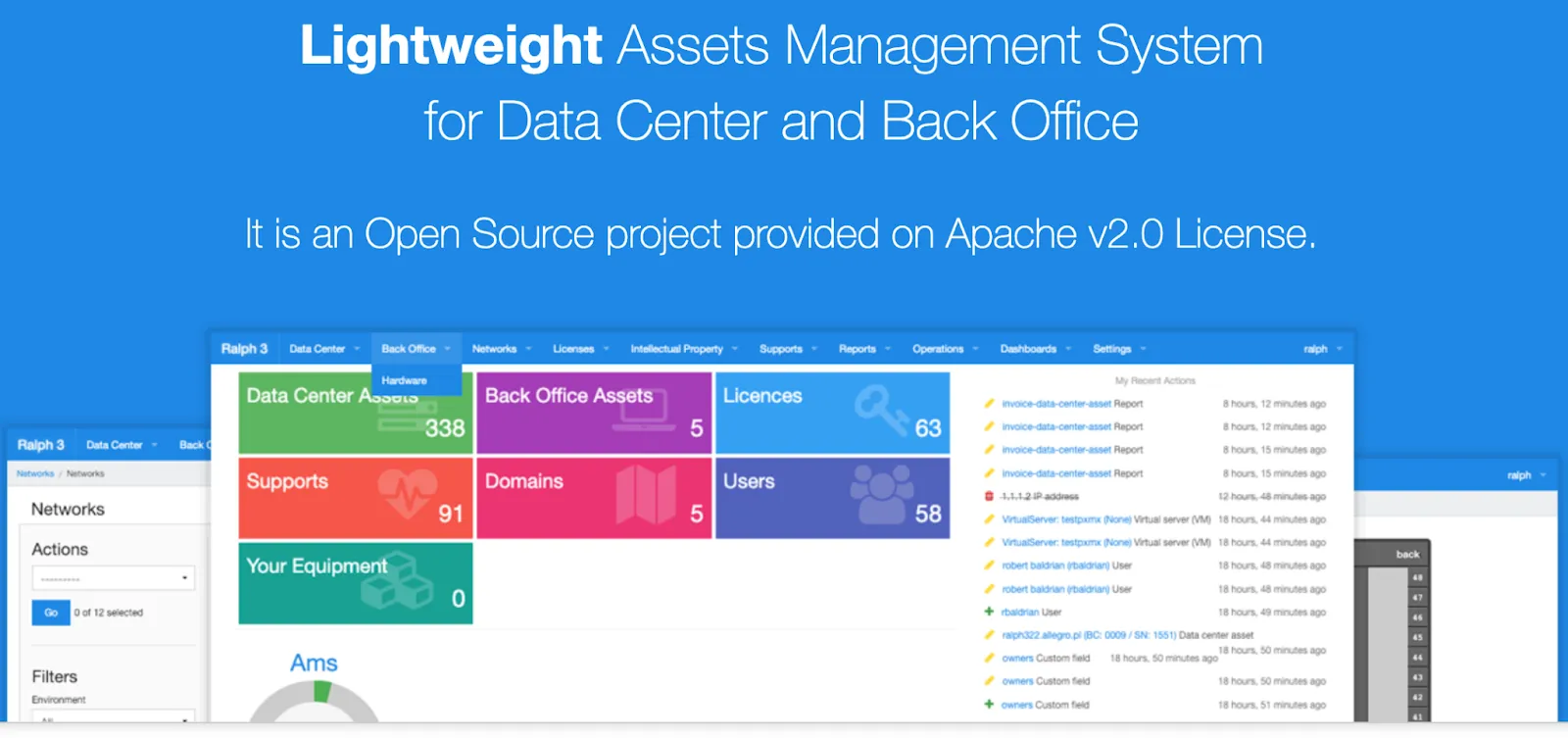
Ralph 3 is an open source asset management, DCIM, and CMDB system tailored to data centers and back-office operations, with a built-in visualization tool for rack layouts.
Key features
- Flexible flow management: adaptable workflows for different asset types.
- Components and parts tracking: essential for managing complex IT equipment.
- Transitions: define actions that change asset state, like assigning, repairing, or liquidating.
Free plan details
Free and open source, self-hosted.
Pros
- Customizable and API-first
- Community support
- Purpose-built for data center depth most tools lack
Cons
- No SLA for uptime, and setup is technical
10. xAssets
Best for automated asset management.
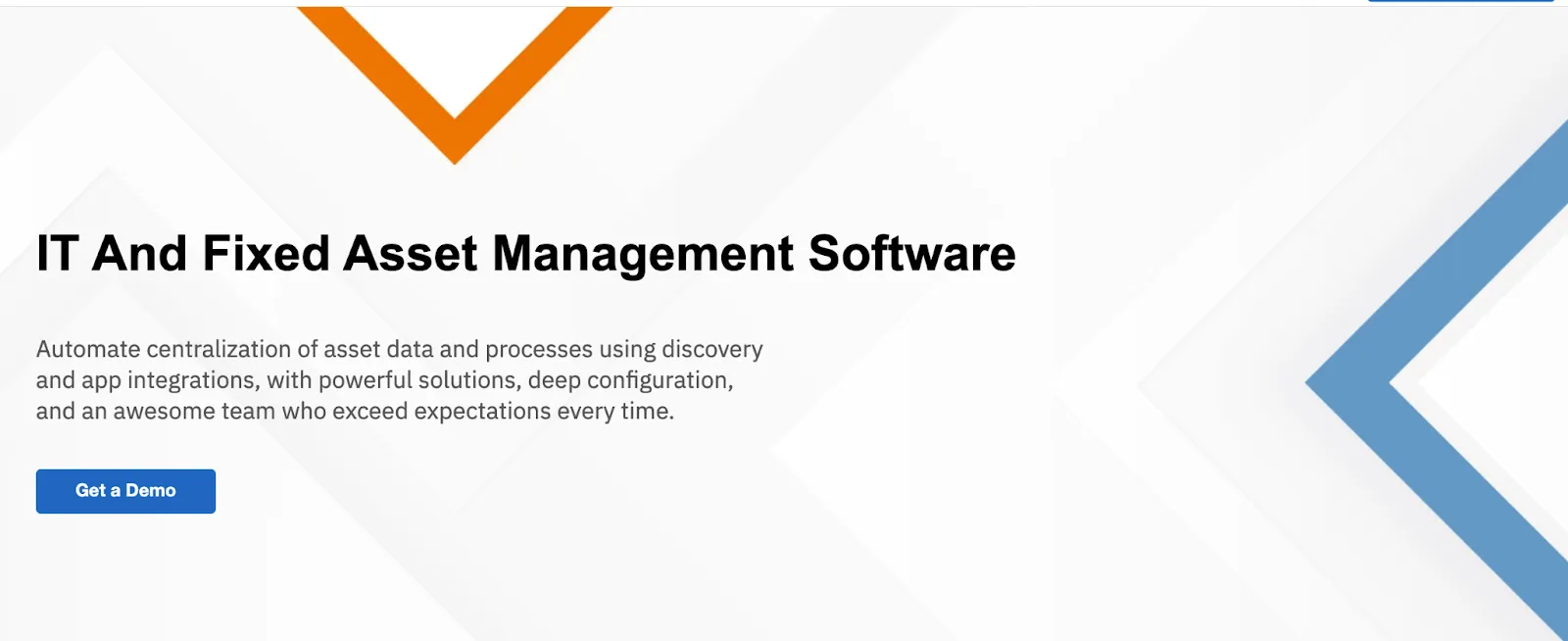
xAssets is an ITAM platform that specializes in automating data centralization through network discovery and application integrations. Its free plan delivers full-lifecycle asset management with discovery included.
Key features
- Automated asset discovery: agentless network discovery across common platforms.
- Custom queries and reports: build and integrate your own reports.
- Data visualization: tables, charts, Excel extracts, and maps over discovered data.
Free plan details
Free plan available, browser-based, discovering up to 100 endpoints.
Pros
- Discovery on a free plan is rare
- Browser-based access with good integration options
Cons
- No software asset management
11. IT Asset Tool
Best for security event monitoring.
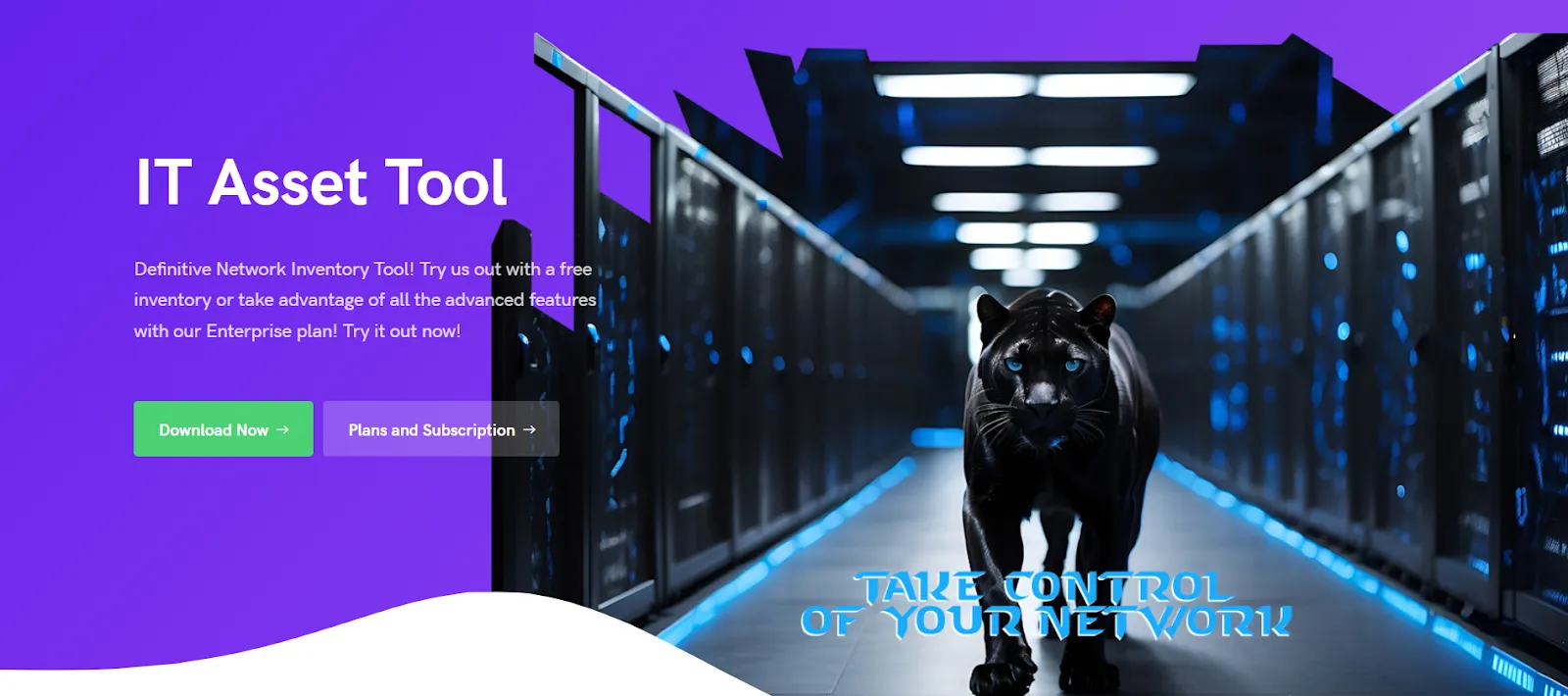
IT Asset Tool is an on-premise hardware and software asset management solution supporting up to 35 assets on its free plan, with an unusual extra: security event monitoring that alerts on unauthorized software installations and network changes.
Key features
- Software license audit: compares purchased software with actual usage.
- Alerts and reports: configurable alerts plus PDF asset status reports.
- Network scanning: automatically detects and inventories networked devices and installed software.
Free plan details
Free for up to 35 assets, on-premise.
Pros
- Easy to deploy
- Alert and report management included
Cons
- No multi-user access
12. Jira Service Management
Best for incident management integration.
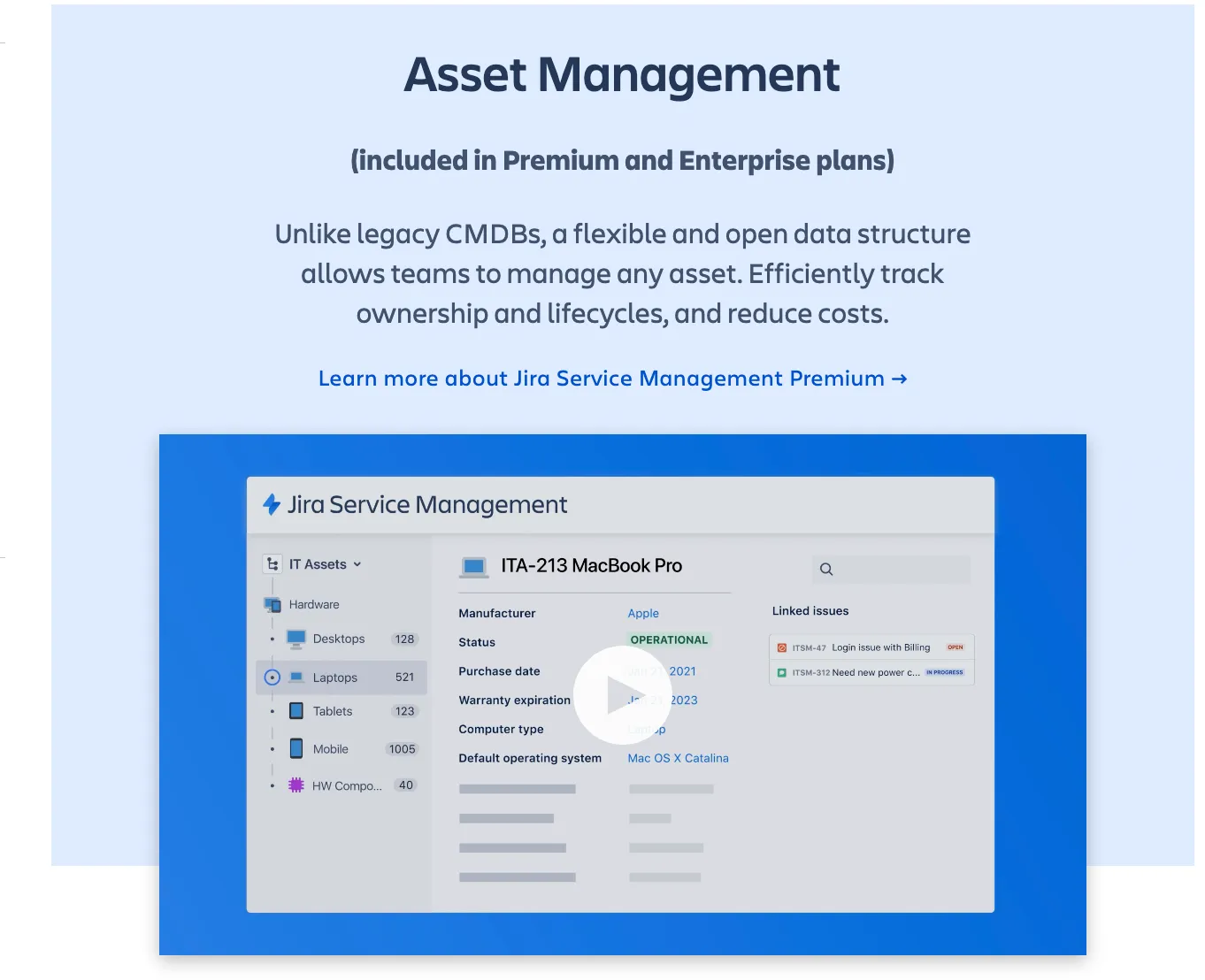
Jira Service Management includes IT asset management within its IT service management framework. If your team already lives in Atlassian tools and wants tickets and assets under one roof, the free plan is a low-friction start.
Key features
- Automation: basic automations for repetitive asset-related tasks.
- Reporting and analytics: track metrics across the asset management process.
- Service requests: streamlined workflows for asset-related requests.
Free plan details
Free for up to 3 agents.
Pros
- Native integration with Atlassian products
- Basic ITSM features included
Cons
- Asset management features are limited on the free plan
Genuinely Free vs. Free Trial: The Honest Picture
Every tool above can be used at zero dollars. The real question is what each type of free costs you later.
Open source (Snipe-IT, GLPI, Ralph 3): free forever with no asset caps, and you become the vendor. Installation, upgrades, backups, security patches, and uptime are your job. For teams with a spare server and Linux comfort, that trade is fine. For everyone else, the subscription you avoided comes back as sysadmin hours.
Capped free plans (BlueTally, ManageEngine, Sortly, Itemit, IT Asset Tool, and others): the vendor hosts everything and the cap does the honest work. You get a real product until your asset count outgrows the ceiling, and then you decide whether the paid tier earns its keep. Check the paid pricing model before you commit to any of them: per-asset and per-seat pricing feels cheap at 100 assets and punishes you at 1,000.
Free trials (most paid-only tools): not actually free, just delayed. We only included tools with a genuine zero-cost option on this list.
Free is a great way to start tracking today. Just pick a tool whose paid path you would actually be happy on, so growth is an upgrade instead of a migration.
FAQ
Is free IT asset management software really free?
Yes, with an asterisk that differs by type. Open source tools are free software plus your time as the sysadmin. Capped free plans are genuinely free until you outgrow the limit, which for most tools on this list sits between 25 and 500 assets. The cost to watch is the one that appears after free: self-hosting hours, manual data entry, or a per-asset paid tier that scales with your growth.
What is the best free IT asset management software?
For most IT teams, BlueTally: the free plan is the complete product for up to 50 assets, with automatic device sync from Intune, Jamf, and identity providers, so setup takes hours instead of weeks. If you need unlimited assets at zero license cost and can self-host, Snipe-IT is the open source standard.
Is Snipe-IT really free?
Yes. Snipe-IT is genuinely free and open source with no asset limits, provided you host it yourself. You pay in server costs and admin time for setup, upgrades, and backups. Their paid cloud hosting exists precisely because that time bill is real.
What is the difference between IT asset management and asset tracking?
Asset tracking is the core loop of knowing where assets are and who has them. IT asset management is the broader discipline: lifecycle management, software licenses, audits, depreciation, and compliance on top of tracking. If tracking is your main need, see our guide to the best asset tracking software.
When should you upgrade from a free plan?
When the workarounds cost more than the subscription. The usual signals: you hit the asset cap and start keeping the overflow in a spreadsheet, you spend hours on manual entry a sync integration would eliminate, or audit season arrives and the free tier's reporting can't produce what your auditors want.
The Bottom Line
If you have a spare server and enjoy running one, Snipe-IT or GLPI will treat you well and never send an invoice. If your assets live in a data center, Ralph 3 speaks your language. If you want the simplest possible start, Sortly or Itemit will have you tracking today.
And if you're an IT team that wants the full product free, with devices synced automatically and checkouts your employees actually complete, that's the gap BlueTally's free plan fills: everything included, up to 50 assets, no credit card. When you outgrow it, every paid plan has a free 14-day trial and flat-rate pricing that stays flat while your company grows.
Start free with up to 50 assets, or take any paid plan on a 14-day trial, no credit card either way.
Try it free for 14 days
Try BlueTally free for 14 days — the ITAM platform trusted by top IT teams. No credit card required.


