Computer Inventory Software for IT Teams: What to Look For in 2026
Computer inventory software is how IT teams keep an authoritative list of PCs, Macs, and related endpoints—without pretending a spreadsheet is a database. For IT managers, the commercial intent is clear: find a system that tracks machines as accountable assets, not just network nodes.
This guide covers what the category means, criteria that matter for lean IT, tool types, and how to choose. For named products and pricing, see our list of the best IT asset management software.
Computer inventory vs network inventory vs ITAM
- Computer inventory focuses on workstations and laptops as assets with owners.
- Network inventory often emphasizes switches, servers, and discovery depth.
- ITAM adds lifecycle, financials, and process across hardware and software.
Most growing companies need computer inventory with custody first. Deep network CMDB can wait.
Criteria for computer inventory software
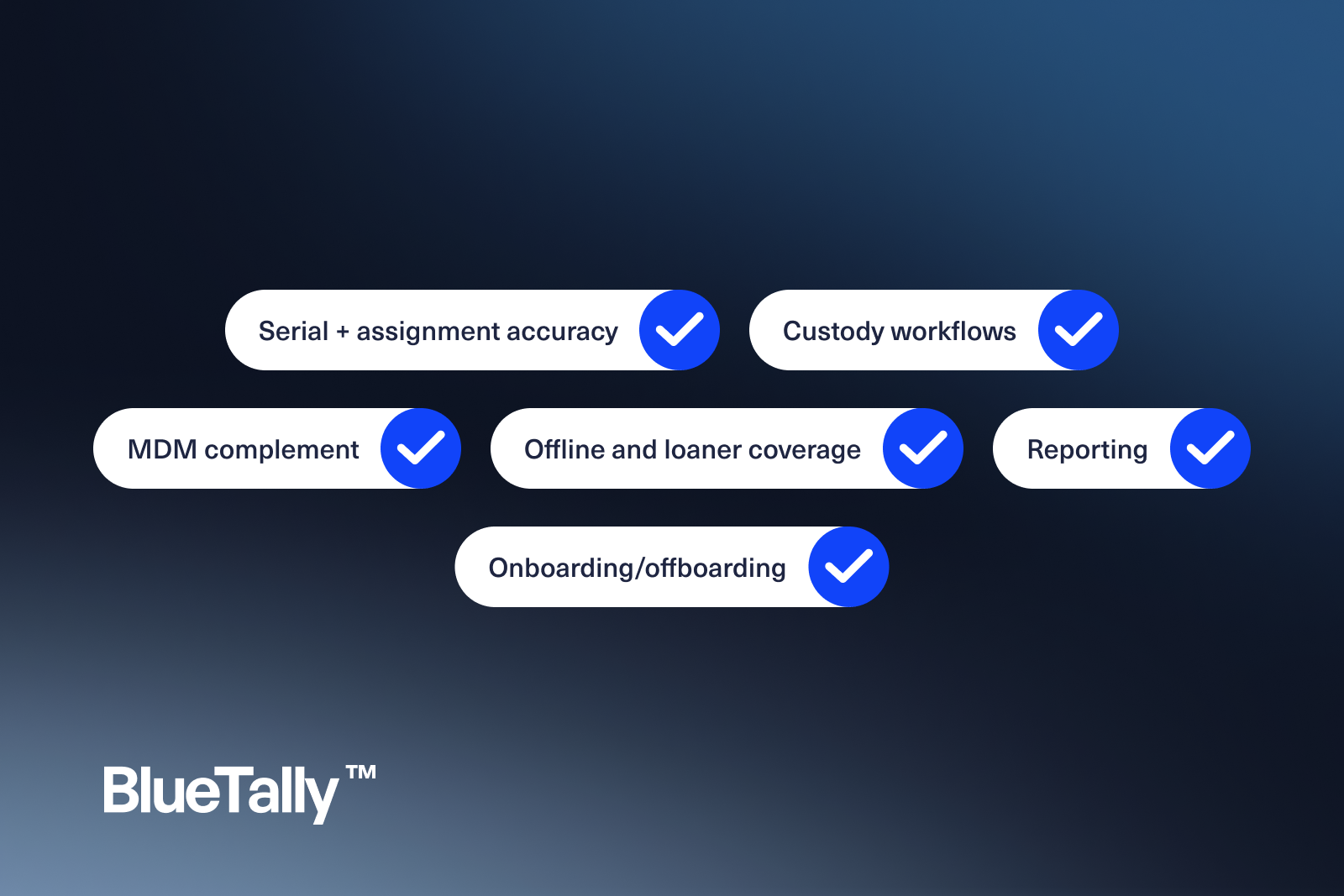
- Serial + assignment accuracy — The serial in the tool must match the machine on the desk and the record in MDM.
- Custody workflows — Checkout, transfer, and return without Slack archaeology.
- MDM complement — Pull enrollment facts from Intune/Jamf; do not replace MDM.
- Offline and loaner coverage — Inventory is not only “currently online.”
- Reporting — Counts by site, department, model, and warranty window.
- Onboarding/offboarding — New hire kit and exit reclaim in one place.
Tool categories
Custody-first IT inventory platforms
Best when who-has-what is the daily pain. BlueTally sits here: computer and laptop custody with MDM sync and License Intelligence for seats that travel with those users.
Discovery scanners and free PC inventory utilities
Useful for a snapshot of installed software/hardware. Weak as a permanent assignment system.
ITSM asset modules
Convenient if already standardized on a help desk suite—validate UI speed for routine moves.
Spreadsheets
Migration source. Not the long-term computer inventory software of record.
How to run a computer inventory cleanup (two-week sprint)
Days 1–3: Export Intune/Jamf device lists; export any spreadsheet; import into one system.
Days 4–7: Resolve duplicate serials; assign owners for every active laptop.
Days 8–10: Tag loaners and stock; set statuses.
Days 11–14: Publish a simple weekly report: assigned / in stock / unknown.
Unknown should trend toward zero.
When computer inventory software pays for itself
- You stop buying laptops you already own in a closet
- Offboarding reclaim becomes a checklist, not a scavenger hunt
- Warranty and refresh planning use real counts
- Security questionnaires get answered with exports, not guesswork
Mistakes to avoid
- Equating “agent last seen” with “employee still has the device”
- Ignoring accessories that gate productivity (chargers, docks)
- Choosing tools optimized for warehouses instead of IT custody
FAQs
Can MDM replace computer inventory software?
MDM knows enrolled devices. It rarely tracks custody history, stock rooms, or non-enrolled accessories well.
Do we need barcodes on day one?
Nice later. Assignment discipline first.
Deep dive: data model you should demand
Minimum viable computer inventory record:
- Serial number (unique)
- Asset tag (optional but useful)
- Manufacturer / model
- Hostname (if known)
- Assigned user / status
- Location or site
- Purchase date / warranty end
- MDM device ID (if enrolled)
- Notes / condition
Reject tools that cannot enforce serial uniqueness.
Computer inventory for hybrid workplaces
Remote-first companies break closet-based mental models. Your computer inventory software must support:
- Shipping assignments to home offices
- Return labels and receipt confirmation
- Loaner pools for travel or breakage
- Clear status when a device is “in transit”
Custody timestamps matter more when you cannot walk the floor.
Reporting pack for leadership
Create three recurring reports:
- Fleet summary — counts by model and OS
- Risk summary — unassigned, overdue returns, warranty < 90 days
- People summary — users with >1 primary laptop (investigate)
These reports convert inventory from IT chore to management instrument.
Migration from spreadsheet (field mapping)
Spreadsheet columnTarget fieldCleanup ruleSerialserialUppercase, trim spacesEmployeeassigned_userMatch IdP emailLaptop modelmodelNormalize aliases (MBP 14 = MacBook Pro 14)NotesnotesKeep; do not parse magic
Plan a freeze window: after cutover, spreadsheet becomes read-only archive.
Endpoint diversity checklist
Your computer inventory software should handle:
- Windows laptops/desktops
- macOS laptops
- Shared lab or kiosk machines
- Contractor-owned exceptions labeled clearly (if allowed)
- In-repair units and advanced replacements
If the tool assumes a single OEM homogeneous fleet, expect pain.
Quality assurance sampling script
Each month, pick 20 random assigned computers:
- Confirm user still employed
- Confirm serial matches MDM or physical check
- Confirm location/status plausibility
- Log defects and fix root causes (process or data)
This keeps inventory trustworthy without a heroic annual count.
Cost of inaction (back-of-envelope)
- Lost/stolen untracked laptop: device cost + potential data incident overhead
- Duplicate purchase because stock was invisible: full device cost
- Audit scramble: days of senior IT time
Computer inventory software is cheap compared to repeated versions of those events.
When you evaluate systems of record, see BlueTally pricing, compare open-source paths in our Snipe-IT alternative overview, and keep laptop-specific playbooks in laptop inventory management.
Try it free for 14 days
Try BlueTally free for 14 days — the ITAM platform trusted by top IT teams. No credit card required.


