IT Asset Disposal Process: Secure Decommission Playbook for IT
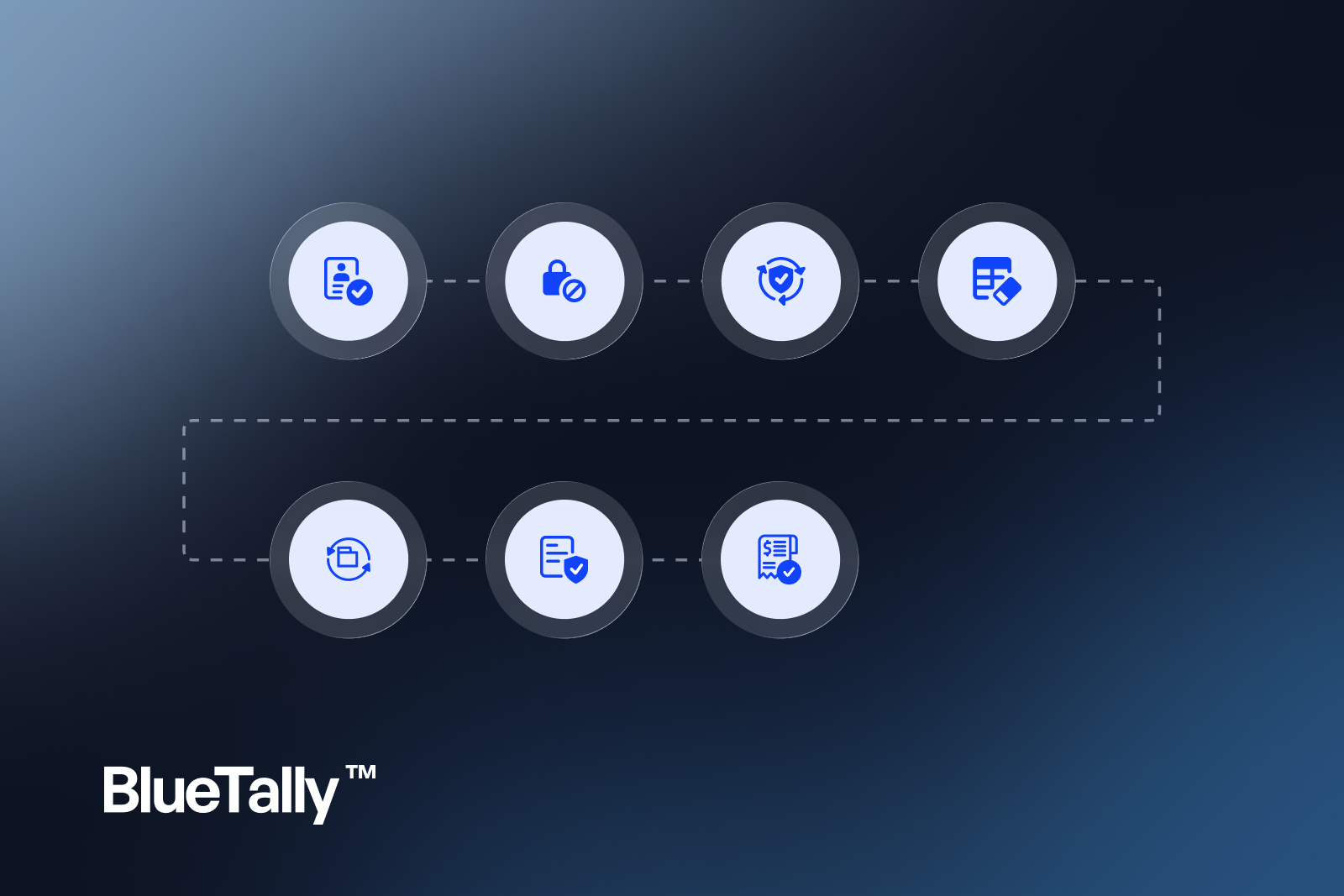
An IT asset disposal process is the controlled path from “we are done with this device” to “data is gone, records are closed, and evidence exists.” This playbook is for IT managers who need decommission discipline—not a directory of local ITAD vendors.
Why disposal process ≠ “throw it in the pile”
Uncontrolled retirement creates:
- Residual data on drives and phones
- Inventory ghosts (still “assigned” after the device left)
- Orphaned SaaS seats and certificates
- Audit findings when chain of custody is missing
- Environmental and legal risk if e-waste is handled casually
Secure disposal is a lifecycle stage with owners and proof.
When an asset should enter disposal
Common triggers:
- Refresh replacement received and verified
- Beyond economic repair
- Lost/stolen (after investigation—different path)
- Project hardware end-of-life
- Lease return deadlines
Do not dispose on vibes. Require a status reason and approver for non-routine cases.
Step-by-step IT asset disposal process
1. Confirm identity and ownership
Match serial/asset tag to the inventory record. Verify the device is the one approved for retirement—not a still-assigned laptop grabbed from a desk.
2. Revoke access and reclaim licenses
Remove VPN, IdP, email, and app access tied to the user if this is an exit-driven disposal. Reclaim SaaS seats. Update certificate inventories if the device held unique certs.
3. Quarantine and backup check
Hold the device in a restricted area. Confirm any business data that must move to another system has been migrated. Do not skip this for “it’s old.”
4. Wipe to policy (or physically destroy)
Apply your documented wipe standard (platform-dependent). For failed drives or high-sensitivity media, use destruction and keep certificates. MDM remote wipe helps for enrolled devices but is not a full disposal record by itself.
5. Update inventory status
Move to pending wipe → retired/disposed. Record date, technician, method, and ticket ID. If a vendor takes custody, record pickup details.
6. Chain of custody for third parties
When using an ITAD partner, capture serialized intake lists and certificates of data destruction / recycling. Attach artifacts to the asset or batch record.
7. Financial and spare closeout
Notify finance for fixed-asset implications if required. Harvest usable accessories only if tracked. Do not create a shadow stockpile of “maybe useful” docks with no records.
IT asset decommissioning vs disposal
IT asset decommissioning often emphasizes taking a system out of service (access, dependencies, documentation). Disposal emphasizes the physical/data end state. In mid-market practice, combine them into one checklist so nothing falls between “removed from Intune” and “left in a closet.”
Roles
- IT ops: execute wipe, update inventory, coordinate pickup
- Security: define wipe/destruction standards; approve exceptions
- Facilities: secure storage and vendor dock access
- Finance: asset books / write-offs when applicable
- Manager: confirms business data migration when needed
Evidence pack (keep it boring)
For each device or batch, retain:
- Serials and asset tags
- Approval ticket
- Wipe or destruction proof
- Vendor chain-of-custody (if any)
- Final inventory status timestamp
Store evidence where auditors can retrieve it without Slack archaeology.
Common failure modes
- “Wiped” with no log
- Inventory never updated → false active counts
- Seats left assigned after hardware gone
- Mixing personal devices into company disposal streams
- Choosing vendors only on price with no destruction proof
- Letting retired gear linger in unlocked closets
How this ties to lifecycle and custody tools
Disposal is the last stage of lifecycle management. It works only if earlier stages kept serials and assignees accurate. BlueTally soft-fits as the custody system of record through retirement—so status, who-had-it history, and license reclaim stay connected when devices exit—alongside MDM wipe actions.
30-day improvement plan
Week 1: Write the wipe standard and status model.
Week 2: Clear closet inventory; quarantine unknowns.
Week 3: Run one batch disposal with full evidence.
Week 4: Add disposal checklist to refresh and exit workflows.
FAQ
Is this the same as searching for IT asset disposition services?
No. Vendor-directory and ITAD shopping searches help you find a partner. This process guide is how IT runs decommission controls—whether disposal is in-house or vendor-assisted.
Do we need certificates for every USB stick?
Risk-base it. Document the policy. High-sensitivity media deserves stronger proof than a broken keyboard.
Bottom line
A reliable IT asset disposal process revokes access, reclaims licenses, wipes or destroys media, updates inventory, and keeps evidence. Treat decommission as a controlled lifecycle stage—not a closet.
Sample wipe notes by platform (illustrative)
- Windows: trigger remote wipe per policy; record action ID in the ticket.
- macOS: erase via MDM when online; physical intake then erase if offline.
- Phones/tablets: MDM wipe; remove from zero-touch programs as required.
- Failed storage: physical destruction with certificate or photo evidence.
Defer to your security standard—these are process prompts, not a compliance guarantee.
Batching disposals without losing control
Weekly batches reduce thrash: move candidates to pending wipe, then wipe/destroy and update records together. Cap age in pending wipe (e.g., 14 days) so it does not become a parking lot.
Lost/stolen is not disposal
Use a separate path: report, suspend access, remote wipe if possible, mark lost/stolen. Do not pretend a missing laptop was disposed.
Closing checklist
- Trigger criteria documented
- Access revoke + license reclaim included
- Wipe/destroy standard published
- Inventory status updates required
- Vendor evidence attached when used
- Closet audit scheduled quarterly
Disposal is the last stage of a longer chain—review BlueTally pricing for custody through wipe and reclaim, keep devices enrolled until retired via Intune asset management, and frame the earlier stages in IT asset lifecycle management.
Try it free for 14 days
Try BlueTally free for 14 days — the ITAM platform trusted by top IT teams. No credit card required.


