How to Get Started with Asset Management for Small Businesses
Most small businesses start managing assets the same way: someone opens a spreadsheet, types in a few laptop serial numbers, and promises to keep it updated. Eighteen months later a laptop goes missing during an exit, nobody knows which monitor went to the new hire, and the spreadsheet was last touched two quarters ago.
That failure isn't a discipline problem. Spreadsheets fail at asset management because they record what someone remembered to type, not what actually happened. This guide covers how to set up asset management properly at small business scale: what to inventory, how to assign things to people, and when it's worth moving to dedicated IT asset management software. None of it requires a big budget. Most of it can be done free.
Why Bother at Small Scale
At 10 or 20 employees, asset management can feel like process for its own sake. Three concrete things change when you do it anyway:
- You stop buying duplicates. Companies without an inventory routinely re-purchase equipment they already own, because nobody knows the spare laptop exists or where it is.
- Offboarding stops leaking equipment. The most common moment to lose a device is when an employee leaves. A record of who has what, checked during the exit, closes that hole.
- Budgeting gets real numbers. When you know what you own, how old it is, and what condition it's in, replacement planning becomes a calculation instead of a guess.
There's also a compounding reason: the company that starts tracking at 30 assets has a clean record at 300. The one that waits does a painful archaeology project instead.
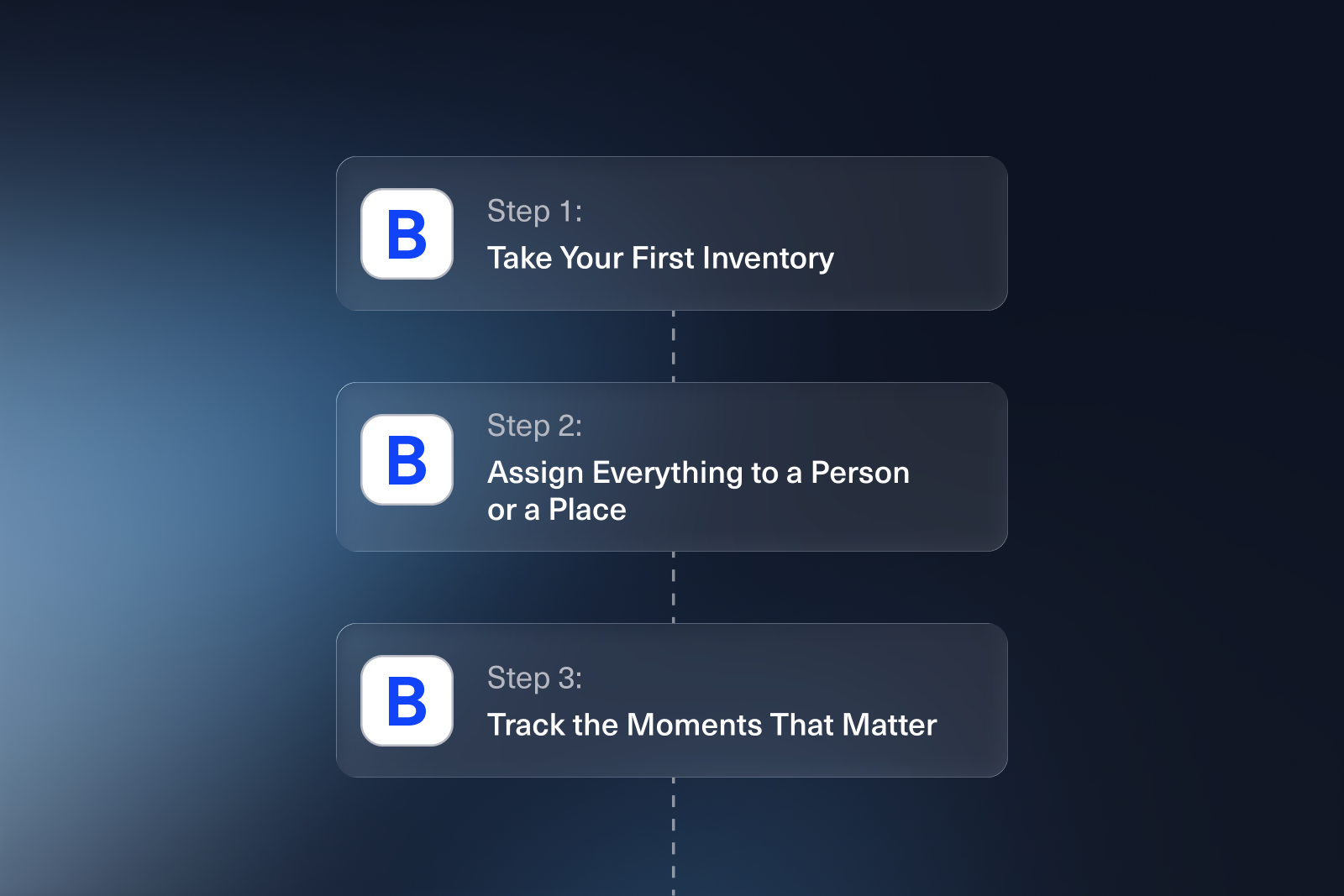
Step 1: Take Your First Inventory
Start by writing down everything the business owns that's worth tracking. For most small businesses that means computers, monitors, phones, tablets, printers, networking gear, and any specialized equipment your work depends on. Software licenses count too: seats you pay for are assets that get lost exactly like hardware does.
For each item, capture a small, consistent set of fields: what it is, the serial number, when it was purchased and for how much, its condition, and where it lives. Resist the urge to invent twenty columns. A complete inventory with six fields beats a half-finished one with twenty. If you want a ready-made starting structure, our free IT inventory template covers the fields that matter.
Two practical tips from watching hundreds of companies do this:
- Do it in one pass. Block an afternoon and walk the office (or message the team, if you're remote) rather than planning to fill it in over time. Inventories completed "gradually" stay incomplete forever.
- Label as you go. Stick a numbered label or barcode on each physical item as you record it. It turns every future audit from detective work into scanning.
Step 2: Assign Everything to a Person or a Place
An inventory tells you what exists. The record that actually saves you money is who has it.
Every asset should have exactly one owner: an employee, a location, or a status like "in storage" or "in repair". The moment equipment changes hands, the record changes with it. This is the discipline that makes offboarding safe: when someone resigns, you pull up their name, see the laptop, monitor, and badge assigned to them, and collect each one before their last day.
At small scale you can do this in the same spreadsheet, and for a while it works. The catch is that assignment records are only as good as their update habit, and hand-updated records decay fast once more than one person manages equipment.
Step 3: Track the Moments That Matter
You don't need to log everything. Four events cover nearly all the value:
- Onboarding: what was issued to the new hire, confirmed by them, ideally with a signature.
- Offboarding: what came back, and in what condition.
- Transfers: equipment moving between employees without a hire or exit in between. This is the flow everyone forgets to record.
- Repairs and disposals: when something leaves service, temporarily or permanently, the record should say so, or you'll count ghosts in your next audit.
If you capture those four moments reliably, your records stay truthful with minimal effort. Everything beyond that is refinement.
When the Spreadsheet Stops Working
Spreadsheets are the right starting tool, and there's no shame in staying on one while it works. The signals that you've outgrown it are consistent across companies:
- More than one person needs to update it, and versions start drifting.
- You can't answer "who had this laptop before it broke?" because the sheet only stores the present, not history.
- Audits take a full day of chasing people instead of an hour of scanning.
- Onboarding and offboarding checklists live in a different document from the inventory, and the two disagree.
Most companies hit these somewhere between 30 and 100 assets. Past that point, the hours spent maintaining and mistrusting the spreadsheet quietly exceed what software costs.
Choosing a Tool
When you're ready for dedicated software, small businesses should weigh four things:
- Ease of setup. You don't have an IT department to run an implementation project. A tool should be useful the same day you sign up, and if your devices already live in something like Microsoft Intune or Google Workspace, syncing from there beats re-typing your inventory.
- Check-in and check-out workflow. Assigning equipment is the core loop. If it takes more than a few clicks, your team will route around the tool and the records will rot.
- Pricing model. Per-asset pricing feels cheap at 40 assets and punishes you at 400. Look at what your bill becomes if the company triples.
- A free way to start. Plenty of good tools have genuinely free tiers at small-business scale, so you shouldn't have to pay anything to get properly started. We compare the options honestly in our guides to the best free IT asset management software and the best asset tracking software overall.
Getting Started with BlueTally
We built BlueTally for exactly this transition: the point where a growing team needs real asset management without an enterprise implementation. The free plan is the full product for up to 50 assets, which covers most small businesses entirely: check-in and check-out with signatures, barcodes and labels, automatic device sync from Intune, Jamf, and your identity provider, and audit history for every asset. No credit card, no trial clock.
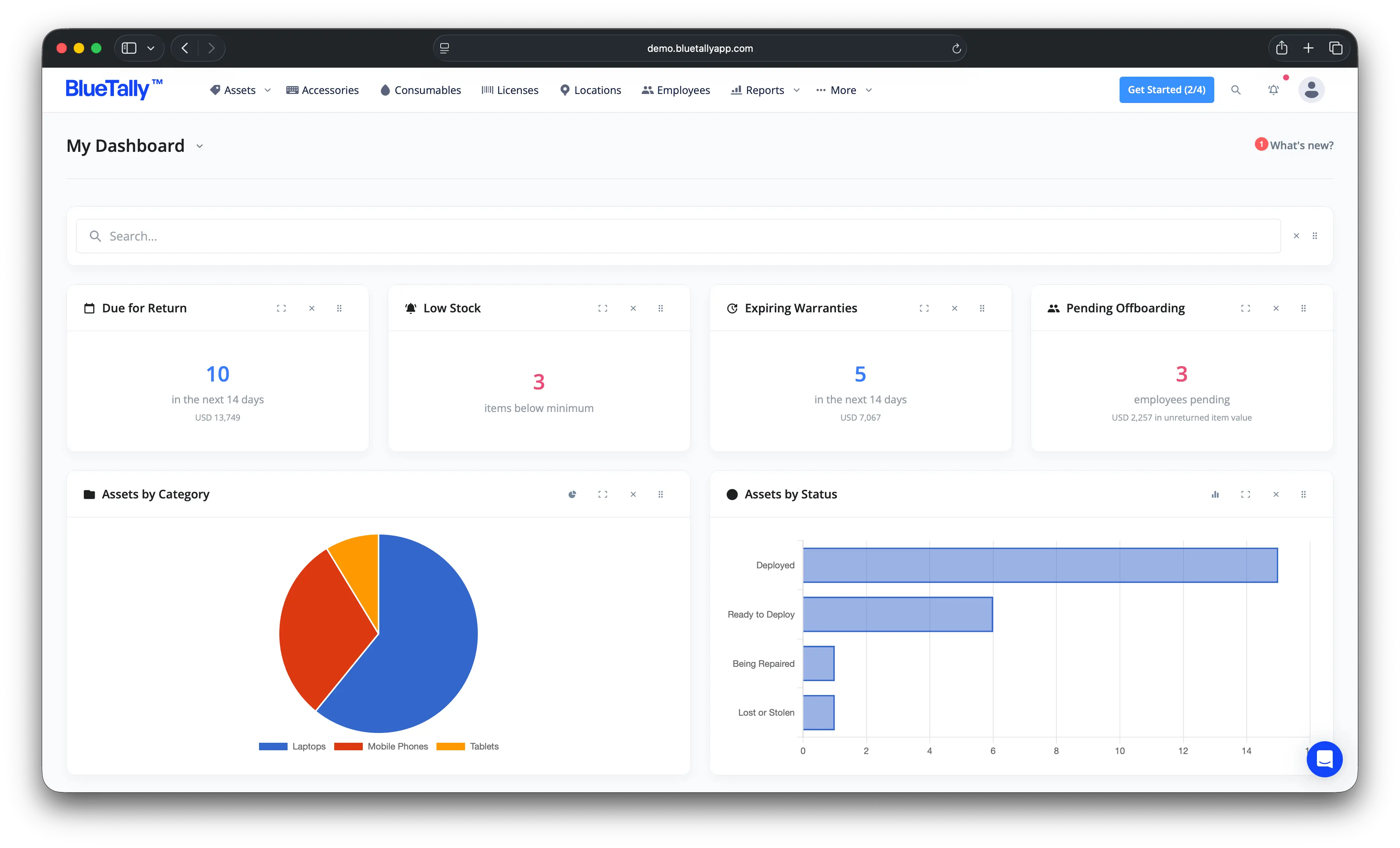
When you outgrow 50 assets, paid plans are flat-rate with unlimited assets and users (see pricing), so the bill doesn't grow every time the company does, and every paid plan has a free 14-day trial.
The Bottom Line
Getting started with asset management as a small business is three habits, not a project: inventory everything once, give every asset exactly one owner, and record the four moments when equipment changes hands. Run those on a spreadsheet until it creaks, then move to a tool with a free tier and keep the same habits with less effort. The best day to start was when you bought the first laptop. The second best day is this afternoon, with a label maker.
Try it free for 14 days
Try BlueTally free for 14 days — the ITAM platform trusted by top IT teams. No credit card required.


