Free IT Inventory Template
Download our free IT inventory template to track all your organization's hardware, software, and equipment in one place. Available for Excel and Google Sheets - no email required.
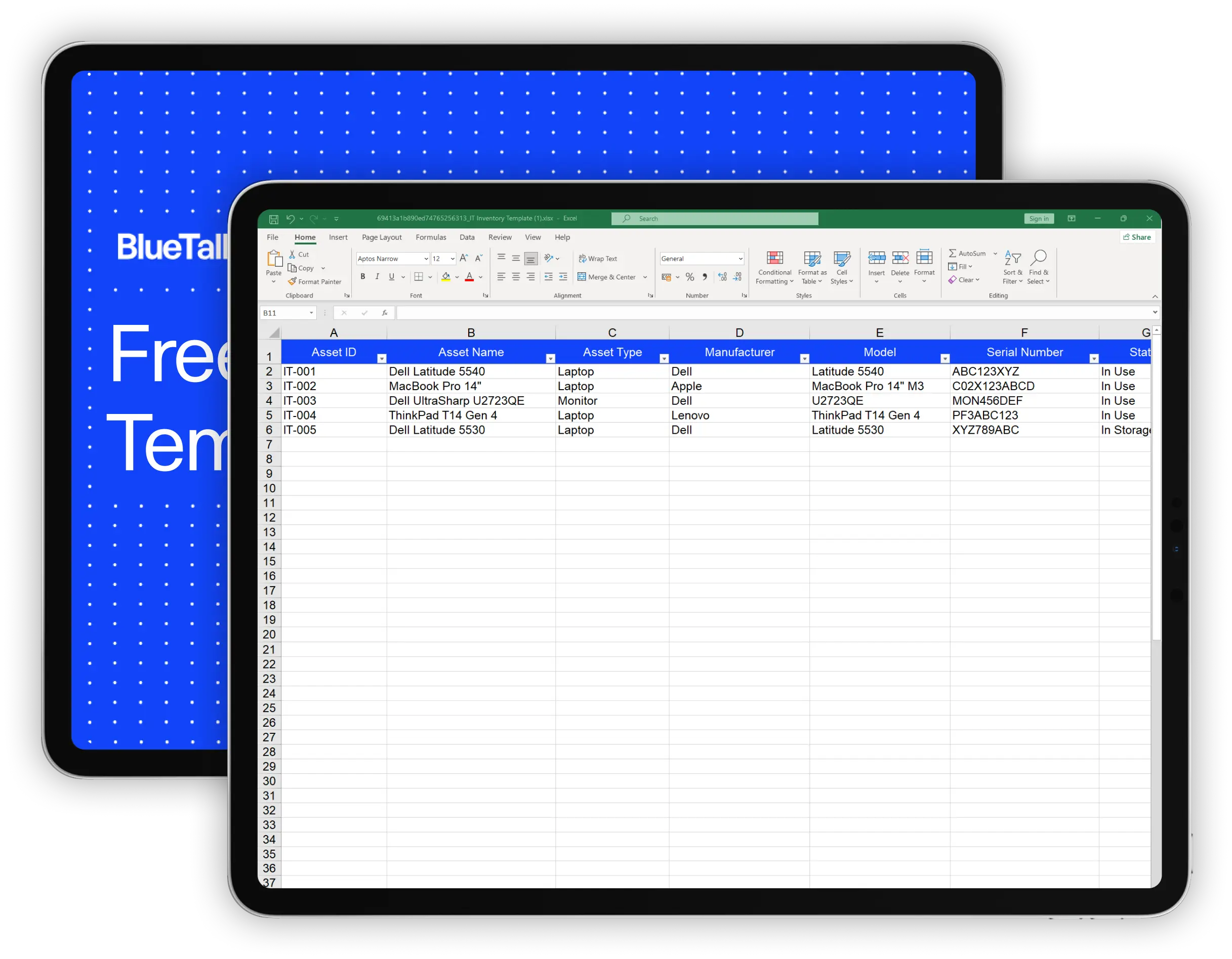
What's Included in This Template
This IT inventory template gives you a ready-to-use structure for tracking every asset in your organization. Here's what you'll find:
Asset name, asset type (laptop, monitor, server, phone, etc.), manufacturer, model, and serial number. These fields let you uniquely identify every piece of equipment.
Assigned user, department, and location fields help you know exactly who has what and where it is - critical for onboarding, offboarding, and audits.
Purchase date, purchase price, vendor, and warranty expiration. You'll have the data you need for budgeting, depreciation tracking, and warranty claims.
A status field (In Use, In Storage, Retired, Under Repair) so you can see your inventory at a glance and know what's available.
A free-form field for anything else - service history, special configurations, or issues to track.
How to Use This IT Inventory Template
1. Download and make a copy
Click the download button above to get the Excel file, or open the Google Sheets version and go to File → Make a copy to save it to your own Google Drive.
2. Customize the columns
The template includes the most common fields, but every organization is different. Add columns for software licenses, IP addresses, or MAC addresses if you need them. Delete columns you don't use.
3. Enter your existing assets
Start with a physical or digital walkthrough of your IT equipment. For each asset, fill in as much information as you have. Don't worry about perfection - you can update records as you go.
4. Establish an update routine
A spreadsheet is only useful if it's accurate. Set a recurring reminder to review and update your inventory monthly, or update it in real-time whenever equipment changes hands.
5. Back it up
If you're using Excel, store the file somewhere with version history (OneDrive, SharePoint, or Google Drive). If you're using Google Sheets, it's already backed up automatically.
When a Spreadsheet Stops Being Enough
Spreadsheets work well when you're getting started, but most IT teams hit a wall somewhere between 50 and 200 assets. Here are the signs you might need something more:
Manual updates become a bottleneck.
If keeping the spreadsheet current takes hours every week, or if it's always out of date because no one has time to maintain it, the process is costing more than it's worth.
You need integrations.
Spreadsheets can't pull data from Microsoft Intune, Jamf, Iru, or your identity provider. You end up copying information between systems, which creates errors and duplication.
Audits and compliance require more rigor.
SOC 2, ISO 27001, and cyber insurance applications all ask for accurate asset inventories. Auditors want to see change history and controls that spreadsheets don't provide.
Multiple people need to manage assets
Concurrent editing in spreadsheets leads to conflicts and overwrites. You need proper user permissions and an audit trail of who changed what.
If any of this sounds familiar, you might be ready for dedicated IT asset management software.
BlueTally is built for exactly this - automatic syncing with your existing tools, proper access controls, and the reporting you need for compliance. You can start a free trial with no credit card required to see if it's a fit.

Frequently Asked Questions
What is an IT inventory?

What should be included in an IT asset inventory?
How do I create an IT inventory in Excel?
Is there a free IT inventory template?
How often should I update my IT inventory?
These resources may also be helpful
The MDM Paradox: Why Device Management Doesn't Solve Asset Management
Download our free whitepaper to learn why IT teams invested in mobile device management (MDM) tools, yet still can't answer "Where are our devices?" - and what to do about it.
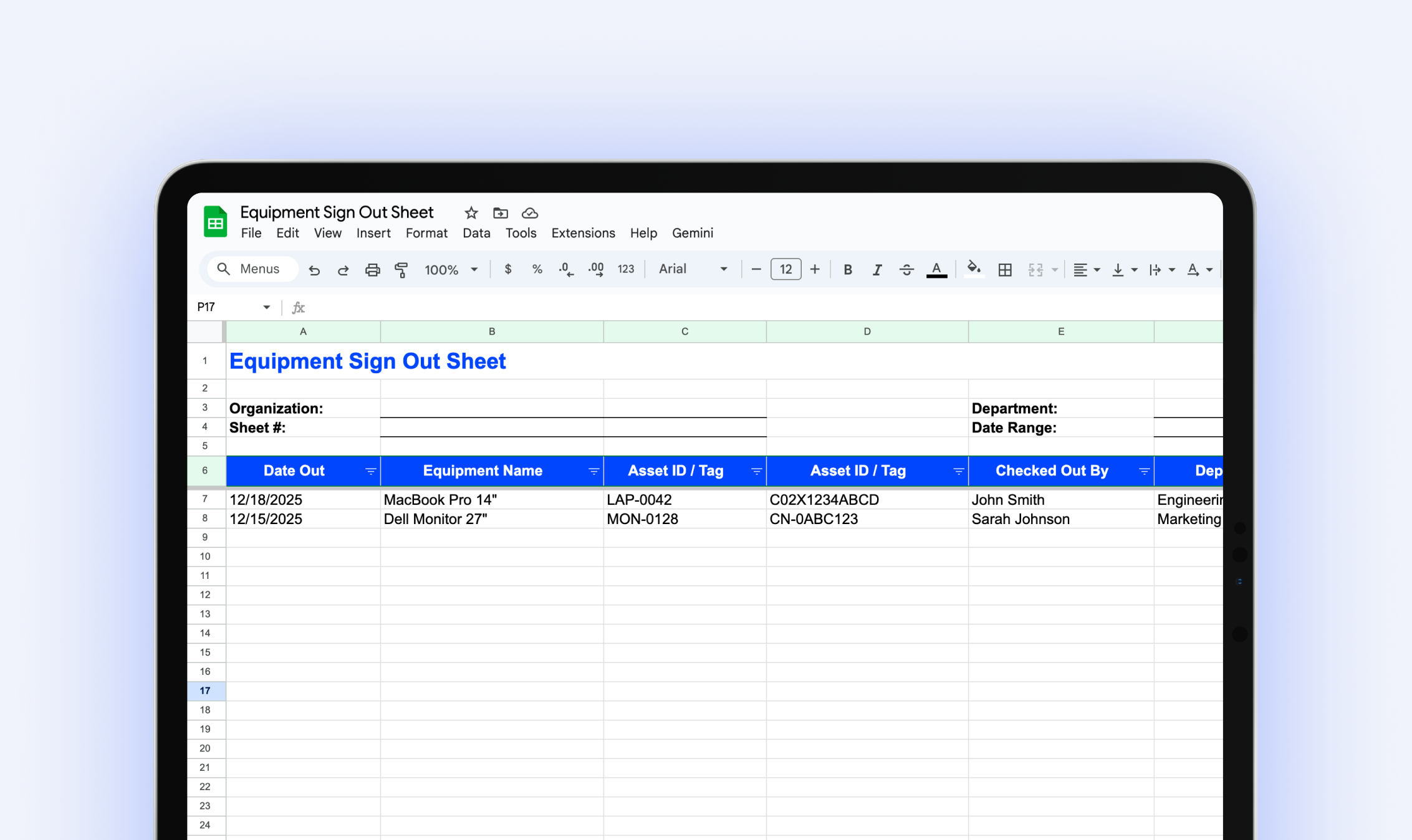
Equipment Sign Out Sheet
Download our free equipment sign out sheet to track who has what equipment, when it's due back, and what condition it's in when returned.
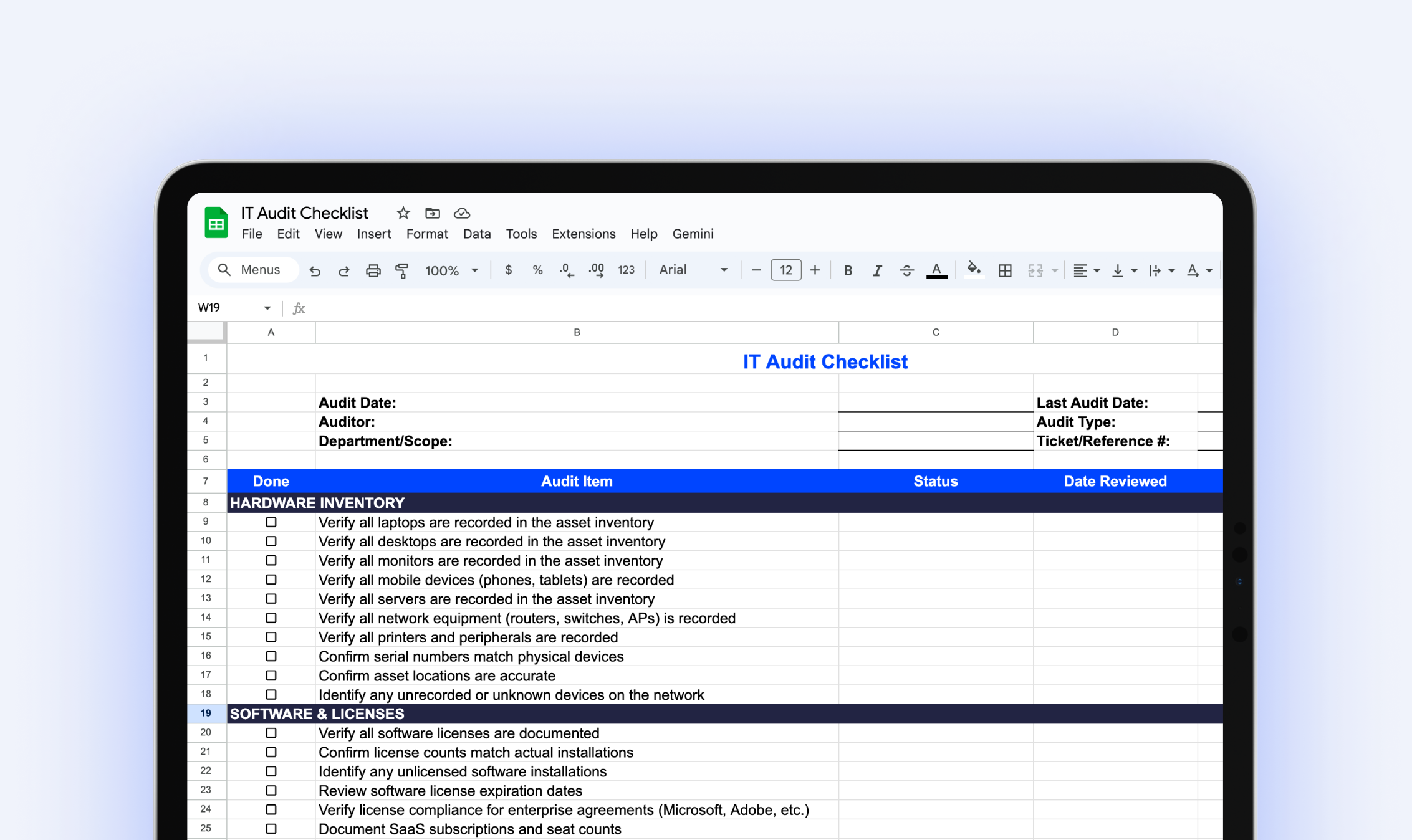
IT Audit Checklist
Download our free IT audit checklist to systematically review your hardware inventory, software licenses, user access, security controls, and IT documentation.
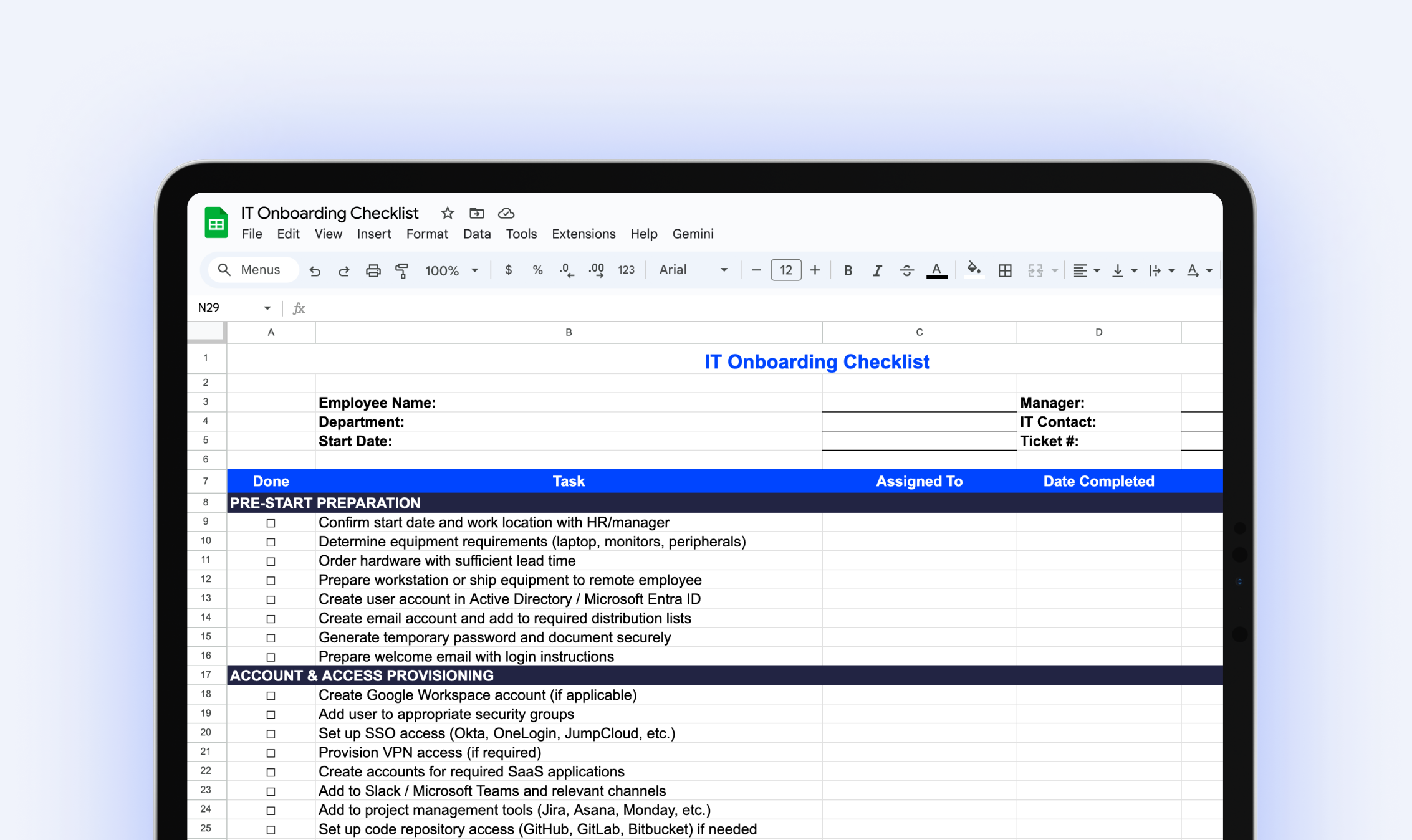
IT Onboarding Checklist
Download our free IT onboarding checklist to make sure every new hire has the accounts, access, and equipment they need from day one.
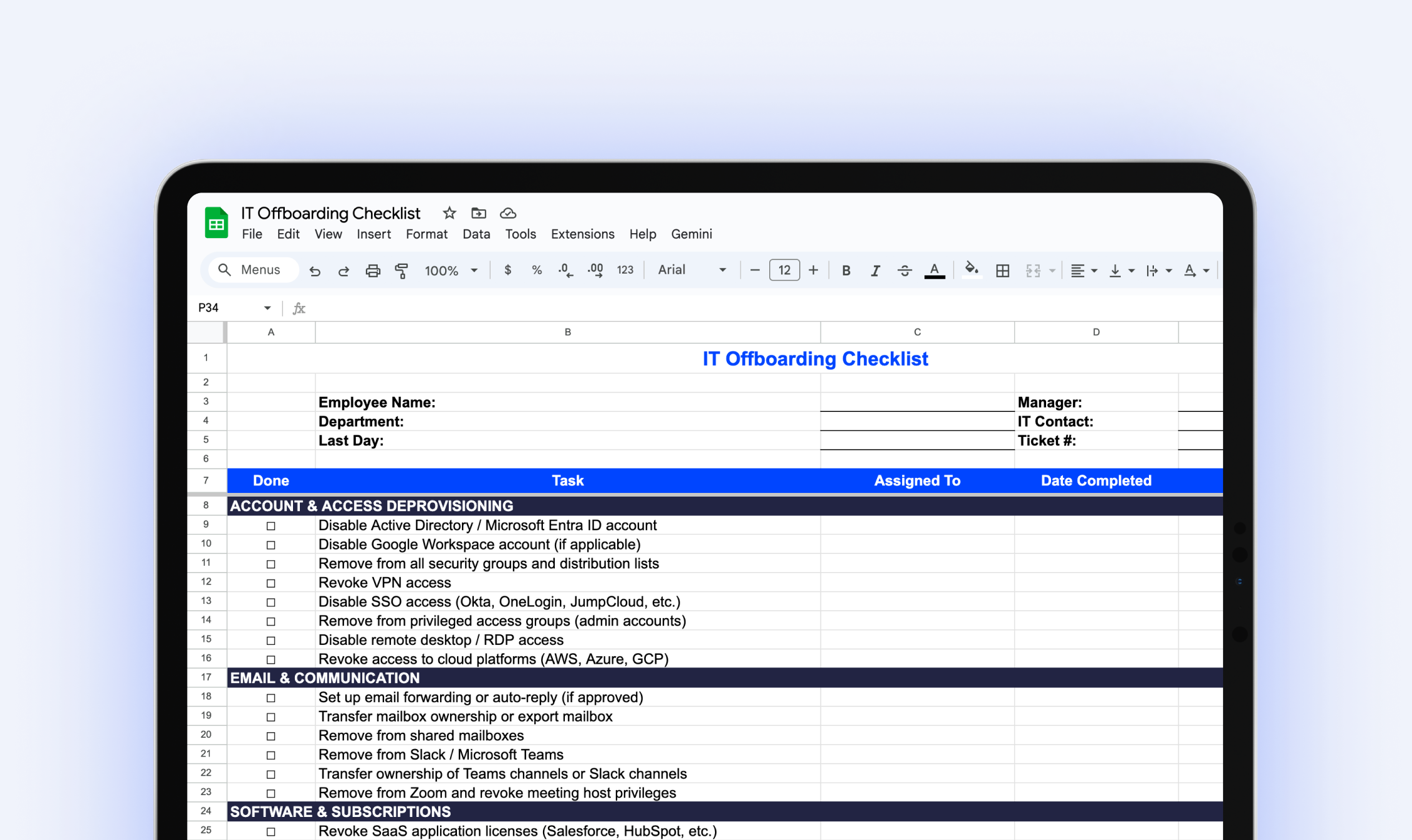
IT Offboarding Checklist
Download our free IT Offboarding Checklist and stay in control when an employee leaves, with clear steps to revoke access, recover equipment, and protect company data.
.webp)
The IT Manager's Guide: 10 Asset Management Mistakes to Avoid
Download our free IT asset management guide to avoid common pitfalls, streamline tracking, and protect company assets.
Try it free for 14 days
Try BlueTally free for 14 days — the ITAM platform trusted by top IT teams. No credit card required.


