Free Equipment Sign Out Sheet
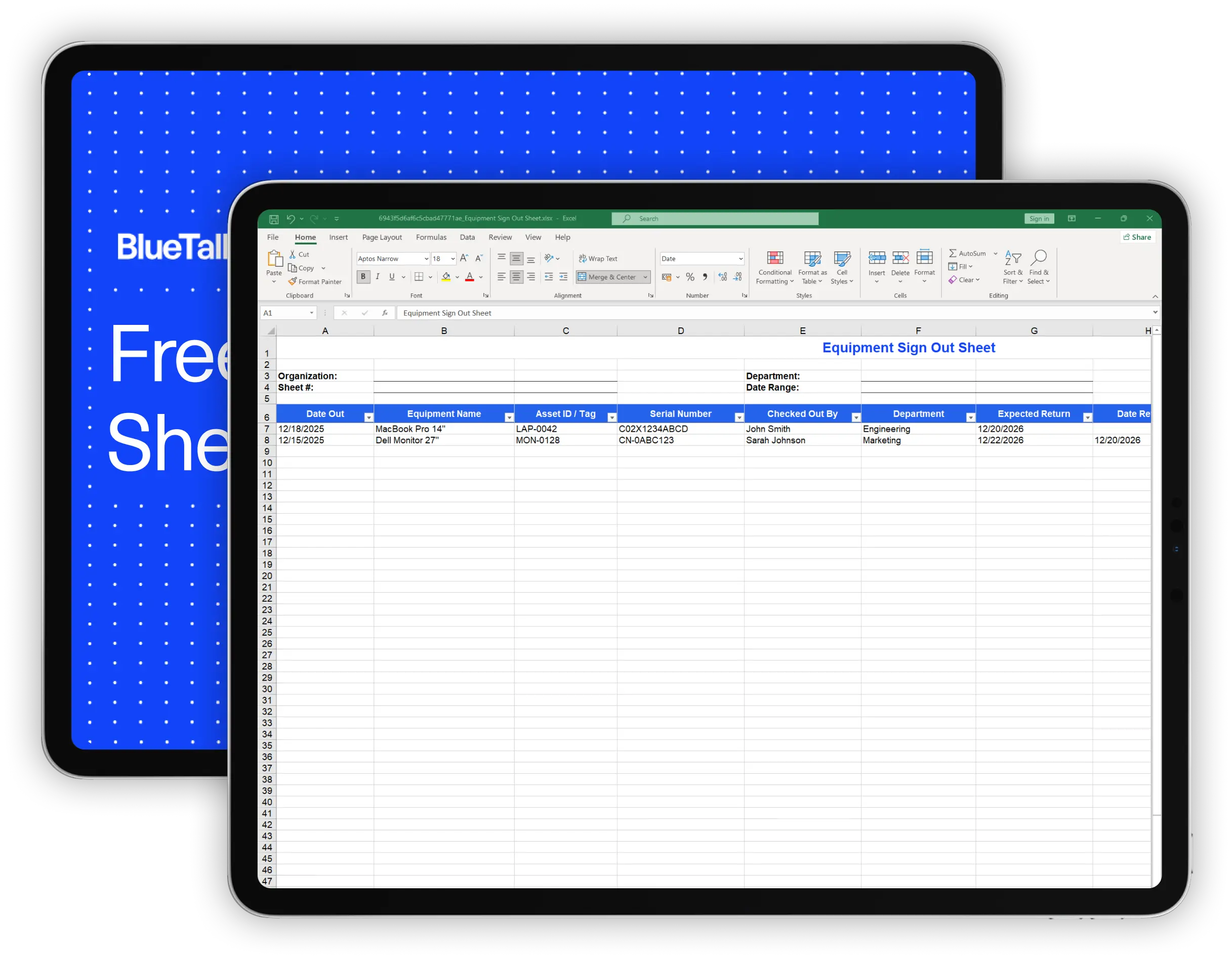
Download our free equipment sign out sheet to track who has what equipment, when it's due back, and what condition it's in when returned. Works for IT equipment, tools, AV gear, and more.
What's Included in This Template
This equipment sign out sheet tracks everything you need for temporary equipment loans and checkouts:
Record the date, equipment name, asset ID, serial number, who's checking it out, and their department. Having serial numbers and asset tags makes it easy to identify exactly which item is out.
Log the expected return date, actual return date, and who received the equipment back. This helps you follow up on overdue items and creates a clear chain of custody.
Use the dropdown to note whether equipment came back in good condition, fair condition, damaged, needs repair, or has missing parts. Documenting conditions at return time prevents disputes about when damage occurred.
Add any relevant context - why the equipment was needed, special instructions, or issues to address.
The template includes 25 rows for entries and sample data showing how to fill it out.
How to Use This Checklist
1. Download and customize
Download the Excel file or make a copy of the Google Sheets version. Add your organization name and department. If you track specific equipment types, you can add columns or adjust the layout.
2. Fill in the header information
Enter your organization, department, and sheet number. If you go through multiple sheets, numbering them helps you keep records in order.
3. Record every checkout
When someone checks out equipment, fill in the date, equipment details, their name, department, and expected return date. Have them initial or sign the Checked Out By field for accountability.
4. Complete the return fields when equipment comes back
When equipment is returned, record the return date, who received it, and the condition. Don't skip the condition field - this is your documentation if something comes back damaged.
5. Follow up on overdue items
Review the sheet regularly to identify equipment that's past its expected return date. A quick check once a week prevents items from going missing.
6. Archive completed sheets
When a sheet is full, save it with a date range in the filename and start a new one. Keep archived sheets for your records - you may need to reference them later.
When to Use an Equipment Sign Out Sheet
An equipment sign out sheet works well for managing temporary equipment loans:
Loaner devices
When an employee's laptop is being repaired or upgraded, you issue a loaner. The sign out sheet tracks who has it and when you should get it back.
Shared equipment
Some equipment isn't assigned to one person - projectors, cameras, test devices, spare monitors. A sign out sheet tracks current custody.
Remote work equipment
Employees taking equipment home temporarily, whether for a project or work-from-home needs, should sign it out so you know what's where.
Event equipment
Laptops, displays, and AV gear for conferences or off-site events. The sign out sheet ensures everything comes back.
Contractor and visitor equipment
Temporary workers may need equipment for the duration of their engagement. Document what they have and when it's due back.
When a Checklist Isn't Enough
A sign out sheet works fine for low-volume equipment loans - a few checkouts per week, a small pool of shared devices. But spreadsheets have limits:
No real-time visibility
Your spreadsheet only knows what someone typed into it. If equipment was checked out but not recorded, or returned but not logged, your sheet is wrong.
Hard to search history
Finding who had a specific laptop six months ago means scrolling through archived sheets. There's no easy way to see an asset's complete checkout history.
No connection to your inventory
The sign out sheet is separate from your asset inventory. If equipment is checked out, your inventory doesn't automatically reflect that - you're maintaining two systems manually.
No alerts or automation
A spreadsheet can't remind you when equipment is overdue. Someone has to manually check return dates and follow up.
Doesn't scale
If you're managing dozens of checkouts per week across multiple locations, paper or spreadsheet tracking becomes a bottleneck.
If you're hitting these limits, IT asset management software can help.
BlueTally tracks equipment assignments and checkouts in one system, so you always know who has what. When equipment is checked out, your inventory updates automatically. Start a free 14-day trial with no credit card required to see how it works.

Frequently Asked Questions
What is an equipment sign out sheet?

What should be included on an equipment sign out sheet?
How is a sign out sheet different from an inventory?
Should I require signatures on equipment checkouts?
How long should I keep completed sign out sheets?
These resources may also be helpful

The MDM Paradox: Why Device Management Doesn't Solve Asset Management
Download our free whitepaper to learn why IT teams invested in mobile device management (MDM) tools, yet still can't answer "Where are our devices?" - and what to do about it.
.webp)
The IT Manager's Guide: 10 Asset Management Mistakes to Avoid
Download our free IT asset management guide to avoid common pitfalls, streamline tracking, and protect company assets.
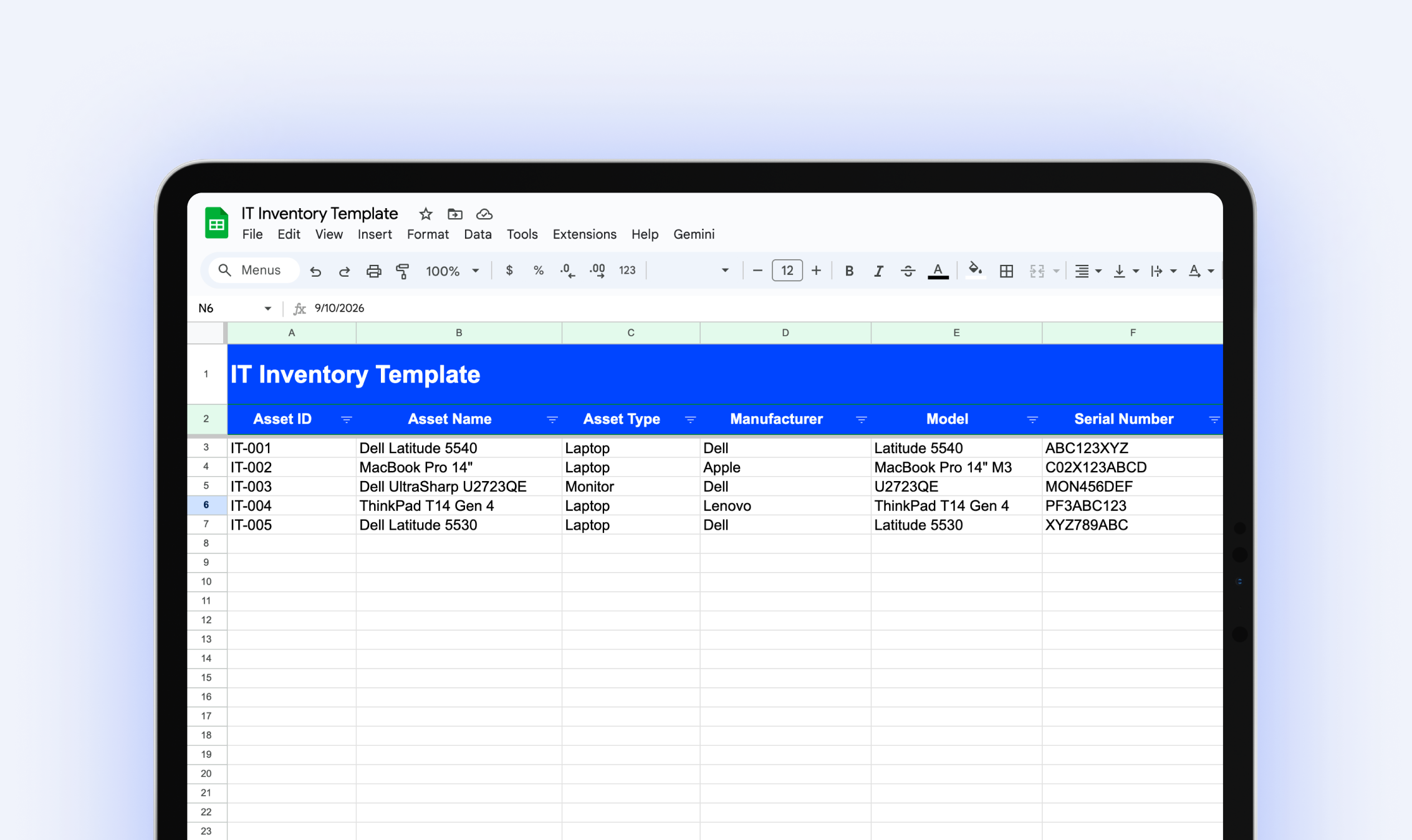
IT Inventory Template
Download our free IT inventory template to track all your organization's hardware, software, and equipment in one place.
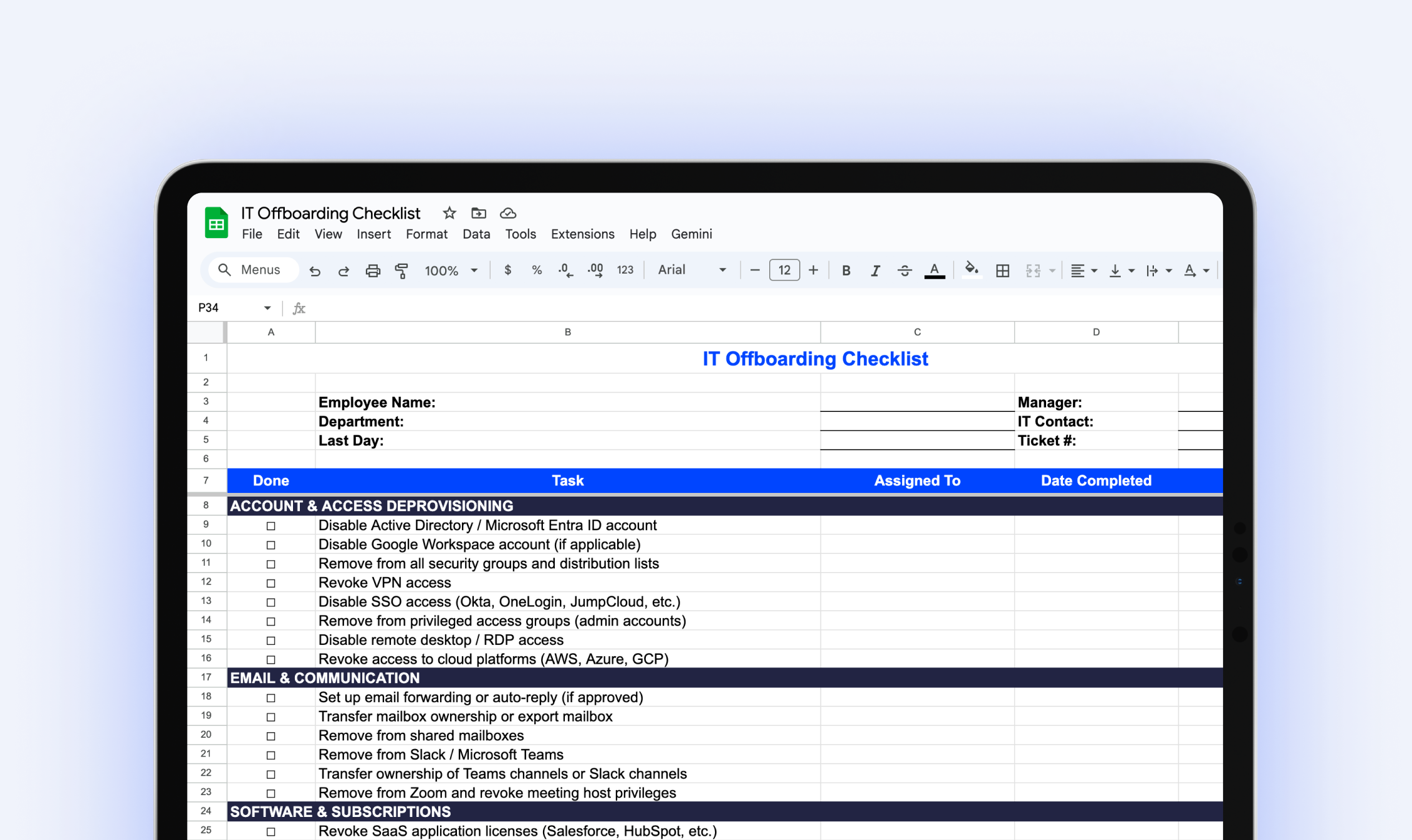
IT Offboarding Checklist
Download our free IT Offboarding Checklist and stay in control when an employee leaves, with clear steps to revoke access, recover equipment, and protect company data.
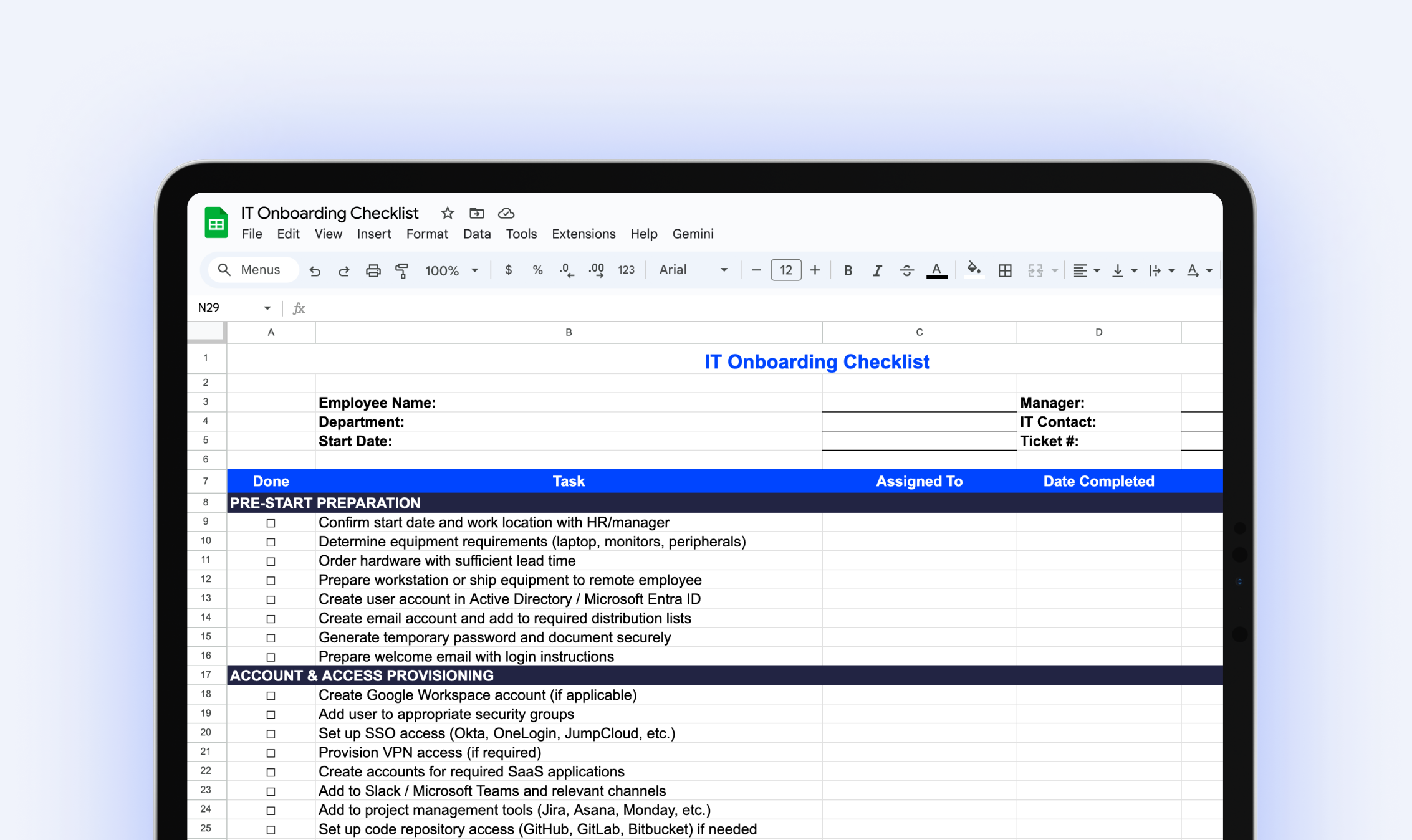
IT Onboarding Checklist
Download our free IT onboarding checklist to make sure every new hire has the accounts, access, and equipment they need from day one.
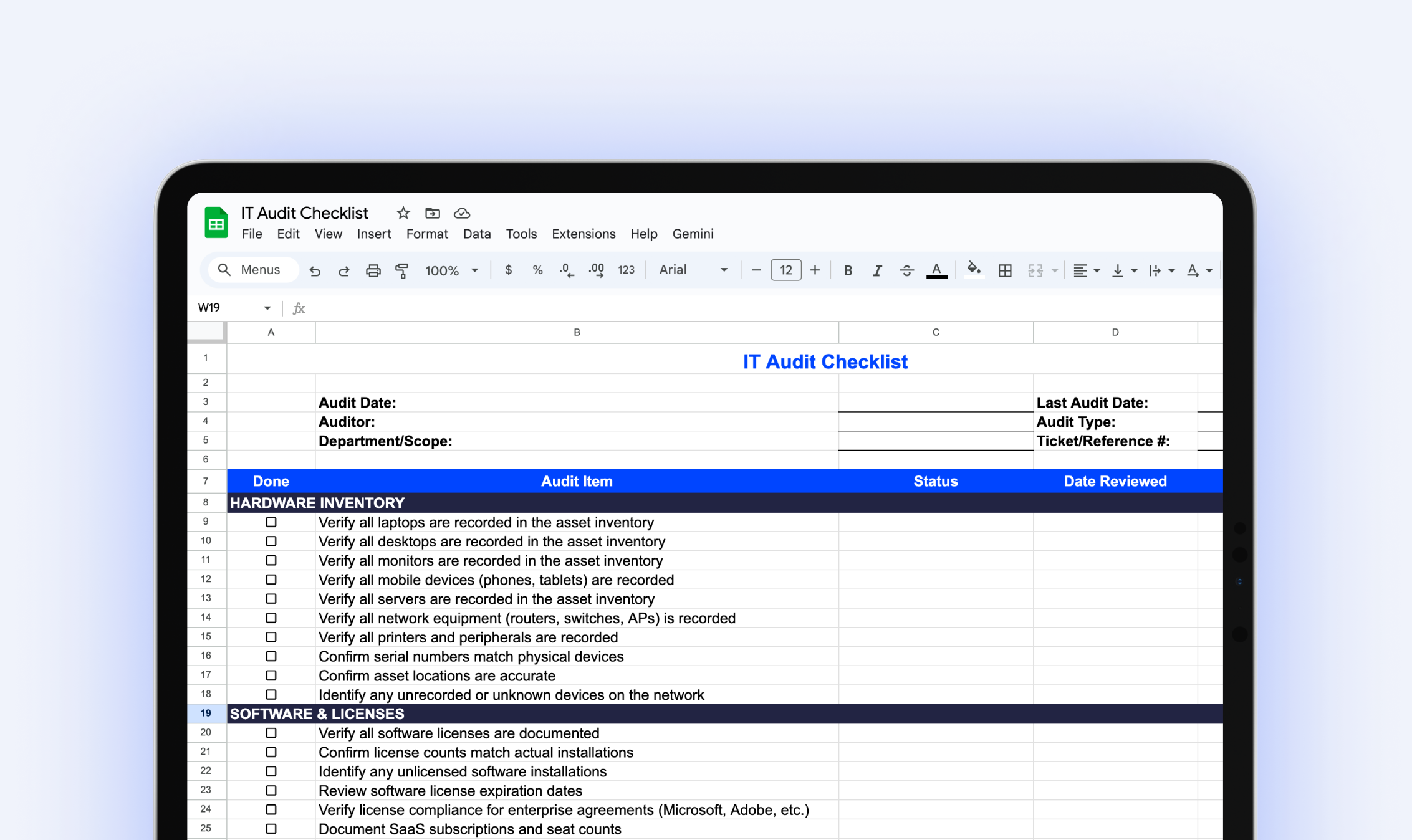
IT Audit Checklist
Download our free IT audit checklist to systematically review your hardware inventory, software licenses, user access, security controls, and IT documentation.
Try it free for 14 days
Try BlueTally free for 14 days — the ITAM platform trusted by top IT teams. No credit card required.


