Free IT Onboarding Checklist
Download our free IT onboarding checklist to make sure every new hire has the accounts, access, and equipment they need from day one. Covers pre-start preparation through first week follow-up.
What's Included in This Checklist
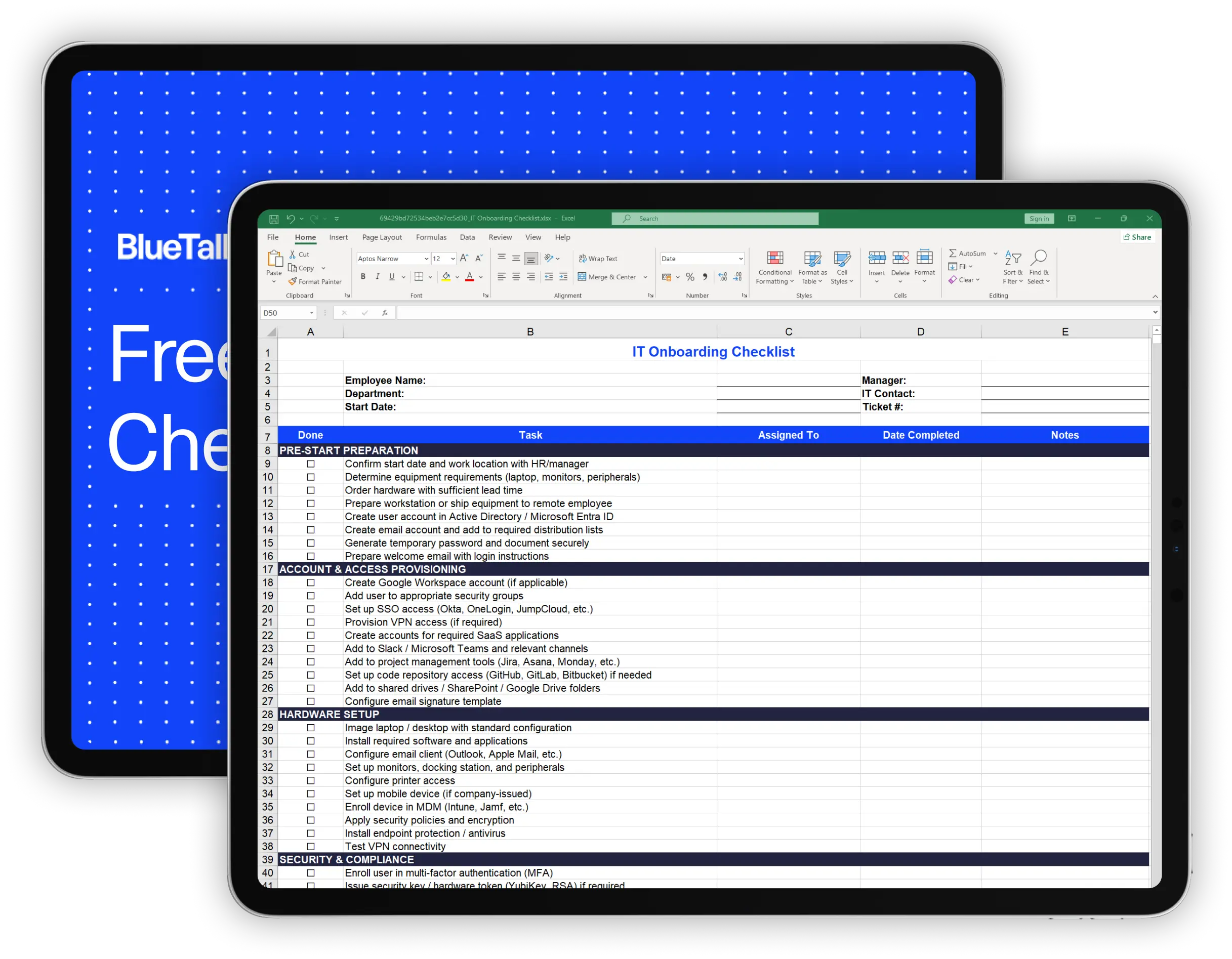
This IT onboarding checklist covers the 52 tasks IT teams need to complete when a new employee joins. It's organized into six sections that follow the natural onboarding timeline:
Confirm start date and equipment requirements, order hardware, create user accounts, set up email, and prepare login credentials before the employee arrives.
Set up identity provider accounts, add the employee to security groups, provision SSO and VPN access, create SaaS application accounts, and add them to Slack, Teams, and project management tools.
Image the laptop with your standard configuration, install required software, configure email and peripherals, enroll the device in MDM, apply security policies, and test connectivity.
Enroll the user in MFA, issue security keys if required, set up building access, schedule security training, and document assigned assets in your inventory system.
Verify the employee can log in everywhere, walk through password and MFA setup, review IT policies, demonstrate key tools, and answer immediate questions.
Check in to resolve issues, confirm software and access, verify training completion, and close out the onboarding record.
How to Use This Checklist
1. Download and customize
Download the Excel file or make a copy of the Google Sheets version. Every organization has different tools and requirements, so add or remove tasks to match your environment.
2. Start before the employee does
The most important section is pre-start preparation. Ideally, you begin onboarding tasks 1-2 weeks before the start date. This gives you time to order equipment, create accounts, and have everything ready when the employee arrives.
3. Fill in the employee details
Enter the new hire's name, department, start date, manager, and the IT contact responsible for onboarding. If you use a ticketing system, add the ticket number for tracking.
4. Work through each section in order
The checklist follows a logical sequence: preparation, provisioning, setup, security, first day, first week. Complete each section before moving to the next.
5. Assign tasks if needed
If multiple IT team members are involved, use the "Assigned To" column to clarify responsibilities. Track completion dates and add notes for anything that requires follow-up.
6. Sign off and file
Once everything is complete, have the responsible IT staff member sign off. Keep the completed checklist for your records - it's useful for compliance audits and helps if the employee reports issues later.
Why IT Onboarding Matters
A new employee's first impression of your company often starts with IT. If they show up and can't log in, don't have a laptop, or spend their first week waiting for access, that sets a negative tone.
Productivity starts on day one
Every hour a new hire spends waiting for account access or troubleshooting equipment is an hour they're not doing their job. Good IT onboarding means they can contribute immediately.
Security starts on day one too
Proper onboarding includes MFA enrollment, security training, and appropriate access controls. Skipping these steps creates vulnerabilities that are harder to fix later.
It reflects on the whole company
New employees talk to each other. A smooth onboarding experience signals that the company is organized and values its people. A chaotic one signals the opposite.
Compliance requires documentation
Many security frameworks require evidence that employees received appropriate access and training. A completed onboarding checklist provides that documentation.
When a Checklist Isn't Enough
Spreadsheet checklists work well for small teams onboarding a few employees per month. But they have limits:
No automation
A checklist can remind you to create an account, but you still have to log into each system and do it manually. For organizations using many SaaS tools, this is time-consuming and error-prone.
No integration with your systems
Your checklist doesn't know what equipment is available in inventory, what software licenses are free, or whether the employee's manager has approved their access requests.
Hard to scale
If you're onboarding multiple employees per week, duplicating spreadsheets and tracking each one manually becomes a burden. Things slip through the cracks.
Limited visibility
Managers and HR can't easily see onboarding status without asking IT. There's no dashboard, no automated notifications, no audit trail.
If you're experiencing these pain points, IT asset management software can help
BlueTally tracks all your equipment and integrates with identity providers, so you can see what's available, assign assets to new hires, and keep a complete record of who has what. Start a free 14-day trial with no credit card required to see how it works.

Frequently Asked Questions
What is an IT onboarding checklist?

What should be included in an IT onboarding checklist?
When should IT onboarding start?
How do I onboard remote employees?
What's the difference between IT onboarding and HR onboarding?
These resources may also be helpful

The MDM Paradox: Why Device Management Doesn't Solve Asset Management
Download our free whitepaper to learn why IT teams invested in mobile device management (MDM) tools, yet still can't answer "Where are our devices?" - and what to do about it.
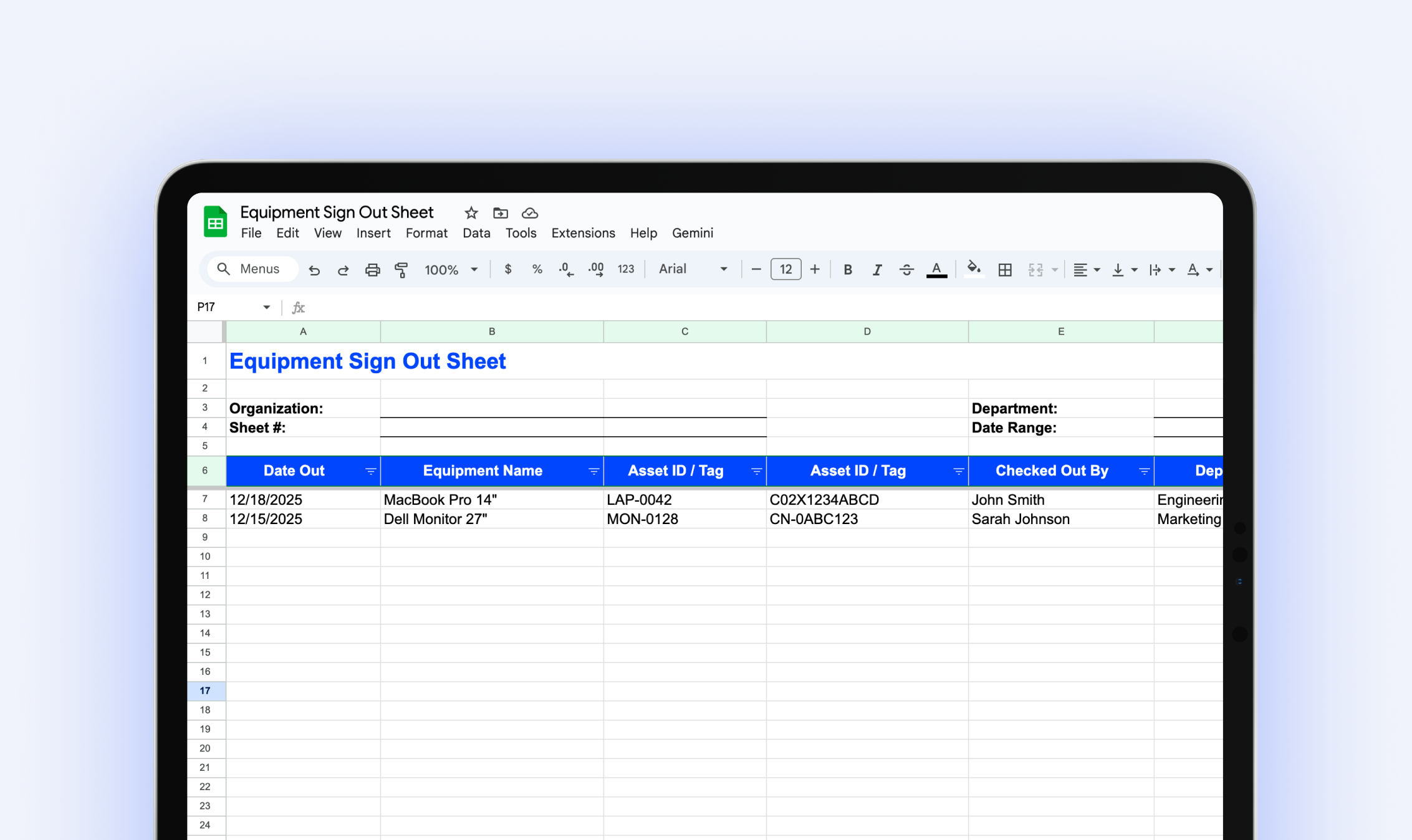
Equipment Sign Out Sheet
Download our free equipment sign out sheet to track who has what equipment, when it's due back, and what condition it's in when returned.
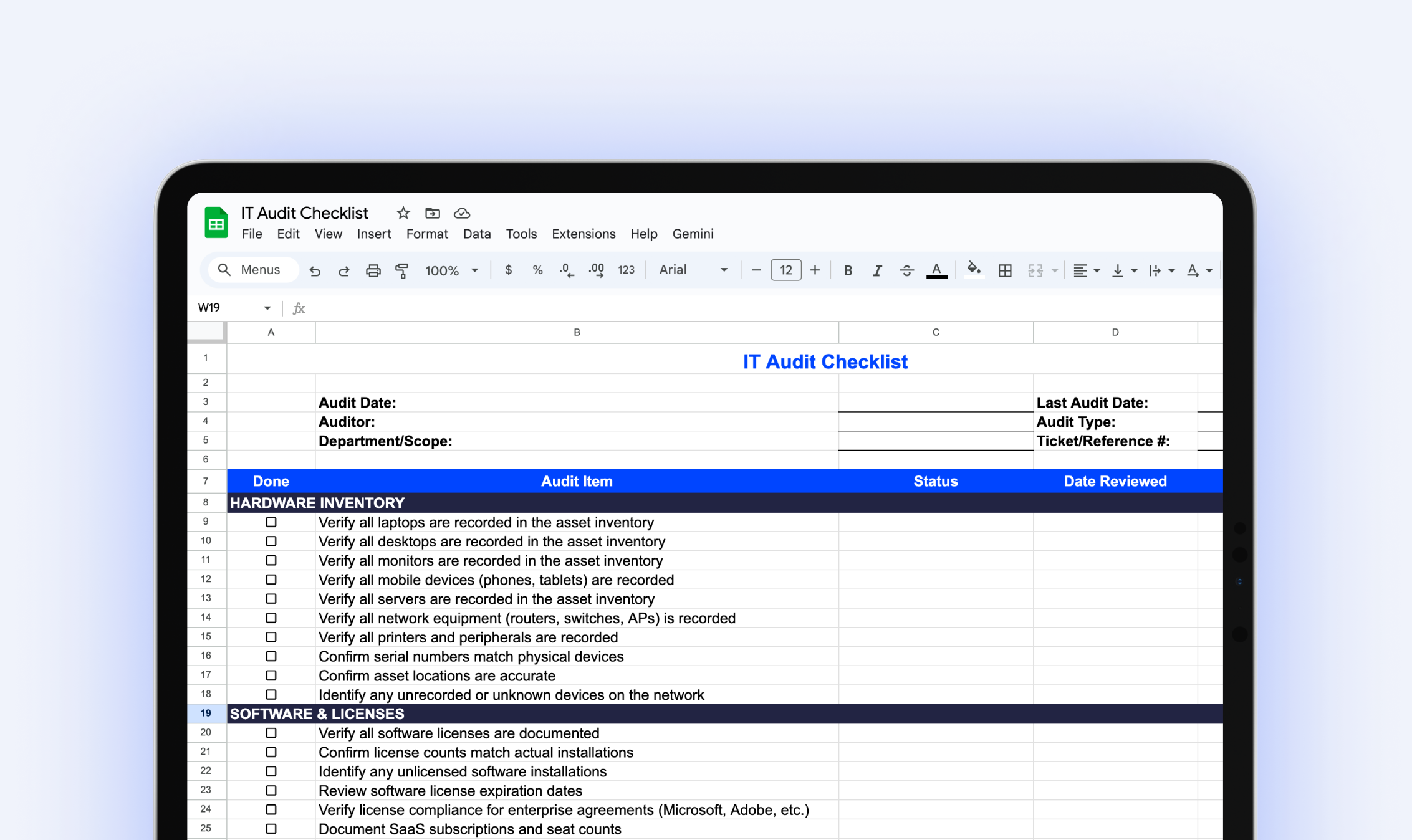
IT Audit Checklist
Download our free IT audit checklist to systematically review your hardware inventory, software licenses, user access, security controls, and IT documentation.
.webp)
The IT Manager's Guide: 10 Asset Management Mistakes to Avoid
Download our free IT asset management guide to avoid common pitfalls, streamline tracking, and protect company assets.
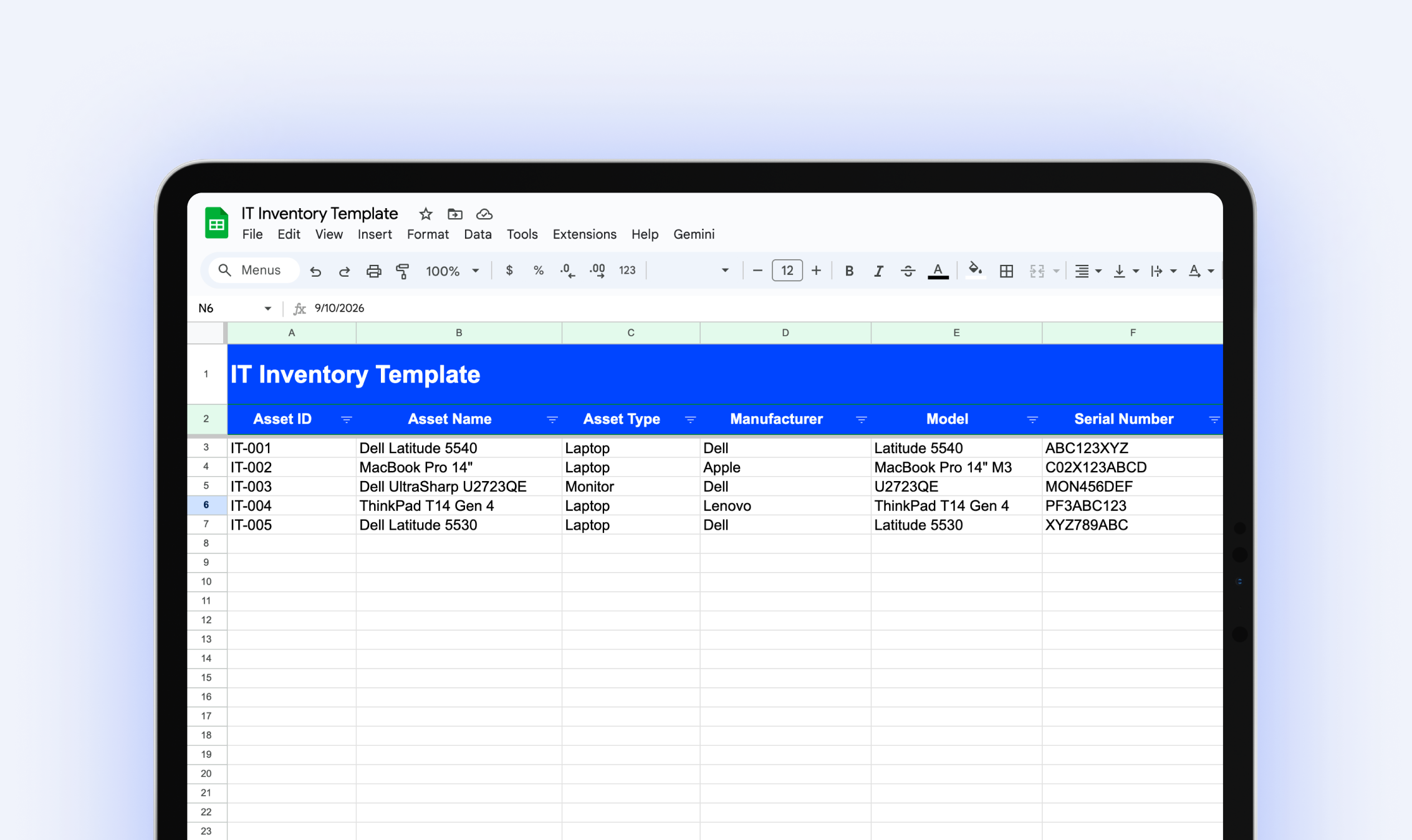
IT Inventory Template
Download our free IT inventory template to track all your organization's hardware, software, and equipment in one place.
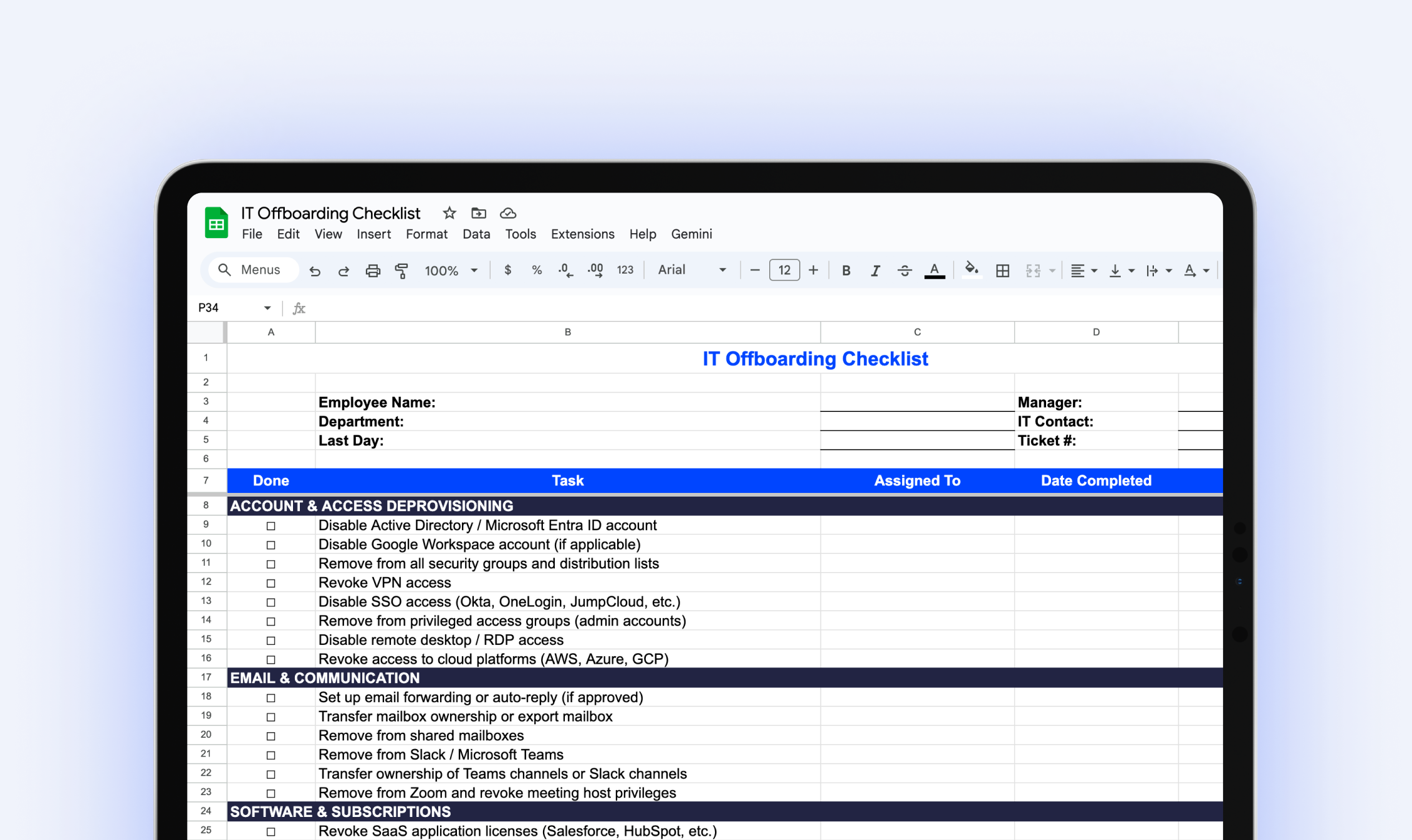
IT Offboarding Checklist
Download our free IT Offboarding Checklist and stay in control when an employee leaves, with clear steps to revoke access, recover equipment, and protect company data.
Try it free for 14 days
Try BlueTally free for 14 days — the ITAM platform trusted by top IT teams. No credit card required.


