Free IT Audit Checklist
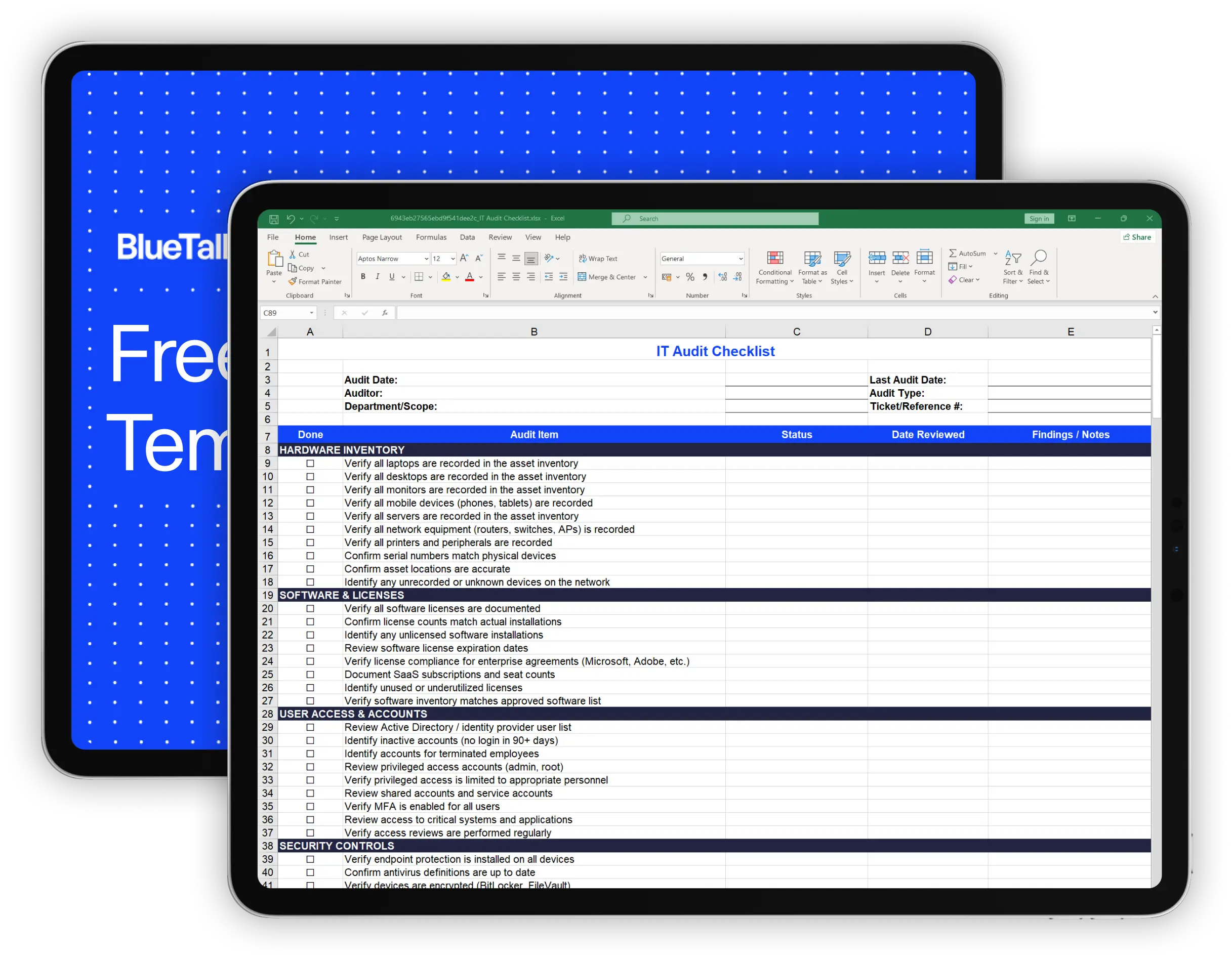
Download our free IT audit checklist to systematically review your hardware inventory, software licenses, user access, security controls, and IT documentation. Designed for internal IT audits and compliance preparation.
What's Included in This Checklist
This IT audit checklist covers 65 items across the eight areas that matter most for IT operations and compliance. Use it for regular internal audits or to prepare for external assessments.
Verify that all laptops, desktops, monitors, mobile devices, servers, and network equipment are recorded in your asset inventory. Confirm serial numbers match physical devices and locations are accurate. Identify any unrecorded or unknown devices on your network.
Review software license documentation, confirm license counts match installations, identify unlicensed software, and check expiration dates. Document SaaS subscriptions and identify unused licenses you could reclaim.
Review your identity provider for inactive accounts, terminated employee accounts that should have been removed, and privileged access assignments. Verify MFA is enabled and access reviews are happening regularly.
Confirm endpoint protection is installed and current, devices are encrypted, patches are applied within policy timeframes, and security awareness training is completed.
Verify backup schedules are running, test restore processes, review retention periods, and document your recovery time and recovery point objectives.
Review network diagrams for accuracy, verify segmentation, check wireless security, and confirm network monitoring is in place.
Review server room access controls, badge assignments, visitor procedures, and equipment disposal processes.
Confirm IT policies are current, incident response and disaster recovery plans are documented, and your asset inventory has been updated recently.
How to Use This Checklist
1. Download and customize
Download the Excel file or make a copy of the Google Sheets version. Add or remove items based on your environment and compliance requirements. Not every organization needs every item.
2. Define the audit scope
Fill in the audit details at the top: date, auditor name, scope (full IT audit or specific department/area), and reference to your last audit. This helps track audit history over time.
3. Work through each section systematically
For each item, mark it as Pass, Fail, Partial, N/A, or Needs Review. Record the date you reviewed it and add notes about any findings or exceptions.
4. Document findings, not just status
The real value is in the Findings/Notes column. When something fails or partially passes, document specifically what was wrong and what needs to be fixed. This creates a remediation roadmap.
5. Summarize and follow up
Use the audit summary section to tally results. Share findings with stakeholders and create tickets or tasks for items that need remediation. Schedule follow-up to verify fixes.
6. Keep records
Save completed checklists for your records. Auditors - both internal and external - want to see evidence of regular reviews. A history of completed audits demonstrates mature IT governance.
Why Regular IT Audits Matter
IT audits aren't just for compliance. Regular self-audits help you catch problems before they become incidents.
Find what's missing from your inventory
Every audit turns up devices that were never recorded, equipment that moved without being updated, or assets assigned to people who left. Catching these gaps keeps your inventory accurate.
Identify access that should have been revoked
Orphaned accounts - active credentials for terminated employees - are one of the most common audit findings. Regular reviews catch these before they become security incidents.
Reclaim unused licenses
Software licenses assigned to inactive users or unused SaaS seats are money wasted. Audits help you identify and reclaim these.
Prepare for external audits
If you're working toward SOC 2, ISO 27001, or other certifications, internal audits help you identify gaps before external auditors do. It's better to find problems yourself.
When a Checklist Isn't Enough
Spreadsheet checklists work for periodic audits, but they have limitations:
Your inventory is only as good as your last update
A checklist can prompt you to verify that assets are recorded, but if your underlying inventory is out of date, you're auditing stale data.
Manual verification is time-consuming
Walking through every item on this checklist manually - checking serial numbers, reviewing user accounts, verifying software installations - takes hours or days depending on your organization's size.
Point-in-time snapshots miss ongoing issues
An audit tells you the state of things on audit day. It doesn't catch the laptop that was assigned yesterday without being recorded, or the account that was created last week without MFA.
Findings get lost without tracking
You can document findings in the Notes column, but a spreadsheet doesn't automatically create remediation tickets, send reminders, or track whether issues were actually fixed.
If you're auditing regularly and finding the same issues repeatedly, you may need better underlying systems.
BlueTally keeps your IT asset inventory current by syncing with your device management and identity tools, so when audit time comes, you're verifying accurate data - not discovering how out of date your spreadsheet is. Start a free 14-day trial with no credit card required to see how it works.

Frequently Asked Questions
What is an IT audit checklist?

How often should I conduct an IT audit?
What's the difference between an IT audit and a security audit?
Who should perform an IT audit?
What should I do with audit findings?
These resources may also be helpful
The MDM Paradox: Why Device Management Doesn't Solve Asset Management
Download our free whitepaper to learn why IT teams invested in mobile device management (MDM) tools, yet still can't answer "Where are our devices?" - and what to do about it.
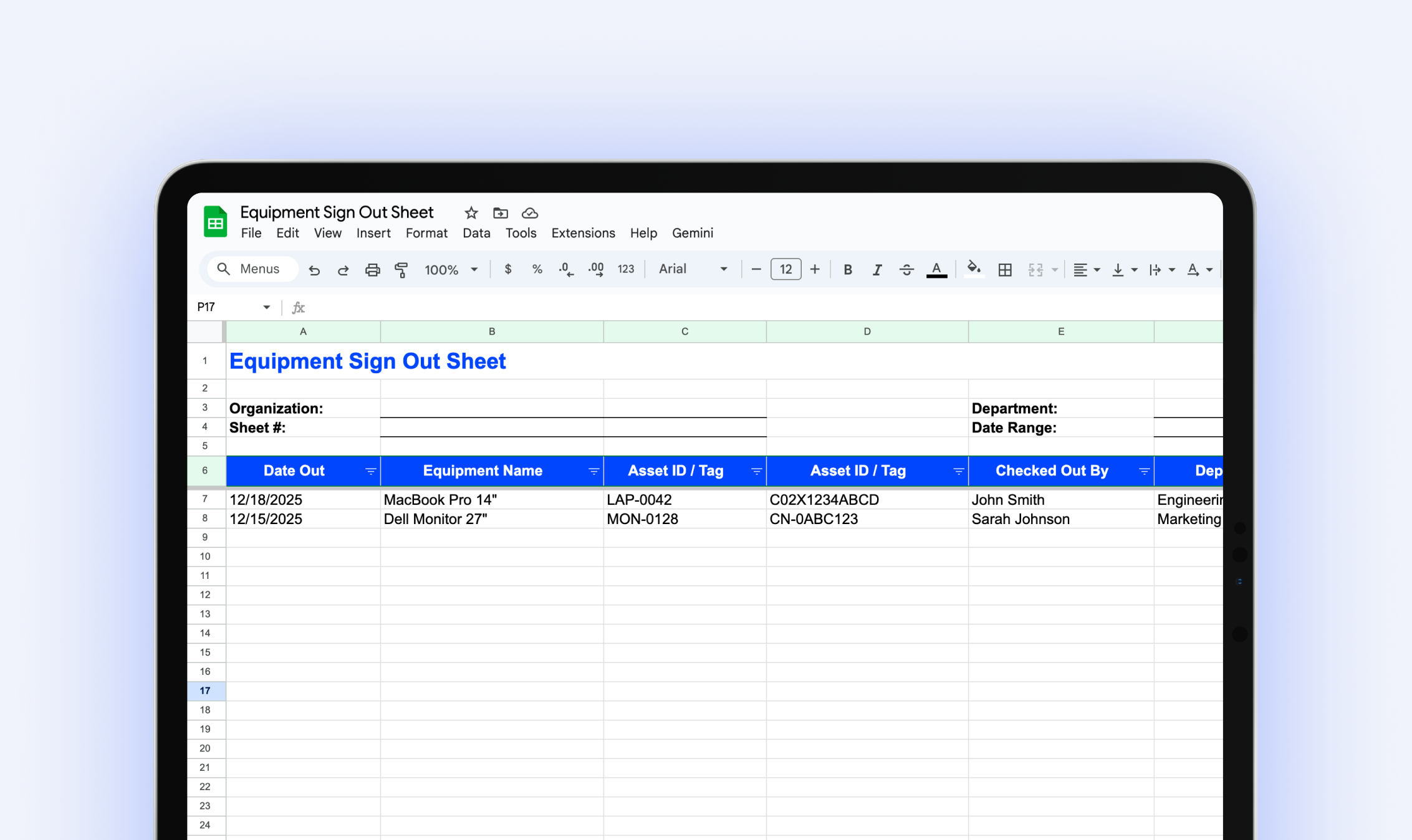
Equipment Sign Out Sheet
Download our free equipment sign out sheet to track who has what equipment, when it's due back, and what condition it's in when returned.
.webp)
The IT Manager's Guide: 10 Asset Management Mistakes to Avoid
Download our free IT asset management guide to avoid common pitfalls, streamline tracking, and protect company assets.
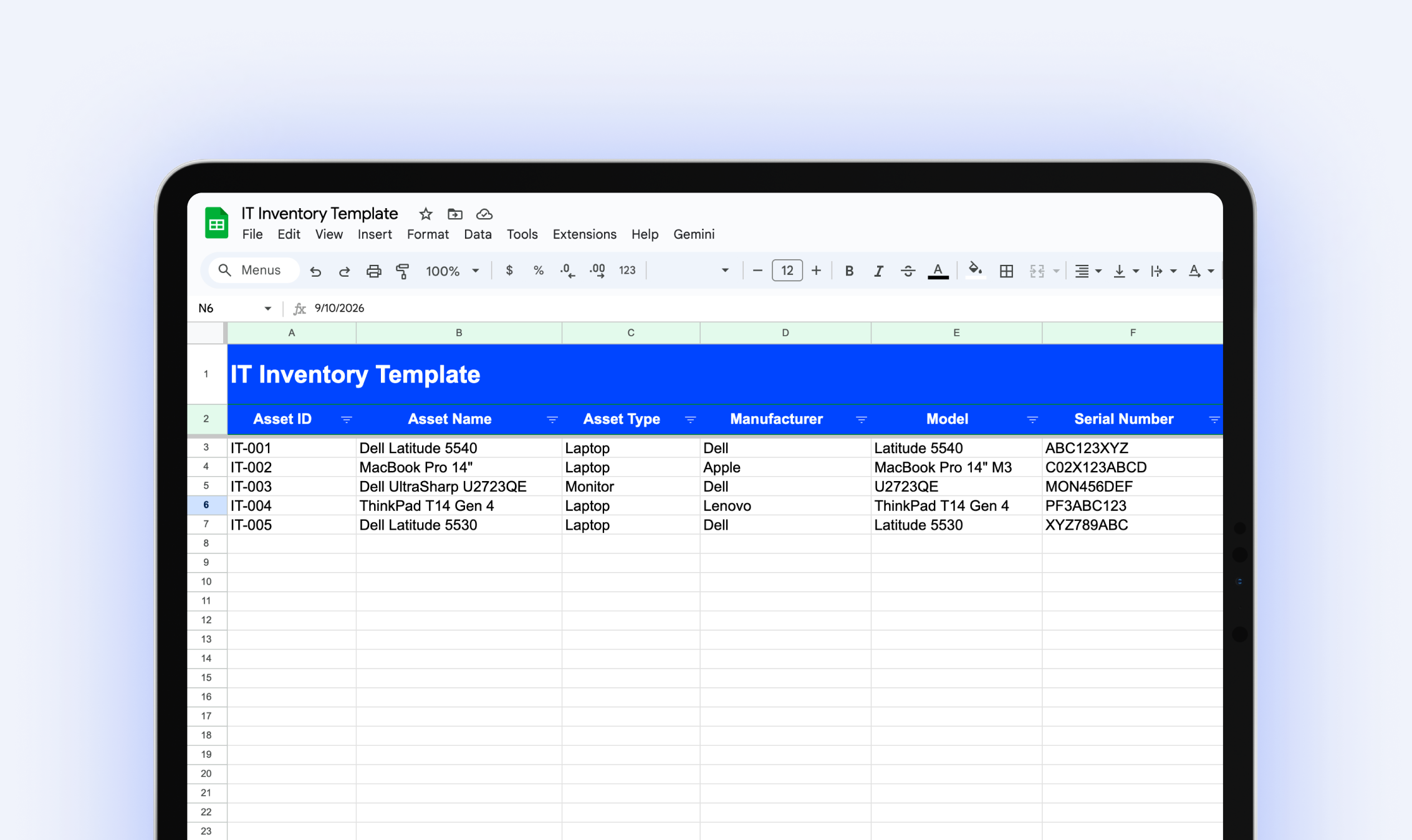
IT Inventory Template
Download our free IT inventory template to track all your organization's hardware, software, and equipment in one place.
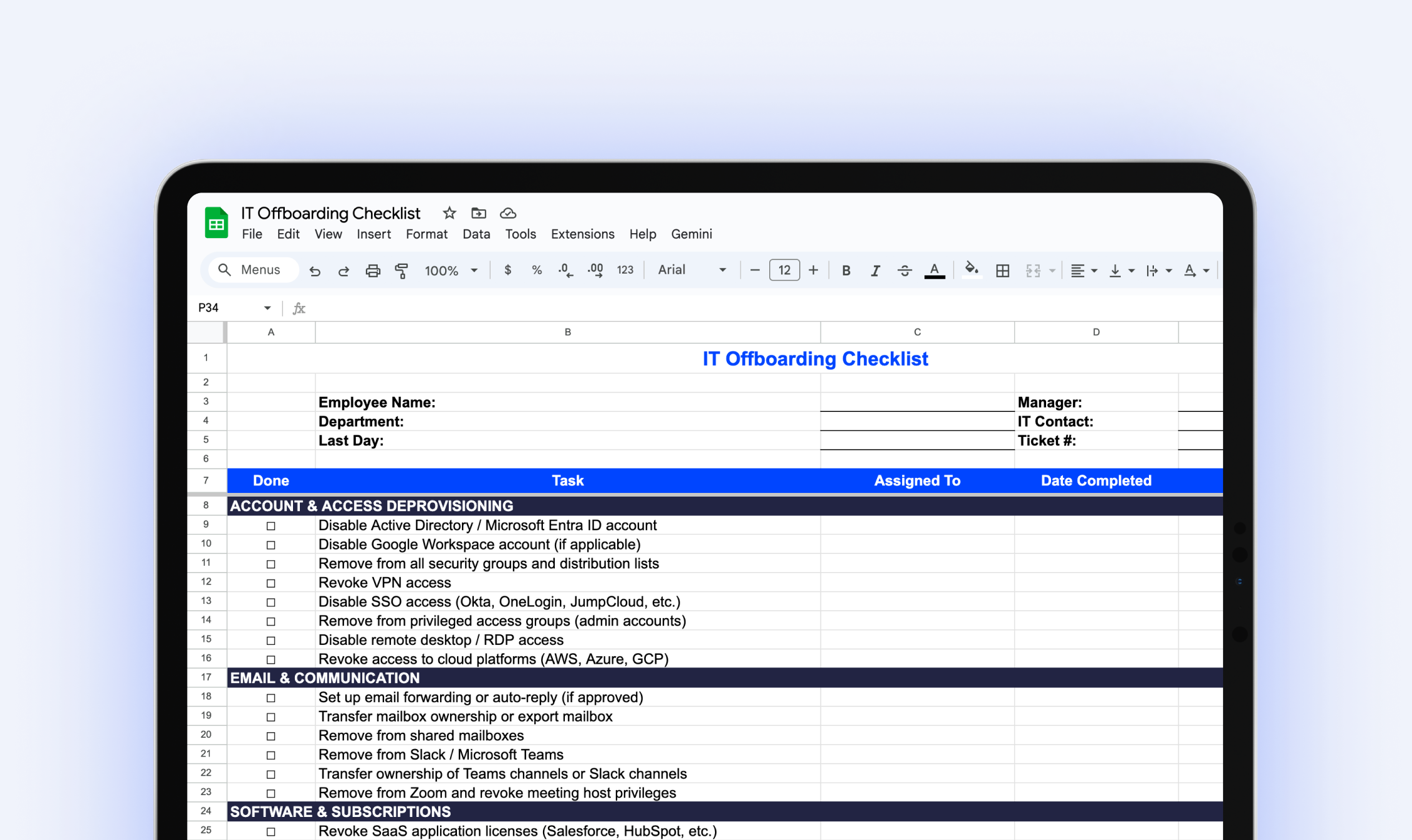
IT Offboarding Checklist
Download our free IT Offboarding Checklist and stay in control when an employee leaves, with clear steps to revoke access, recover equipment, and protect company data.
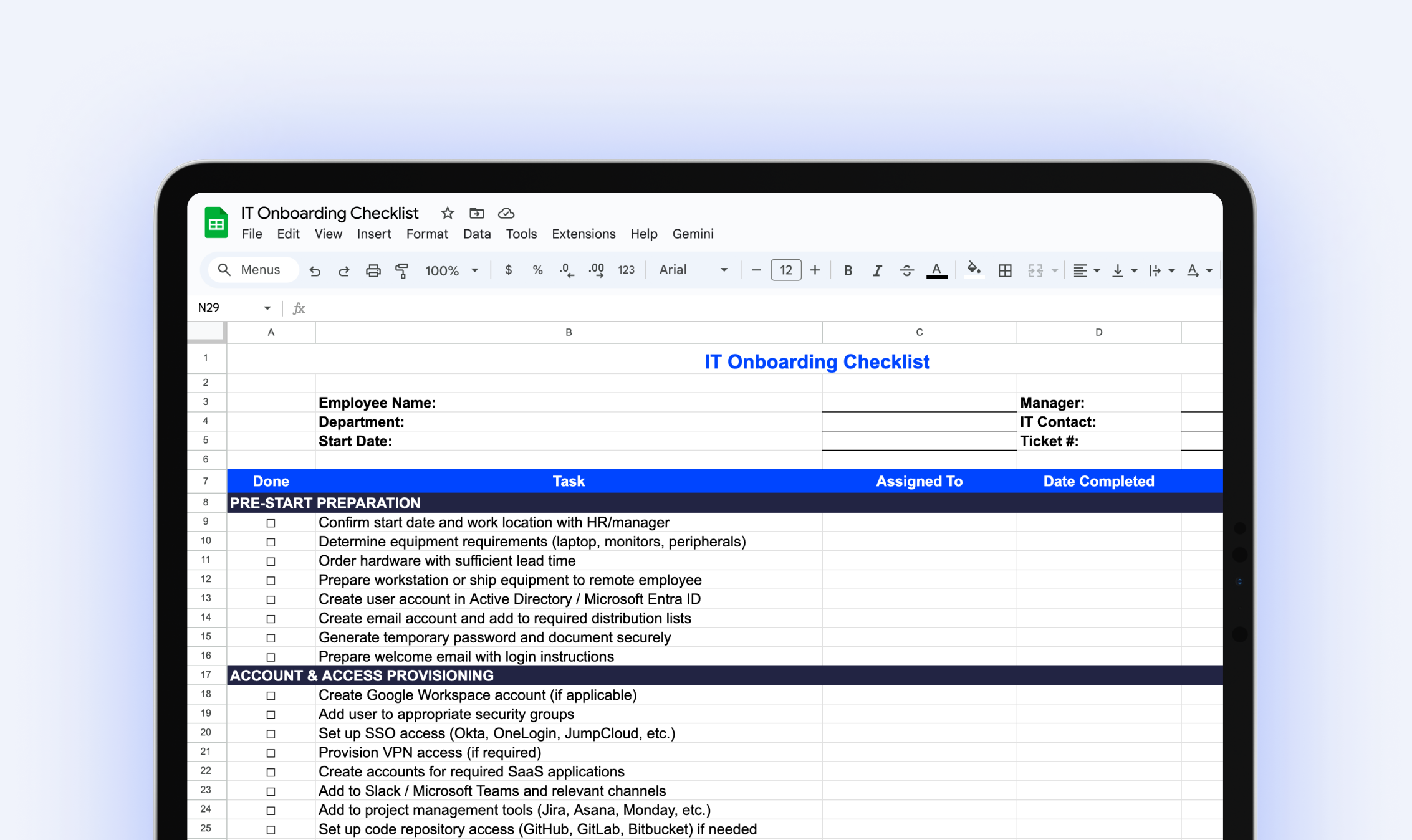
IT Onboarding Checklist
Download our free IT onboarding checklist to make sure every new hire has the accounts, access, and equipment they need from day one.
Try it free for 14 days
Try BlueTally free for 14 days — the ITAM platform trusted by top IT teams. No credit card required.


