Free IT Offboarding Checklist
When an employee leaves, IT has a narrow window to revoke access, recover equipment, and protect company data. Miss a step and you're exposed to security risks, compliance gaps, and lost assets. This checklist keeps you covered.
What's Included in This Checklist
This IT offboarding checklist covers the 43 tasks IT teams need to complete when an employee departs. It's organized into six sections that follow a logical offboarding workflow:
Disable Active Directory and identity provider accounts, remove the employee from security groups and distribution lists, revoke VPN and remote access, and disable SSO access across your environment.
Set up email forwarding if approved, transfer mailbox ownership, remove the employee from shared mailboxes, and clean up Slack, Teams, and Zoom access.
Revoke SaaS licenses, transfer file ownership in Google Drive or OneDrive, remove access to code repositories and project management tools, and revoke any API keys or access tokens.
Track collection of laptops, monitors, phones, tablets, peripherals, security keys, and access badges. Everything you need to account for company-owned equipment.
Backup files per your retention policy, wipe devices, handle BYOD scenarios, and change any shared passwords the employee had access to.
Update your asset inventory, close out IT tickets, and confirm completion with HR.
How to use this Checklist
1. Download and customize
Download the Excel file or make a copy of the Google Sheets version. Add or remove tasks based on your environment - not every organization uses the same tools or has the same security requirements.
2. Fill in the employee details
At the top of the checklist, enter the departing employee's name, department, last day, manager, and the IT contact responsible for the offboarding. If you use a ticketing system, add the ticket number for tracking.
3. Work through each section
Start with account deprovisioning - this is the most time-sensitive part. Disabling accounts and revoking access should happen on or before the employee's last day. Hardware collection and documentation can follow.
4. Assign tasks and track completion
Use the "Assigned To" column if multiple people are involved in the offboarding. Check off each task as it's completed and add the date. The "Notes" column is useful for documenting exceptions or issues.
5. Sign off and file
Once everything is complete, have the responsible IT staff member sign off at the bottom. Keep the completed checklist for your records - you may need it for compliance audits or if questions come up later.
Why IT Offboarding Matters
A departing employee who still has access to company systems is a security risk. Whether they left on good terms or not, orphaned accounts and forgotten access create vulnerabilities:
Security incidents are common
Former employees with active credentials can access sensitive data, sometimes months after leaving. In some cases, this is malicious. More often, it's simply that no one remembered to revoke access.
Compliance requires it
SOC 2, ISO 27001, HIPAA, and most security frameworks require documented offboarding procedures. Auditors want to see that you have a process and that you follow it consistently.
Equipment gets lost
Without a checklist, it's easy to forget that the departing employee had a second monitor at home, or a YubiKey, or a company phone. Unreturned equipment adds up.
Licenses cost money
Every SaaS seat assigned to a former employee is money wasted. A thorough offboarding process ensures you reclaim licenses promptly.
When a Checklist Isn't Enough
Spreadsheet checklists work when you're offboarding a few employees per month and have a small IT team. But they start to break down when:
You're offboarding at scale
If you're processing multiple departures per week, manually working through a spreadsheet for each one becomes tedious and error-prone.
You need integration with your systems
A checklist can remind you to disable an account, but it can't actually disable the account. You're still logging into each system manually.
Audit trails matter
Spreadsheets don't provide the kind of timestamped, tamper-evident records that auditors prefer. You can document completion, but it's easy to backdate or modify.
Your asset inventory is disconnected
If you're tracking equipment collection on an offboarding checklist but your asset inventory lives somewhere else, you're maintaining two sources of truth.
If any of this sounds familiar, dedicated IT asset management software can help.
BlueTally connects to your identity providers and device management tools, so you always know what equipment an employee has and what access they've been granted. When it's time to offboard, you have a complete picture in one place. Start a free 14 day trial with no credit card required to see how it works.

Frequently Asked Questions
What is an IT offboarding checklist?

What should be included in an IT offboarding checklist?
When should IT offboarding start?
How do I handle offboarding for remote employees?
What's the difference between IT offboarding and HR offboarding?
These resources may also be helpful

The MDM Paradox: Why Device Management Doesn't Solve Asset Management
Download our free whitepaper to learn why IT teams invested in mobile device management (MDM) tools, yet still can't answer "Where are our devices?" - and what to do about it.
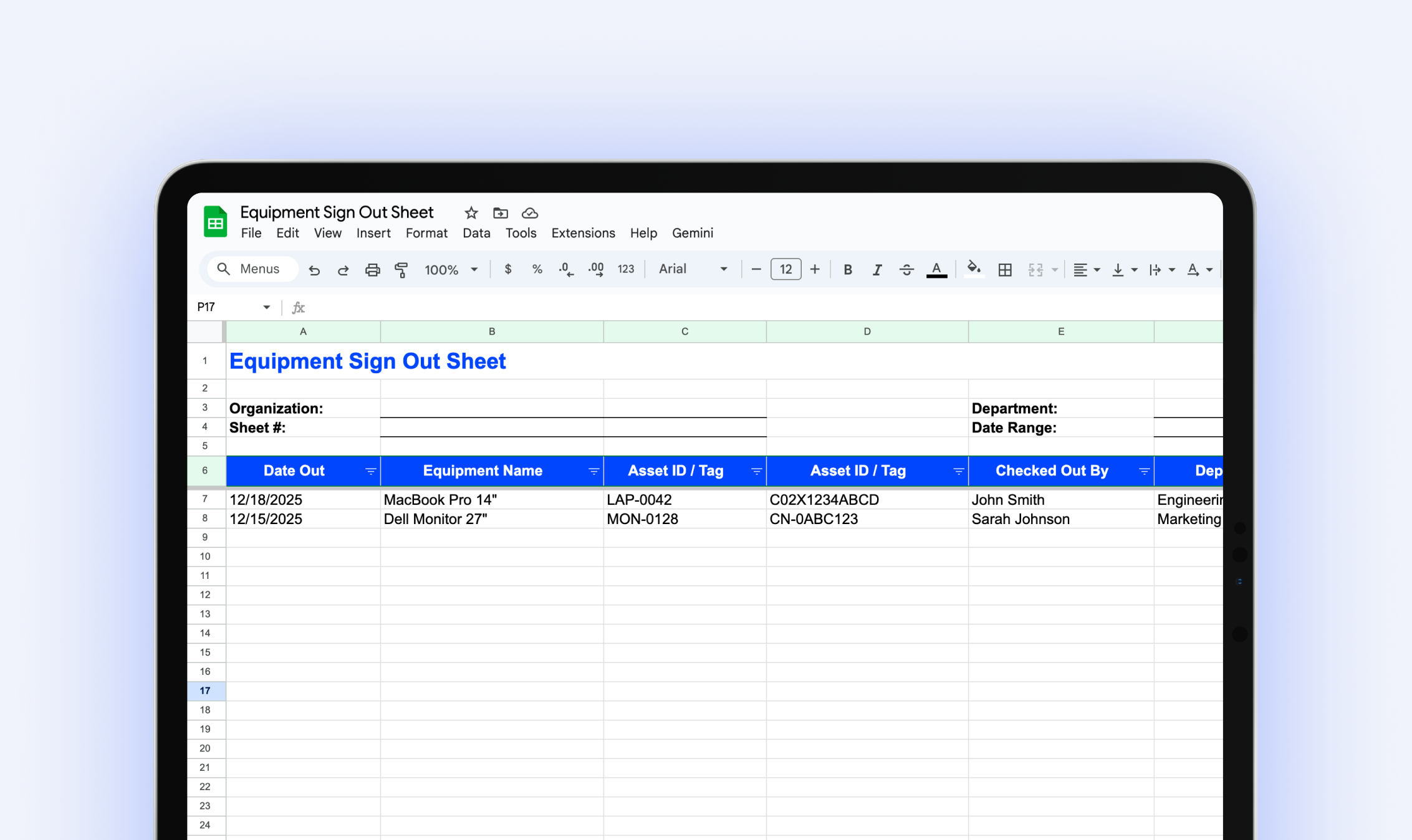
Equipment Sign Out Sheet
Download our free equipment sign out sheet to track who has what equipment, when it's due back, and what condition it's in when returned.
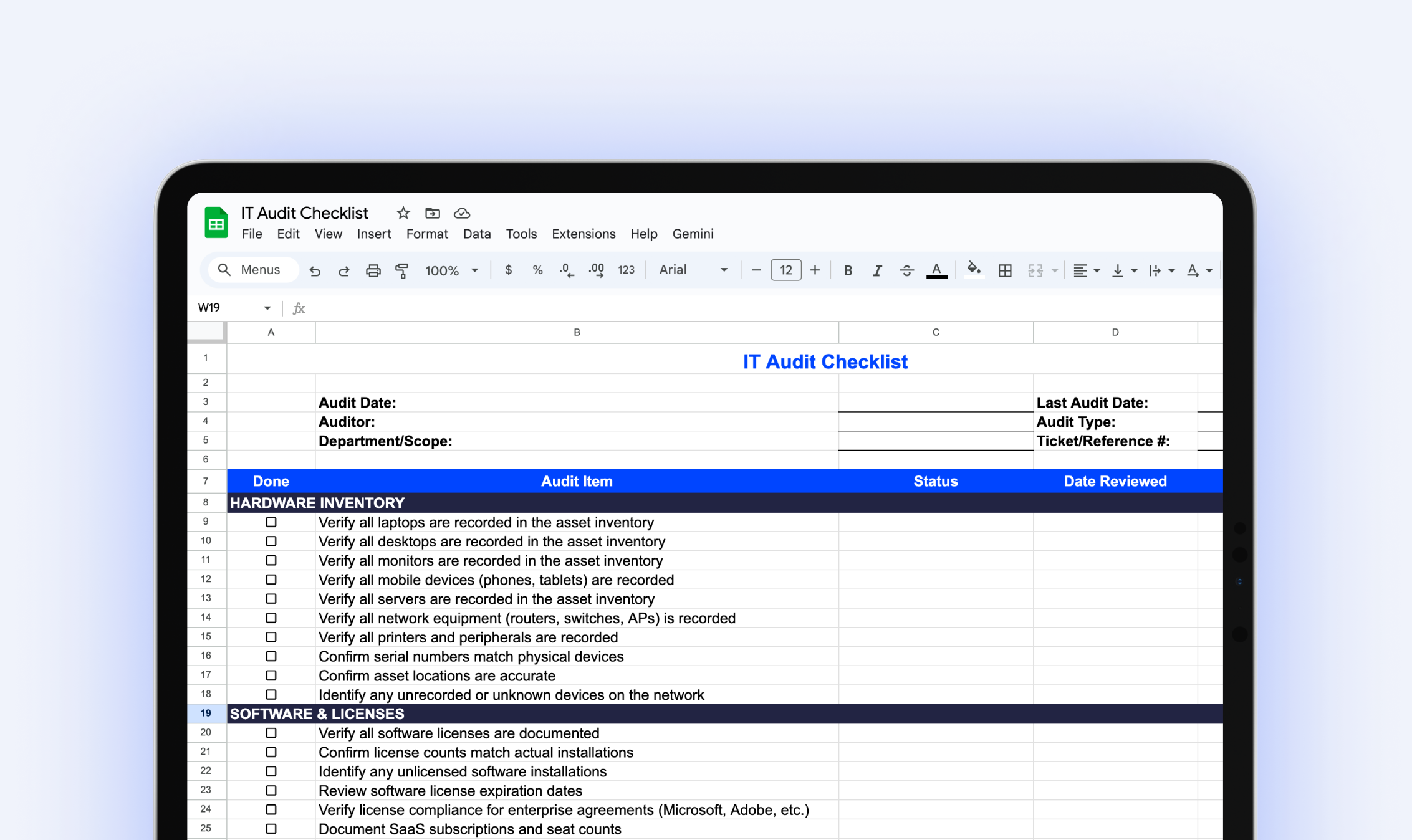
IT Audit Checklist
Download our free IT audit checklist to systematically review your hardware inventory, software licenses, user access, security controls, and IT documentation.
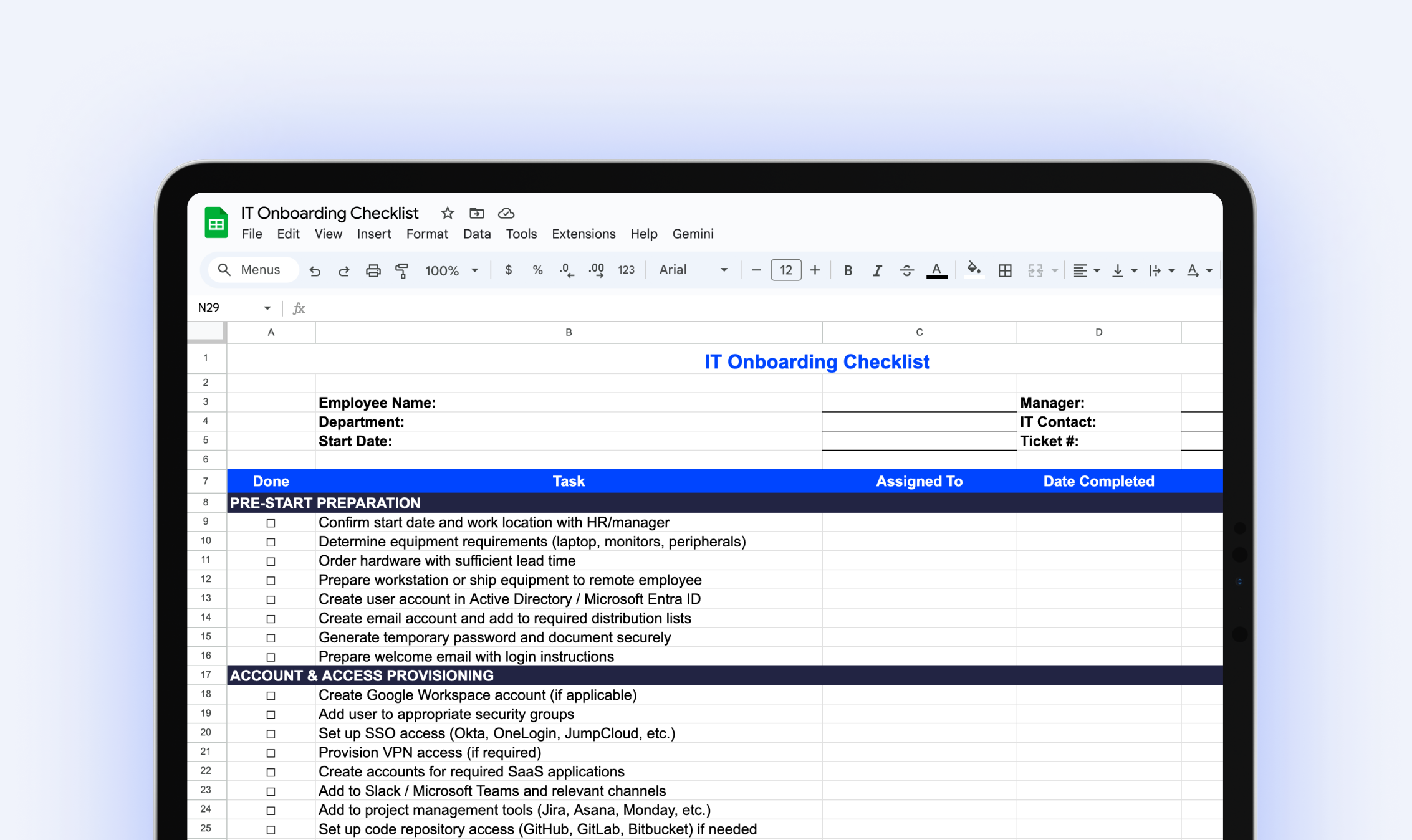
IT Onboarding Checklist
Download our free IT onboarding checklist to make sure every new hire has the accounts, access, and equipment they need from day one.
.webp)
The IT Manager's Guide: 10 Asset Management Mistakes to Avoid
Download our free IT asset management guide to avoid common pitfalls, streamline tracking, and protect company assets.
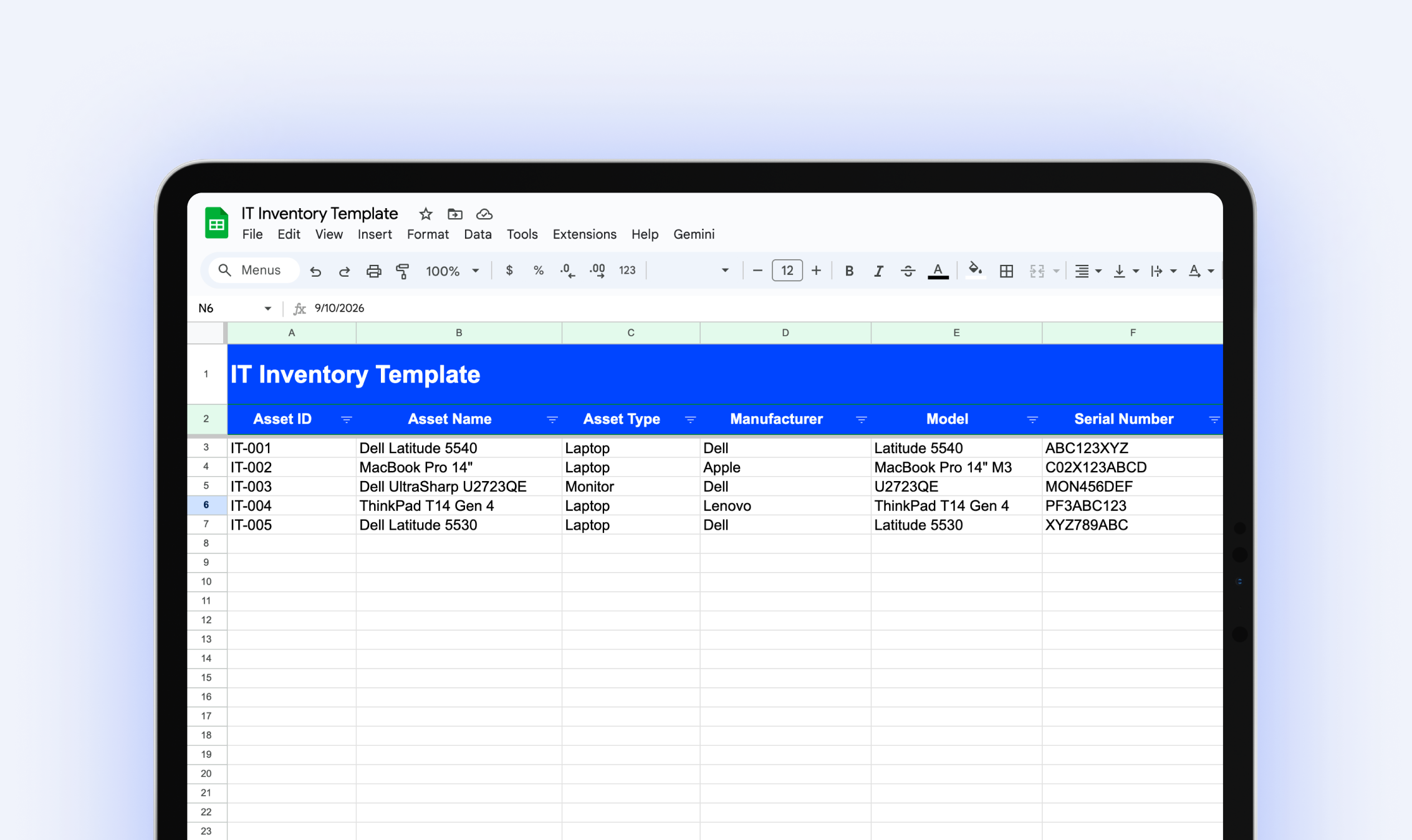
IT Inventory Template
Download our free IT inventory template to track all your organization's hardware, software, and equipment in one place.
Try it free for 14 days
Try BlueTally free for 14 days — the ITAM platform trusted by top IT teams. No credit card required.


