The IT Manager's Guide: 10 Asset Management Mistakes to Avoid
Download our free guide to the most common IT asset management pitfalls — and how to avoid them. Whether you're managing 50 devices or 5,000, these mistakes cost IT teams time, money, and visibility.
What's Included in This Template
This guide covers the 10 most common asset management mistakes IT managers make, each with a clear explanation of the issue and a practical solution.
Learn why failing to track warranty expiration dates leads to costly out-of-warranty repairs, and why ignoring end-of-life dates creates security vulnerabilities when devices stop receiving updates.
Understand how overlooking an asset's full lifecycle history leads to uninformed decisions, and why untracked maintenance records obscure recurring issues that could inform better purchasing and planning.
See how underutilized assets drive up costs and how skipping regular audits creates "ghost assets" — equipment that's lost, stolen, or otherwise unaccounted for on your books.
Discover why inadequate offboarding procedures are one of the most expensive asset management failures, and how ignoring depreciation affects both financial reporting and replacement planning.
Learn the risks of improper asset disposal — from data breaches to environmental liability — and why manual tracking with spreadsheets can't keep up with a growing device fleet.
The 10 Mistakes at a Glance
1. Not tracking warranty expiration
Failing to monitor warranty periods means paying for repairs that should be covered. The fix: set up automated alerts for upcoming expirations so you never miss a coverage window.
2. Ignoring end-of-life dates
Running assets past their EOL means no more security patches or software updates. The fix: maintain EOL dates in your asset records and plan replacements before support ends.
3. Overlooking asset history
Without a full lifecycle record, you can't make informed decisions about repair vs. replace. The fix: log every assignment, maintenance event, and issue so the asset's history travels with it.
4. Not tracking maintenance
When maintenance goes unrecorded, you miss patterns like recurring failures in a specific model. The fix: keep detailed maintenance logs and review them to spot trends that inform procurement.
5. Poor asset utilization
Underused assets are wasted budget. The fix: audit regularly to identify equipment that can be reassigned to someone who needs it or retired to free up resources.
6. Neglecting regular audits
Without routine audits, ghost assets accumulate — devices on your books that no one can actually locate. The fix: implement a scheduled auditing process to verify the presence and condition of every listed asset.
7. Inefficient offboarding processes
When employees leave without returning equipment, devices disappear permanently. The fix: establish a documented offboarding routine that ensures every assigned asset is accounted for and recovered.
8. Ignoring asset depreciation
Skipping depreciation tracking distorts your financial reporting and makes replacement planning guesswork. The fix: use standardized depreciation methods and track asset value over time.
9. Lack of asset disposal strategy
Improper disposal exposes your organization to data breaches and environmental liability. The fix: develop a secure, documented disposal process that covers data wiping, recycling, and compliance.
10. Not using asset management software
Spreadsheets are error-prone and don't scale. The fix: invest in purpose-built asset management software that provides accurate tracking, automated alerts, and real-time reporting.
This Guide Is For
IT managers building their first ITAM process
You're moving beyond spreadsheets and want to make sure you get the fundamentals right from the start. This guide gives you a checklist of what not to overlook.
IT directors inheriting an existing setup
You've taken over asset management at a new organization and need to quickly identify where the gaps are. These 10 mistakes are the most common places to look.
IT teams preparing for an audit
Auditors will ask about warranty coverage, asset location, depreciation, and disposal. This guide highlights exactly which gaps will cause problems during compliance reviews.
MSPs managing assets for multiple clients
You're responsible for hardware across several organizations. These mistakes compound across clients — catching them early saves time and protects your reputation.
When a Guide Isn't Enough
Knowing the mistakes is the first step. Avoiding them at scale requires more than awareness — it requires systems.
Warranty alerts need automation
You can't manually check expiration dates across hundreds of devices. You need a system that alerts you before warranties lapse.
Offboarding needs workflows, not reminders
Sending follow-up emails to recover equipment doesn't scale. You need automated processes tied to your HR or identity provider.
Audits need real-time data
Auditing from a spreadsheet means your data is already stale. You need a live system of record that reflects current assignments and locations.
Depreciation needs consistent calculation
Tracking depreciation in Excel works until it doesn't. You need standardized, automated calculations tied to your actual asset records.
Lifecycle planning needs visibility
Tracking depreciation in Excel works until it doesn't. You can't plan replacements if you don't know what you have, how old it is, or when support ends. You need a system that surfaces this data automatically. automated calculations tied to your actual asset records.
If you're hitting these limits, IT asset management software can help.
BlueTally gives you automated warranty alerts, offboarding workflows, audit tools, depreciation tracking, and lifecycle planning in one platform — so you can avoid all 10 mistakes without spreadsheets or manual work. Start a free 14-day trial with no credit card required to see how it works.

Frequently Asked Questions
What are the most common IT asset management mistakes?

Why is warranty tracking important for IT assets?
What are ghost assets?
How often should I audit my IT assets?
What's the difference between asset management and device management?
Can spreadsheets handle IT asset management?
These resources may also be helpful
The MDM Paradox: Why Device Management Doesn't Solve Asset Management
Download our free whitepaper to learn why IT teams invested in mobile device management (MDM) tools, yet still can't answer "Where are our devices?" - and what to do about it.
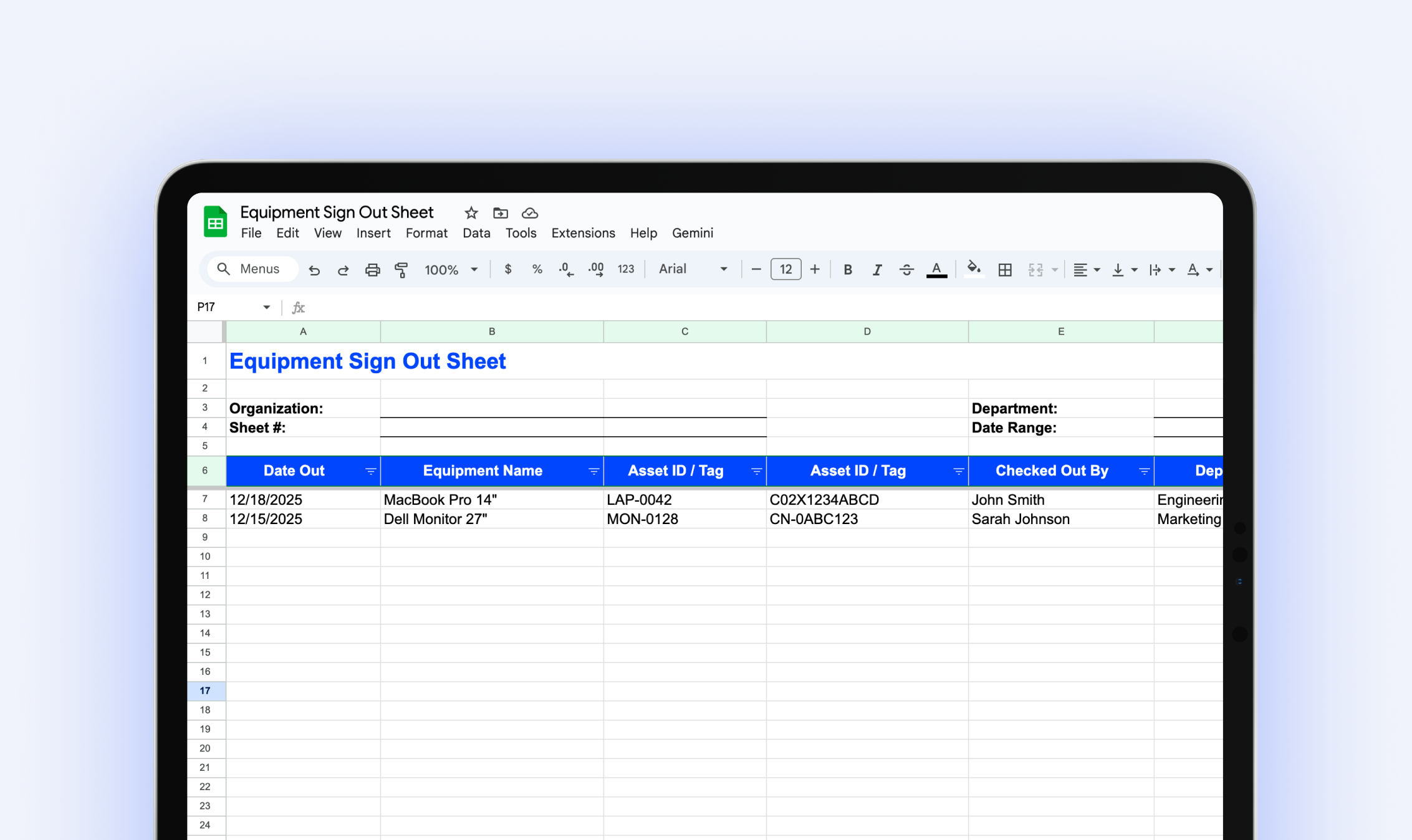
Equipment Sign Out Sheet
Download our free equipment sign out sheet to track who has what equipment, when it's due back, and what condition it's in when returned.
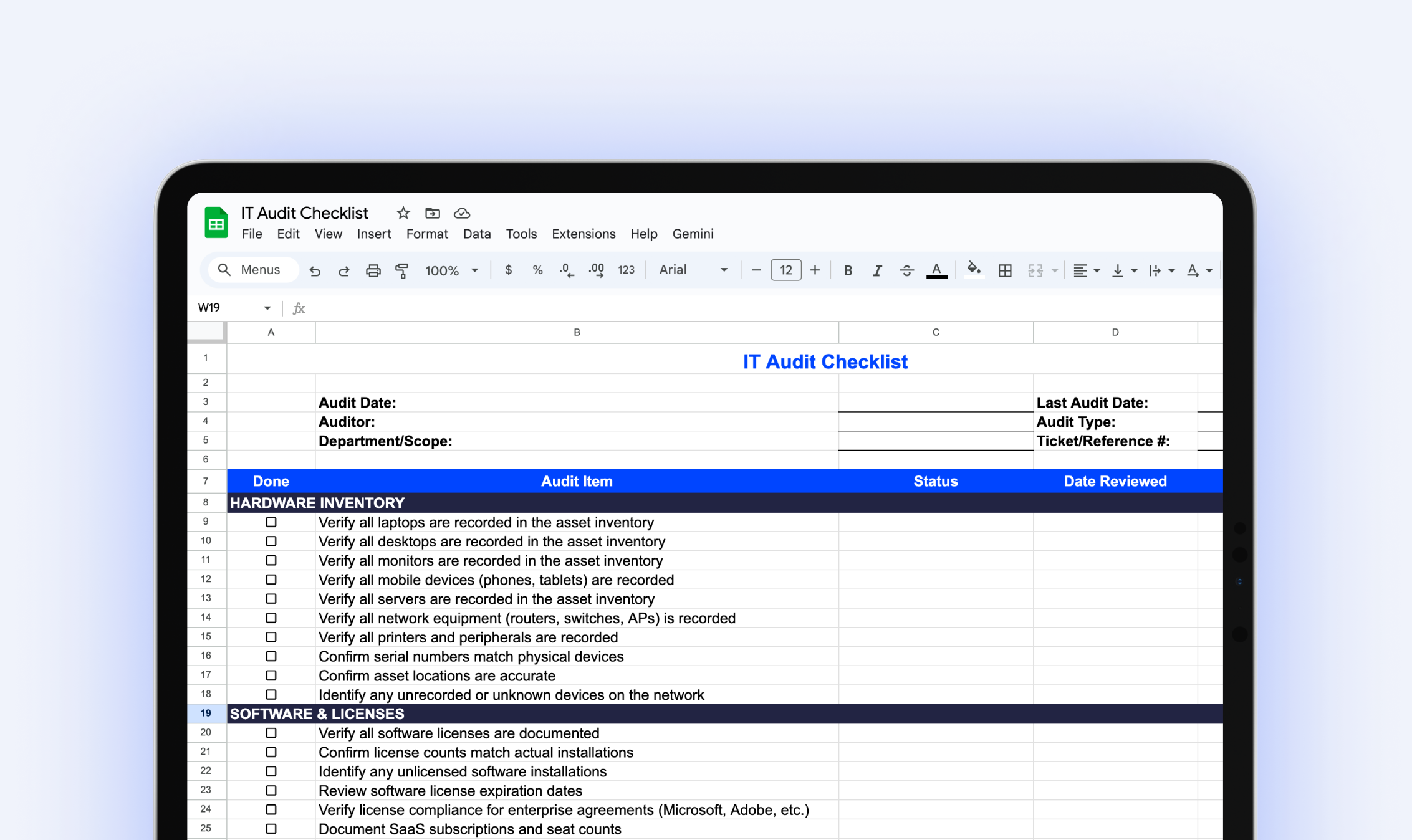
IT Audit Checklist
Download our free IT audit checklist to systematically review your hardware inventory, software licenses, user access, security controls, and IT documentation.
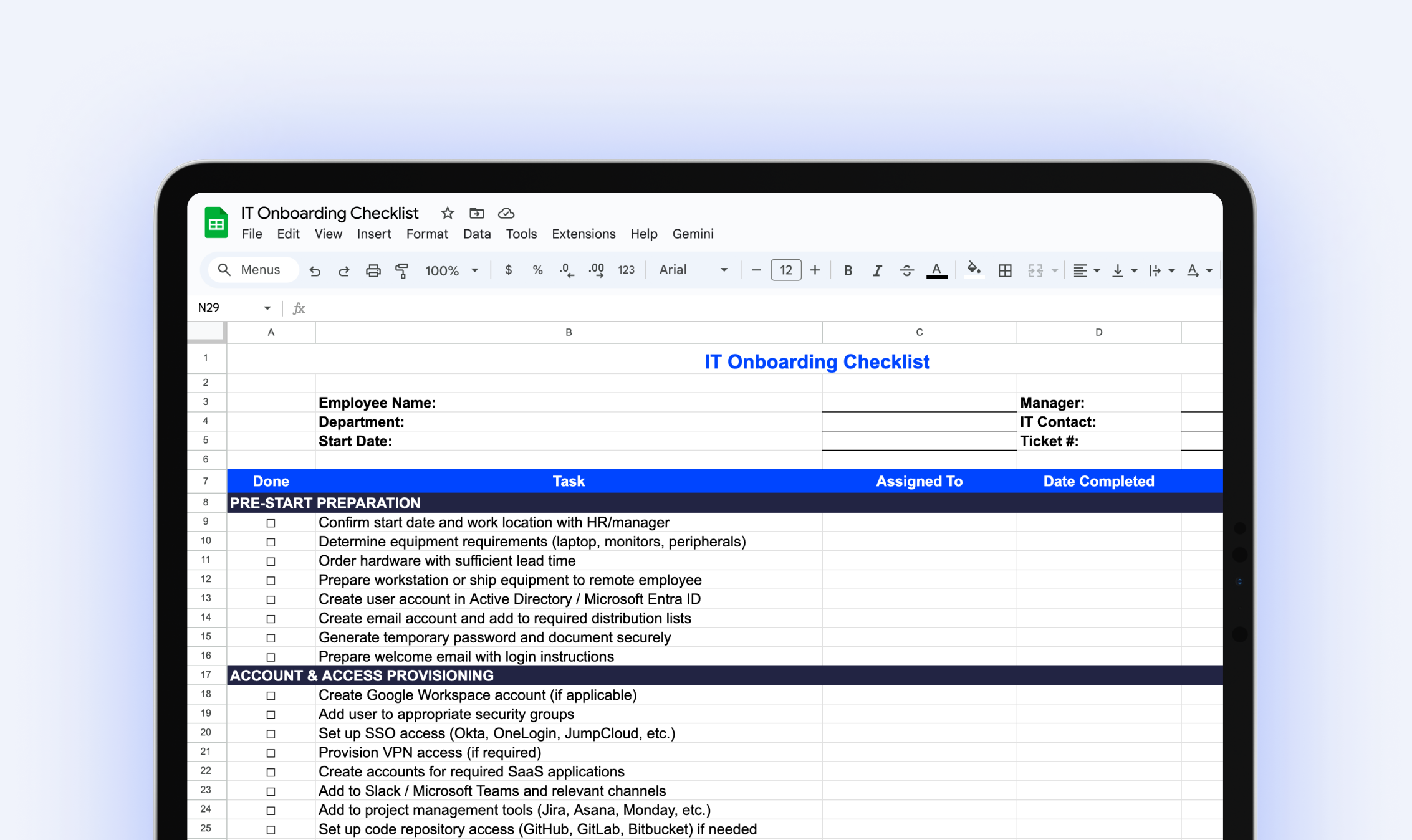
IT Onboarding Checklist
Download our free IT onboarding checklist to make sure every new hire has the accounts, access, and equipment they need from day one.
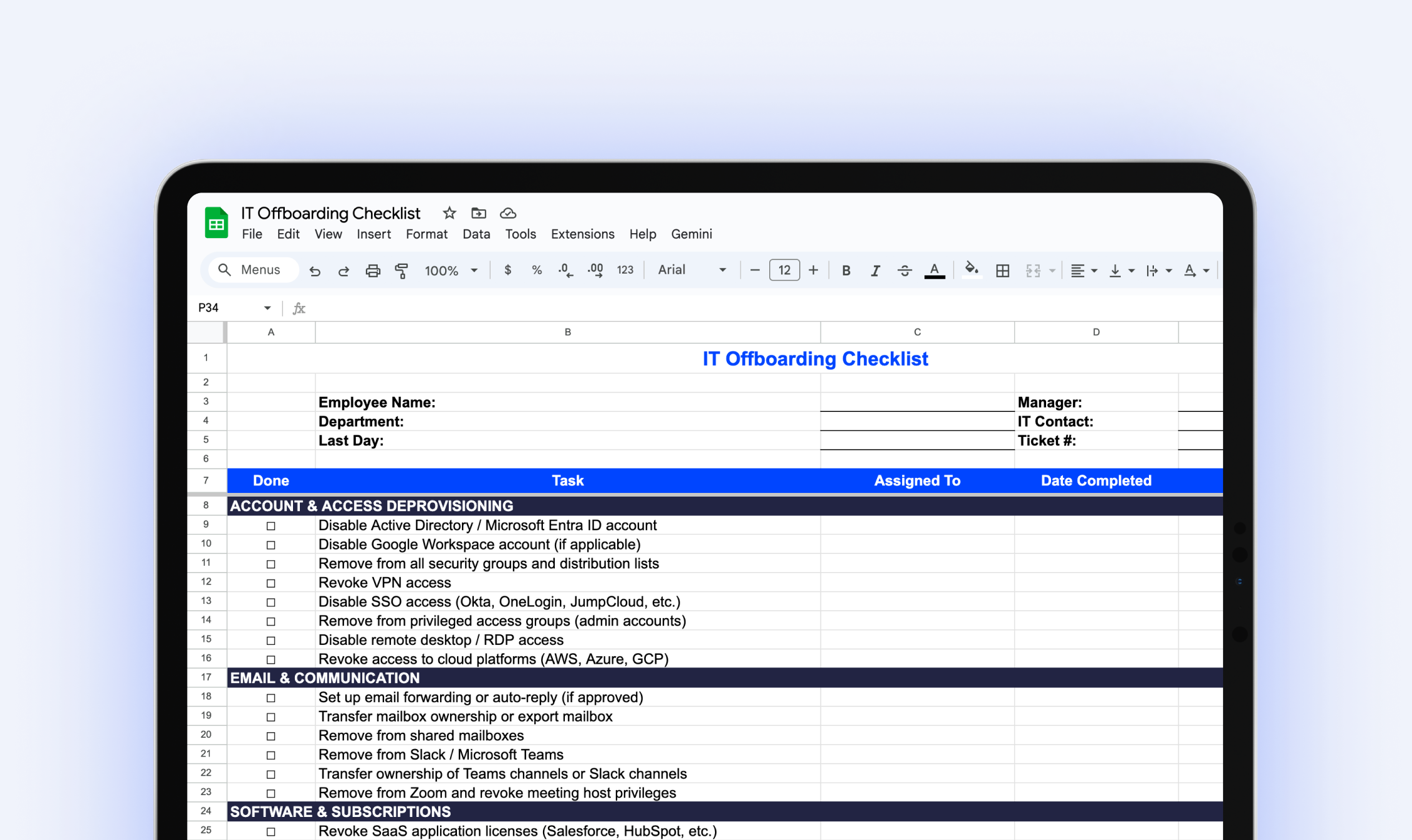
IT Offboarding Checklist
Download our free IT Offboarding Checklist and stay in control when an employee leaves, with clear steps to revoke access, recover equipment, and protect company data.
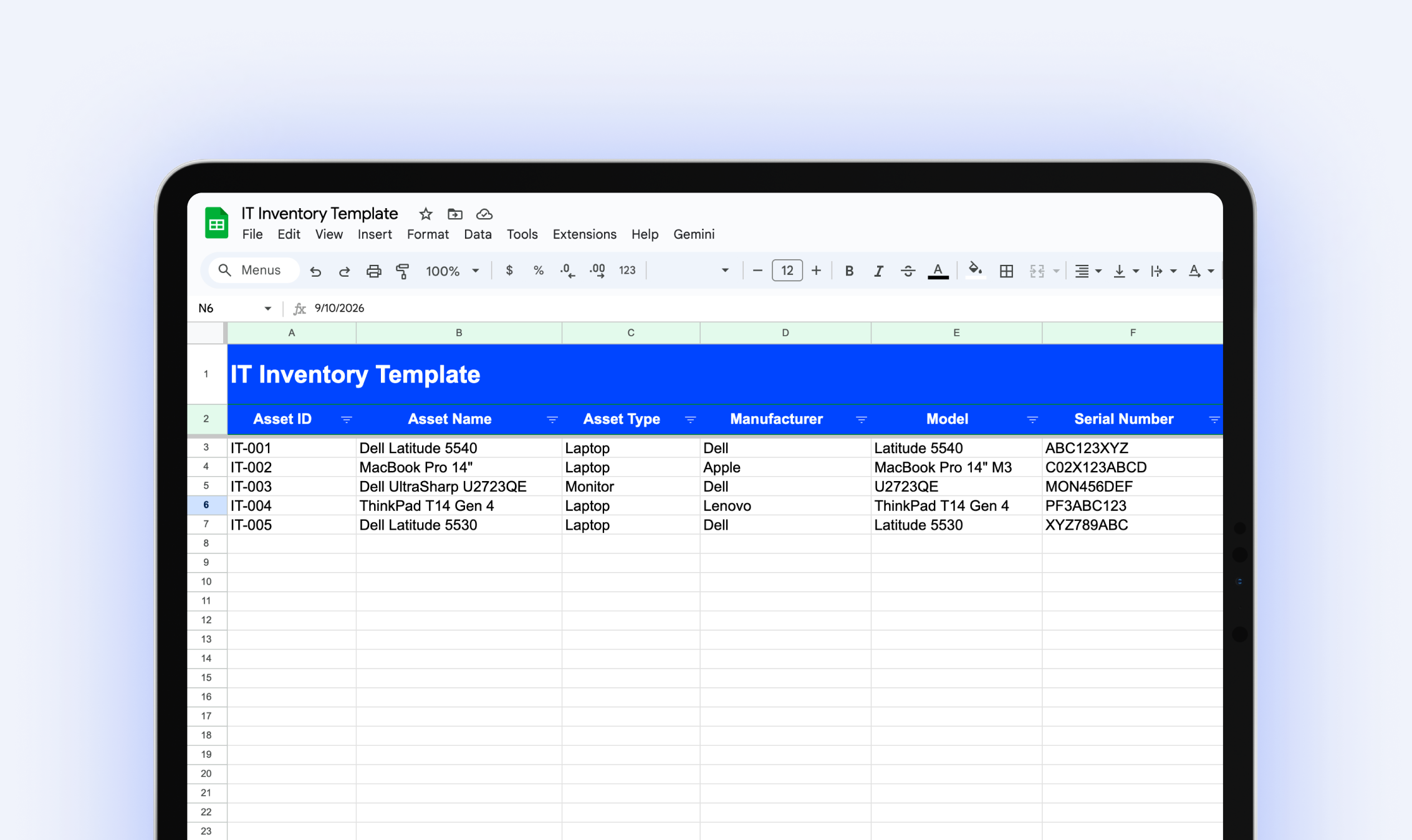
IT Inventory Template
Download our free IT inventory template to track all your organization's hardware, software, and equipment in one place.
Try it free for 14 days
Try BlueTally free for 14 days — the ITAM platform trusted by top IT teams. No credit card required.


